New vs UK-Used vs Open-Box Laptops in Nigeria: Which Should You Buy in 2026?
New vs UK-Used vs Open-Box Laptops in Nigeria: Which Should You Buy in 2026?
Buying a laptop in Nigeria involves more than choosing between HP, Dell, Lenovo, and ASUS. You also need to decide whether to purchase a brand-new laptop, a UK-used laptop, or an open-box device.
Each option can offer value, but the best choice depends on your budget, intended use, preferred condition, warranty coverage, and the particular laptop available.
For example, a university student who needs a laptop for assignments and online classes may have different priorities from a software developer, business owner, or graphic designer.
Understanding the differences between brand-new, UK-used, and open-box laptops can help you avoid unnecessary expenses and make a more informed purchasing decision.
In this guide, Laptop Realm explains what each category means, what to inspect before buying, and how to choose the right laptop for your needs in Nigeria.
1. What Is a Brand-New Laptop?
A brand-new laptop is generally sold as new, rather than previously owned or resold after use. However, you should still confirm the product's condition, packaging, included accessories, and warranty terms with the seller.
Advantages of buying a brand-new laptop:
- New-product condition: You can expect the laptop to be supplied as a new product, consistent with the seller's description. Check the device itself rather than relying on sealed packaging alone.
- Potential manufacturer warranty coverage: Depending on the model, seller, and purchase region, a new laptop may qualify for manufacturer warranty coverage. Do not assume that every imported laptop has a valid local warranty. Check the serial number and confirm the applicable terms.
- Current hardware options: Brand-new laptops can provide access to newer processors, updated connectivity, current operating systems, and hardware configurations suited to modern workloads.
- Suitable for long-term use: If you want to keep a laptop for several years, buying new may be attractive, particularly when the price, specifications, and support arrangements meet your needs.
Potential disadvantages
Brand-new laptops can require a larger initial budget than comparable used devices. Entry-level new models may also offer fewer features than older business-class laptops at a similar price.
For this reason, compare the actual processor, RAM, storage, display, and warranty rather than choosing a laptop solely because it is new.
Best for: Buyers who prioritise new-product condition, current specifications, and clearly documented warranty coverage.
2. What Is a UK-Used Laptop?
In the Nigerian computer market, the term UK-used commonly refers to a laptop described as previously used abroad and subsequently resold in Nigeria.
Such devices may come from business environments, educational institutions, or individual owners. Their previous history and condition can vary significantly.
Advantages of UK-used laptops
- Potentially lower purchase cost: UK-used laptops may cost less than a new model with comparable specifications. The actual difference depends on the particular device, its condition, and current market prices.
- Access to business-class models: Buyers may find previously used business laptops with features such as durable chassis designs, comfortable keyboards, multiple connectivity options, and upgradeable components.
- More choices within a limited budget: If you need a laptop for programming, office work, research, or general productivity, a carefully inspected used model may offer a suitable combination of performance and affordability.
Potential disadvantages
A used laptop may have:
- Reduced battery capacity.
- Scratches, dents, or other cosmetic wear.
- Worn keyboards or touchpads.
- Previous repairs or replaced components.
- Missing accessories.
- Expired or region-limited manufacturer warranty.
- Hardware or software problems that are not immediately obvious.
The most important principle is that a laptop's previous condition matters more than the label attached to it.
A device described as UK-used is not automatically reliable, and cosmetic appearance alone cannot establish its technical condition.
Best for: Budget-conscious buyers who want to compare available specifications carefully and can verify the device's condition before purchasing.
3. What Is an Open-Box Laptop?
An open-box laptop is generally a product whose original packaging has been opened before resale.
Depending on the seller, it might have been opened for inspection, returned after purchase, displayed in a showroom, or used briefly.
Open-box does not automatically mean unused, refurbished, or defective. The exact history must be established for the individual unit.
Advantages of open-box laptops
- They may offer near-new cosmetic condition.
- Some retain their original accessories and packaging.
- Some may have little previous use.
- They can provide an alternative to buying a factory-sealed product.
Potential disadvantages
An open-box laptop might have scratches, missing accessories, battery wear or previous usage.
Its manufacturer warranty may also have started earlier or have limited remaining coverage.
Before purchasing, ask why the box was opened, whether the laptop was previously used, what has been tested, and which accessories are included.
Also, confirm the seller's warranty and return conditions in writing.
Best for: Buyers who want to consider a potentially near-new device but are willing to verify its history, condition and coverage.
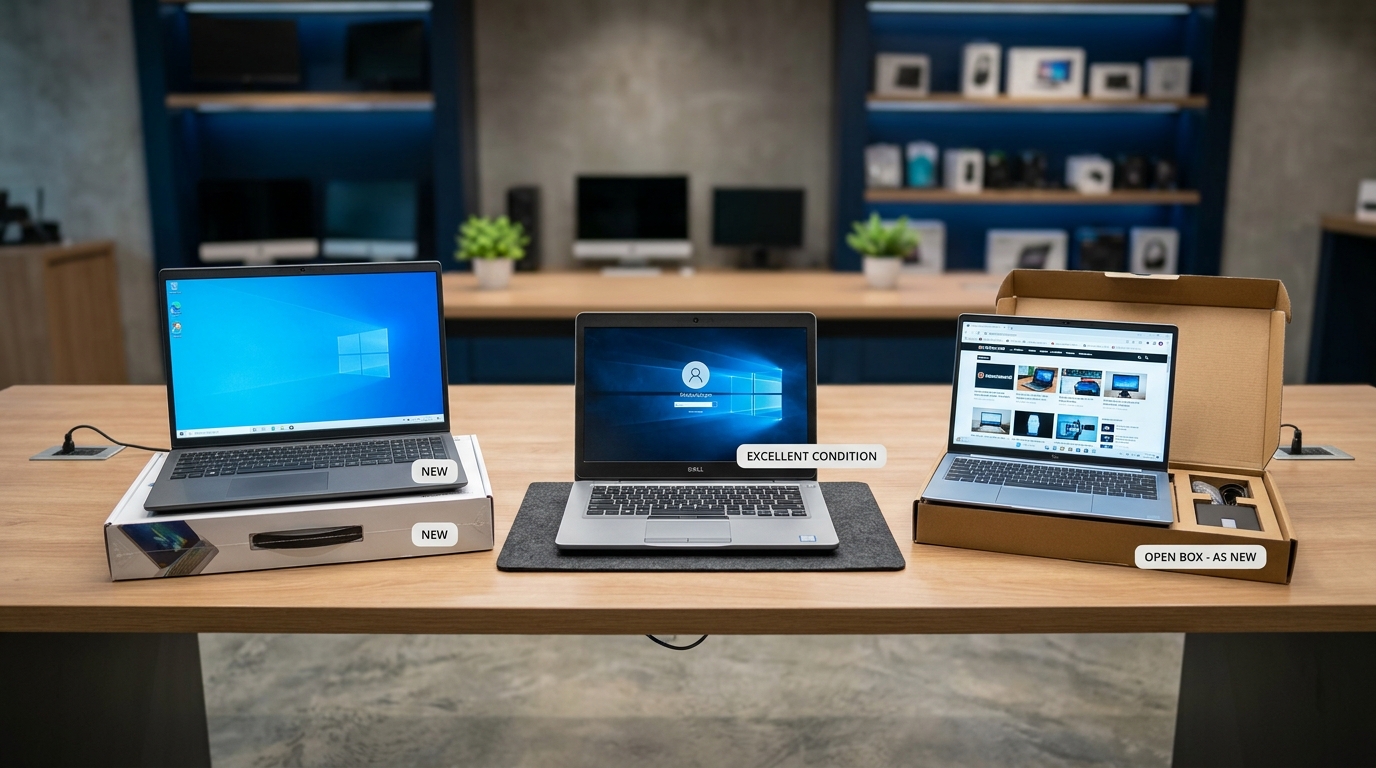
4. Comparing New, UK-Used and Open-Box Laptops
The following table summarises the main differences.
| Factor | Brand-New | UK-Used | Open-Box |
|---|---|---|---|
| Previous ownership or use | Sold as new | Previously used | May have been opened, returned, or used |
| Physical condition | Should match new-product description | Varies by device | Varies by device |
| Purchase cost | Compare current new-product prices | May offer lower-cost options | May be cheaper than equivalent new stock |
| Battery condition | Confirm product condition and battery status where relevant | Inspect battery carefully | Check for previous usage and battery wear |
| Warranty | Verify applicable manufacturer coverage | Verify remaining coverage and seller terms | Verify remaining coverage and seller terms |
| Accessories | Confirm what is included | Confirm what is included | Confirm what is included |
| Main consideration | Price, specifications and coverage | Hardware condition and remaining useful life | Previous history and exact condition |
| Suitable for | Buyers prioritising new condition | Buyers seeking value | Buyers seeking a possible middle ground |
These categories do not have a universal inspection or warranty standard. Two sellers can use the same description for products with different histories.
The safest approach is to evaluate the individual laptop and the seller's documented terms.
5. What Specifications Should You Check Before Buying?
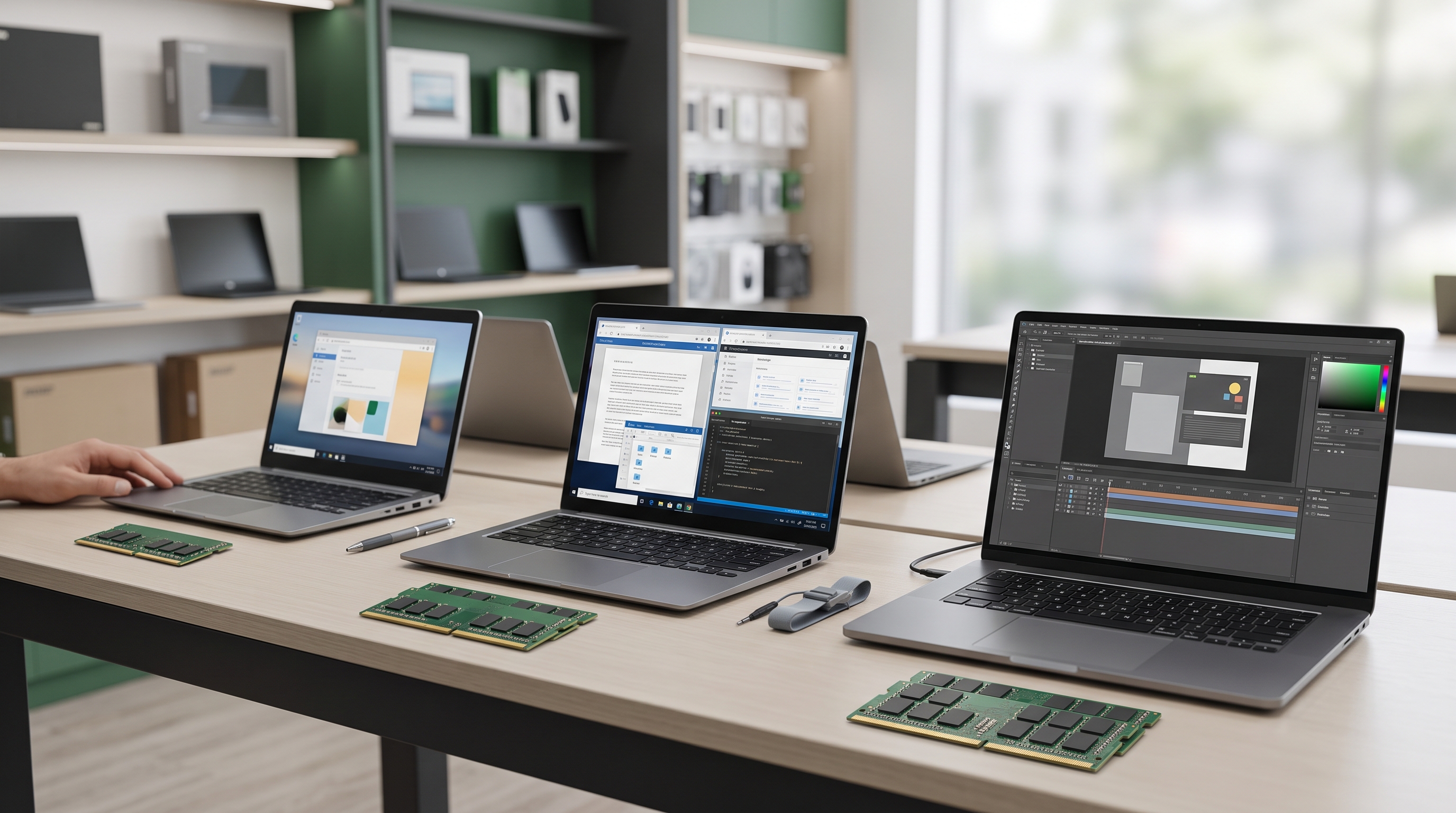
Regardless of whether you choose a new, UK-used, or open-box laptop, the specifications should match your workload.
Processor
Check the complete processor model, not just whether the laptop says Intel Core i5, Intel Core i7, or AMD Ryzen 5.
Different processor generations and model families can deliver significantly different performance.
For programming, business applications, multitasking, and everyday productivity, compare the exact processor and the requirements of the software you intend to use.
RAM
RAM affects how comfortably a laptop can handle multiple applications at once.
As a practical starting point:
- 4GB RAM: Limited to lighter workloads and can constrain modern multitasking.
- 8GB RAM: A reasonable baseline for many everyday productivity tasks.
- 16GB RAM: Worth considering for heavier multitasking, programming, and more demanding applications.
- 32GB RAM or more: May be appropriate for specialised professional workloads, depending on the software.
These are general recommendations, not universal requirements. Your workload and the laptop's upgrade options matter.
Storage
Check whether the laptop uses a solid-state drive (SSD) or a hard disk drive (HDD).
An SSD generally provides faster booting and application loading than a traditional HDD. For many buyers, an SSD is a worthwhile priority.
Also, check the capacity. A 256GB SSD may suit someone who mainly works with documents and cloud storage, while a larger drive may be preferable if you keep extensive media files, development environments, or professional projects locally.
Operating-system compatibility
Do not overlook Windows compatibility when buying an older laptop.
Microsoft ended standard Windows 10 support on 14 October 2025. Windows 10 computers can continue to function, but standard security updates and technical support have ended unless an applicable extended-support arrangement is in place. Microsoft Support
For a new purchase, verify that the laptop is eligible to run a currently supported operating system.
Microsoft publishes the requirements for Windows 11, including supported processors, memory, storage, and other hardware requirements. You can review the official Windows 11 system requirements. Microsoft Support
6. How to Inspect a Used or Open-Box Laptop Before Paying
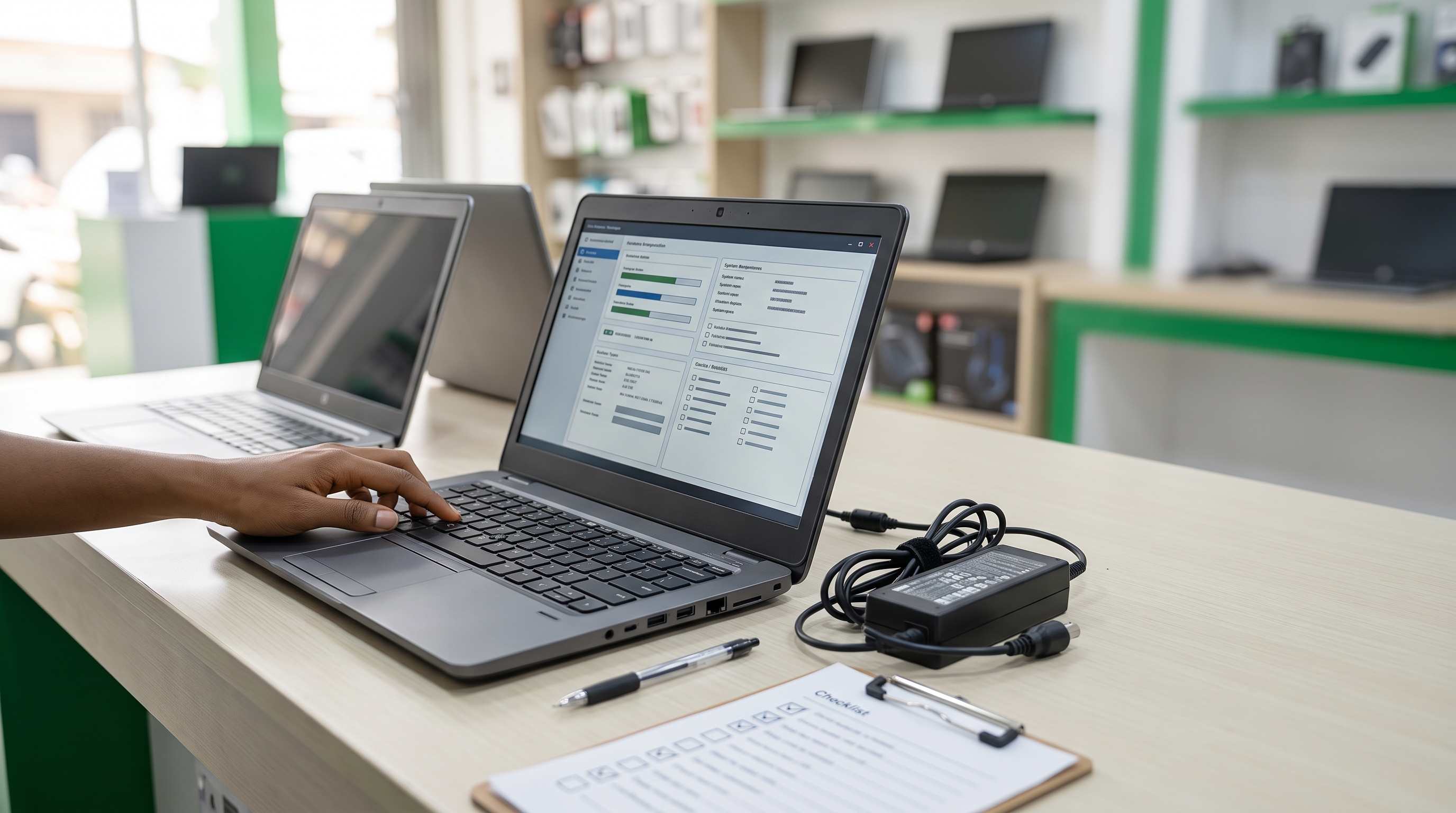
If you are buying a used or open-box laptop in Lagos, take time to inspect the actual device.
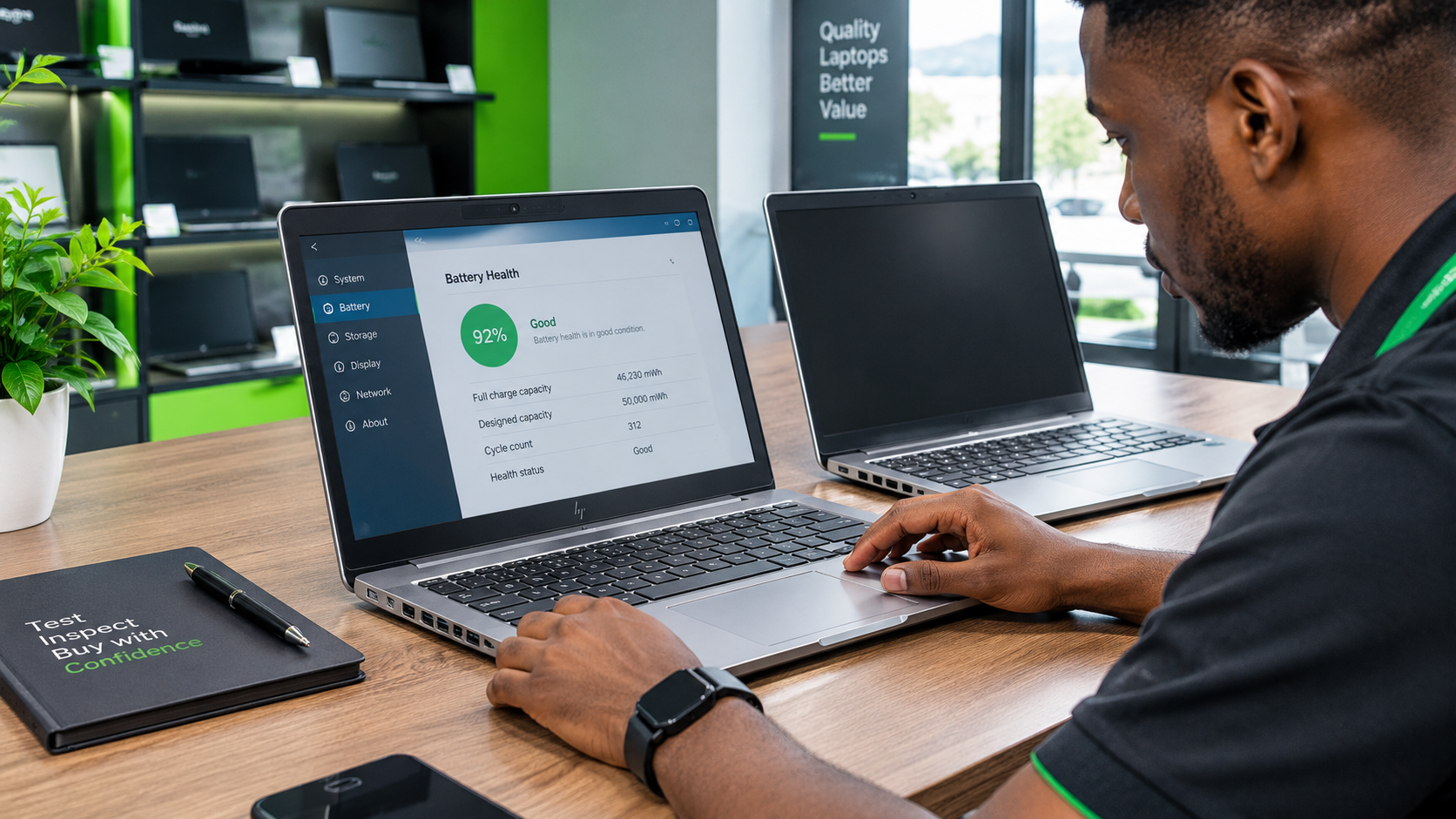
Check the battery health
On a Windows 11 laptop, you can generate a battery report using a built-in command.
Open Command Prompt.
Enter the following command:
powercfg /batteryreportPress Enter.
Open the HTML report from the location displayed in the Command Prompt window.
Compare the battery's design capacity with its reported full-charge capacity.
A substantial reduction in full-charge capacity can indicate battery wear. However, interpret the figures alongside the laptop's age, observed runtime, and overall condition.
Microsoft explains how to generate and interpret the report in its Windows battery-report guidance. Microsoft Support
Inspect the screen and body
Check the display for dead pixels, flickering, lines, unusual dark areas, and visible damage.
Open and close the lid gently to check the hinges. Inspect the chassis, keyboard deck and underside for cracks, loose parts or other signs of damage.
Test the keyboard, touchpad and ports
Open a text editor and test every key.
Check the touchpad, USB ports, charging port, audio jack, webcam, speakers and wireless connectivity. Test HDMI or other display connections if they are important to your work.
Confirm the actual specifications
Open Settings → System → About and verify the processor and installed RAM.
Use Task Manager to inspect memory and storage information. Where possible, compare the displayed specifications with the manufacturer's documentation for the exact model.
Do not rely exclusively on the product sticker or the seller's verbal description.
Check for BIOS passwords and device restrictions
Confirm that you can access the laptop's firmware settings where appropriate and that no unknown administrative password or organisational restriction prevents normal use.
For previously managed business laptops, ask the seller to demonstrate that the device can be set up and used normally.
Verify warranty and seller terms
Where manufacturer warranty lookup is available, check the device's serial number.
For example, HP provides an official product warranty checker. HP Support
Remember that a warranty lookup does not automatically establish that the device has valid Nigerian warranty coverage. Confirm the applicable region and terms directly.
Finally, ask the seller for written information about any applicable warranty, return period, exclusions, and process for reporting faults.
7. Which Laptop Type Is Best for Different Buyers?
There is no single answer for everyone. Use your main requirements to guide the decision.
Students
Students should consider the software required by their courses, battery condition, portability, keyboard comfort, and available storage.
A properly inspected UK-used laptop may be suitable when the budget is limited. A new or open-box device may be preferable when its condition, specifications and coverage better fit the student's needs.
Business owners and office workers
For office applications, spreadsheets, video meetings and business software, prioritise dependable performance, a comfortable keyboard, suitable connectivity and clear support arrangements.
A business-class laptop can be worth considering in any condition category, provided the actual specifications and condition are appropriate.
Programmers and developers
Developers should consider RAM, processor performance, SSD capacity, operating-system compatibility and whether the laptop supports the development tools they need.
If you use virtual machines, containers or multiple development applications simultaneously, additional memory may be beneficial.
Graphic designers and video editors
Creative professionals should check display quality, colour requirements, processor performance, graphics capabilities, RAM and storage.
Do not assume that a laptop is suitable for professional design simply because it has a high-end processor name. Check the complete configuration against the requirements of your software.
8. How to Make the Right Choice at Computer Village, Ikeja
When shopping for a laptop in Computer Village, Ikeja, compare the complete offer rather than choosing the cheapest listing.
Use this checklist before paying:
- Decide what you need the laptop to do.
- Set a realistic budget.
- Compare the exact processor and configuration.
- Confirm the laptop's condition.
- Check RAM, storage, and upgrade options.
- Inspect the battery and physical components.
- Verify operating-system compatibility.
- Confirm the accessories included.
- Ask about warranty coverage and return conditions.
- Obtain the final price and terms before making payment.
If you are comparing two laptops, request their full specifications and condition details. A meaningful comparison should account for more than the brand, processor family or advertised price.
Prices can vary according to configuration, condition, seller and availability. Confirm the current price and exact product details before committing to a purchase.
Final Verdict: New, UK-Used or Open-Box?
Choose brand-new if new-product condition and clearly documented warranty coverage are your priorities.
Consider UK-used if you want to explore more affordable options and are prepared to inspect the hardware and verify its history.
Consider open-box if you want a potentially near-new device but can confirm why it was opened, its actual condition, and the coverage available.
The best laptop is not necessarily the newest or the cheapest. It is the one that meets your needs, fits your budget, and comes with clear, verifiable information about its condition and support.
Looking for a Laptop in Ikeja, Lagos?
Laptop Realm helps customers explore laptop options for work, school, business, programming, and everyday use.
Before choosing a model, tell us what you intend to use it for, your preferred specifications, and your budget. We can help you enquire about suitable options and confirm the current price, availability, and applicable product terms.
Contact Laptop Realm to enquire about available laptops and find an option that suits your needs.