Best Laptop for Programming in Nigeria (2026): RAM, Processor and SSD Buying Guide
Best Laptop for Programming in Nigeria (2026): RAM, Processor and SSD Buying Guide
Choosing a laptop for programming is different from choosing one for basic browsing or office work. A suitable development laptop needs to handle your coding tools, browser tabs, local servers, databases, and other applications without making everyday work unnecessarily frustrating.
For students and developers in Nigeria, the decision also involves balancing performance, battery life, portability, upgradeability, and purchase cost.
The good news is that you do not necessarily need an expensive workstation to start coding. The right laptop depends on the type of software you intend to develop and the tools you plan to use.
This guide explains what to look for when buying a laptop for programming in Nigeria, whether you are learning HTML and CSS, building websites with Python, developing mobile applications, or working with databases.
1. What Specifications Should a Programming Laptop Have?
Before comparing brands, understand the main hardware components that influence your development experience.
The following table provides practical buying recommendations rather than minimum requirements for every programming tool.
| Component | Practical starting point | Recommended for demanding development |
|---|---|---|
| Processor | Modern, supported Intel Core i5 or AMD Ryzen 5 class, or equivalent | A newer, higher-performance processor suited to your workload |
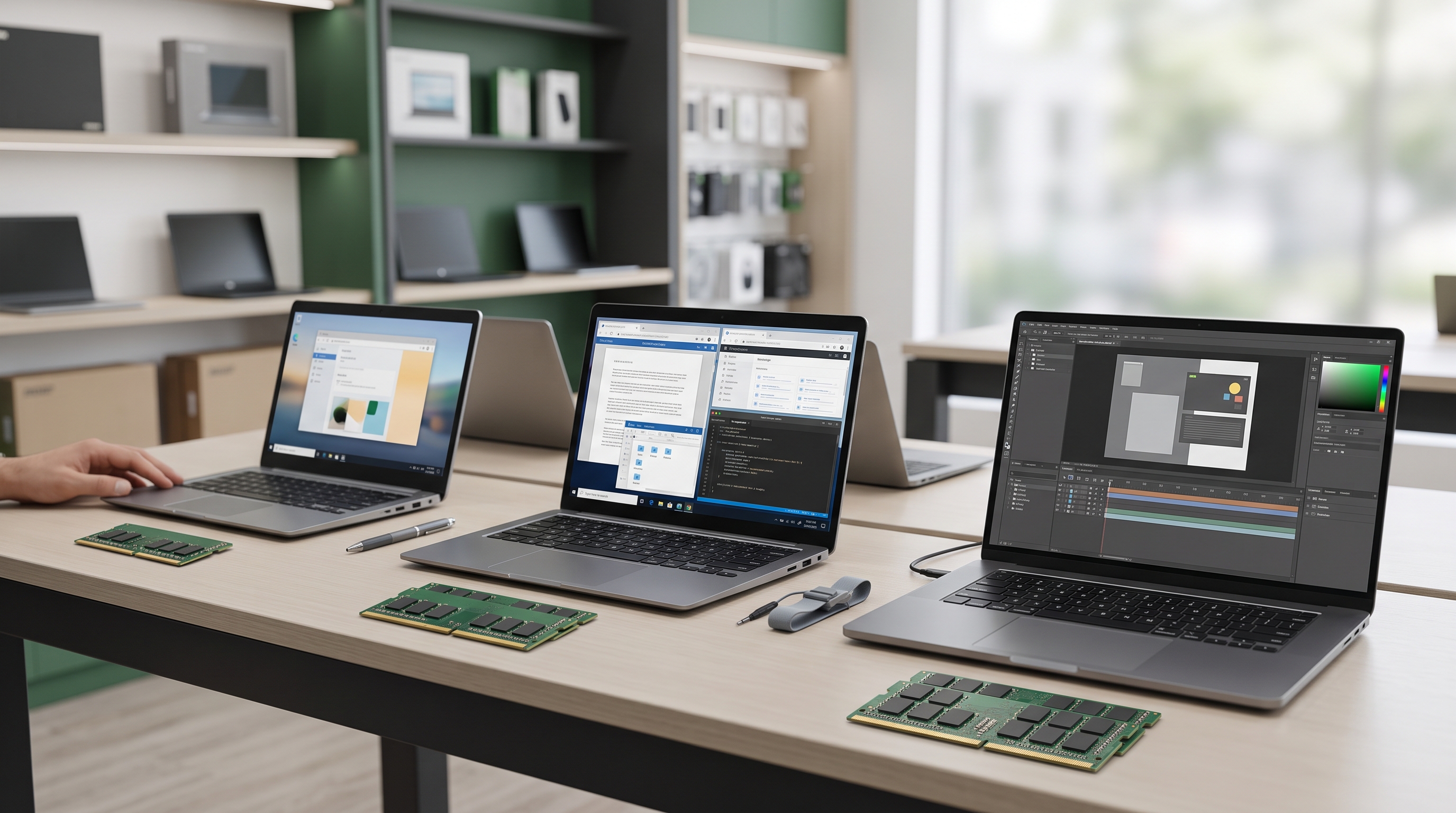
| RAM | 8GB for lightweight coding and learning | 16GB or more for multitasking and development environments |
| Storage | 256GB SSD | 512GB SSD or more for larger projects and development tools |
| Display | Full HD, where available | Full HD or better, with comfortable brightness and viewing angles |
| Operating system | A supported Windows, macOS or Linux configuration | An operating system compatible with your development tools |
| Keyboard | Comfortable, fully functional keyboard | Comfortable layout for extended coding sessions |
| Connectivity | Reliable Wi-Fi and sufficient ports | Connectivity suited to your monitors, peripherals, and development setup |
These recommendations are starting points, not universal rules. Some development environments require considerably more memory or specific processor capabilities.
For example, Visual Studio Code has relatively modest published hardware requirements, while Android Studio and its emulator can require substantially more resources. Visual Studio Code
2. Choose a Processor That Matches Your Programming Work
The processor affects how quickly a laptop performs tasks such as compiling code, running development tools, and handling multiple processes.
However, choosing a processor based only on a label such as Core i5, Core i7 or Ryzen 7 can be misleading.
Processor generations, architectures, power limits, and individual model capabilities differ.
For beginners and web developers
If you primarily use HTML, CSS, JavaScript, PHP, or Python, you can often work comfortably with a suitable modern mid-range processor.
Your development setup might include:
- Visual Studio Code.
- A web browser with several tabs.
- A local development server.
- Git.
- A database application.
- A terminal.
A capable processor paired with sufficient RAM and an SSD is a sensible combination for this workload.
For mobile app development
Android development can require more resources, particularly when you run an emulator alongside Android Studio, a browser, and other development tools.
Google's published Android Studio requirements specify 8GB RAM for Android Studio alone and 16GB for Android Studio with the emulator on Windows. Its recommended configuration lists 32GB RAM. Processor virtualization support is also required for the relevant emulator setup. Android Developers
If mobile development is your main goal, examine these requirements before choosing a laptop.
Buying tip: Always compare the exact processor model and the requirements of your intended development tools rather than purchasing based on the processor family name alone.
3. How Much RAM Do You Need for Programming?
RAM is one of the most important specifications to consider when buying a laptop for coding.
Your development environment may use memory for the code editor, browser, local server, database, virtual machine and other applications simultaneously.
When available memory becomes insufficient, performance can suffer.
Is 8GB RAM enough for coding?
Eight gigabytes can be adequate for beginners learning HTML, CSS, basic JavaScript, Python or other lightweight development workflows.
It may also be sufficient for small projects that do not involve running several demanding applications simultaneously.
However, it provides less flexibility for larger development environments.
Is 16GB RAM better?
For many developers, 16GB is a sensible target.
It offers more room for:
- Multiple browser tabs.
- Code editors and extensions.
- Local databases.
- Development servers.
- Larger projects.
- Several applications running together.
If you intend to use Android emulators, containers or virtual machines regularly, investigate the requirements of those tools before buying.
For demanding workloads, 32GB or more may be appropriate.
Important: Check whether the laptop's RAM is upgradeable. Some models have soldered memory, which limits future expansion.
4. Why an SSD Matters for Software Development
An SSD is generally preferable to a traditional mechanical hard disk drive for a programming laptop.
An SSD can reduce waiting times when booting the operating system, opening applications, loading projects and accessing files.
This is particularly useful when you frequently switch between development tools and work with projects containing many files.
Should you choose 256GB or 512GB?
256GB SSD may be sufficient for someone learning programming with a modest number of tools and projects.
However, storage requirements can grow quickly when you install:
- Development environments and SDKs.
- Multiple programming languages and frameworks.
- Databases.
- Android emulators.
- Virtual machines.
- Container images.
- Project dependencies and backups.
512GB SSD offers more room for many development workflows.
If you plan to work with several mobile development environments, virtual machines, or large datasets, consider additional capacity.
For Android Studio, Google recommends an SSD and at least 32GB of available SSD space in its published recommended configuration. That is free space for the development environment, not a complete storage recommendation for every project you may create. Android Developers
Before buying a laptop with an existing SSD, confirm its capacity and whether the model supports a larger replacement.
5. Choose a Laptop Based on Your Programming Specialisation
Different programming tasks place different demands on computer hardware.
Laptop for web development
Web development often involves a code editor, browser, local server and database.
A suitable modern processor, 16GB RAM and a 512GB SSD provide a useful target for someone who wants room to grow.
For basic learning, a less expensive configuration may still be sufficient.
Laptop for Python programming
Python itself can run on relatively modest hardware.
The requirements depend more on what you intend to build with it.
A laptop used for simple scripts, automation and web applications has different needs from one used for large datasets, scientific computing or machine learning.
For ordinary Python development, prioritise sufficient RAM, an SSD and a comfortable keyboard.
For data-intensive work, investigate the memory and processing requirements of your specific libraries and workloads.
Laptop for Android development
Android development deserves additional attention because Android Studio, SDK components and emulators can consume substantial system resources.
Consider a laptop with at least 16GB RAM if you intend to use Android Studio with an emulator, while recognising that Google's recommended configuration lists 32GB RAM. Verify the latest requirements before purchasing. Android Developers
Also check processor virtualization support, operating-system compatibility, and available storage.
Laptop for Docker and virtual machines
If you plan to run containers or virtual machines, check the requirements for your intended tools.
Docker Desktop's published Windows requirements include 8GB system RAM and hardware virtualization. Those are software requirements, not a guarantee that 8GB will provide a comfortable experience when you run several containers and other applications together. Docker Docs
For this type of work, additional RAM and an SSD can make a practical difference.
Laptop for AI and machine learning
AI development ranges from writing Python scripts that call online APIs to training machine-learning models locally.
These workloads are not equivalent.
If you primarily build applications using cloud-based AI services, a suitable general-purpose development laptop may be sufficient.
If you intend to train models locally, examine the software's memory, processor and GPU requirements before buying. Some workloads benefit from a dedicated GPU with suitable memory, while others are primarily CPU- or memory-intensive.
Do not pay extra for a gaming GPU unless your actual workload can benefit from it.
6. Windows, Linux or macOS: Which Is Better for Programming?
There is no single operating system that is best for every developer.
Your choice should depend on the software you build, the tools you use and the environment in which your applications will run.
| Operating system | Consider it if you want to |
|---|---|
| Windows | Develop general-purpose applications, websites and software for Windows environments |
| Linux | Work extensively with Linux tools, command-line environments and server-oriented development |
| macOS | Develop Apple-platform applications or work within a macOS development environment |
Windows supports a wide range of programming tools, and developers can also use Windows Subsystem for Linux where appropriate.
Linux can be useful for developers who prefer a native Linux environment.
macOS is necessary for certain Apple-platform development workflows, including native iOS development with Apple's supported toolchain.
Before buying, confirm that the applications and programming languages you intend to use support your chosen operating system.
Also check the laptop's operating-system support status, particularly when purchasing an older device.
7. What About the Screen, Keyboard and Battery?
Specifications are important, but programming involves spending long periods working with the laptop.
A good screen and comfortable keyboard can therefore be valuable.
Screen
A Full HD display is a useful starting point for reading code and arranging multiple windows.
Check brightness, viewing angles, text clarity and screen condition.
If you regularly work with several windows, consider whether the laptop supports an external monitor.
Keyboard
Try the keyboard before buying if possible.
Pay attention to key travel, layout, arrow keys and the condition of commonly used keys.
A comfortable keyboard is particularly important if you spend several hours writing code.
Battery
Battery runtime matters when attending lectures, working in shared spaces or moving between locations.
Actual runtime varies with battery condition, screen brightness, processor load and application usage.
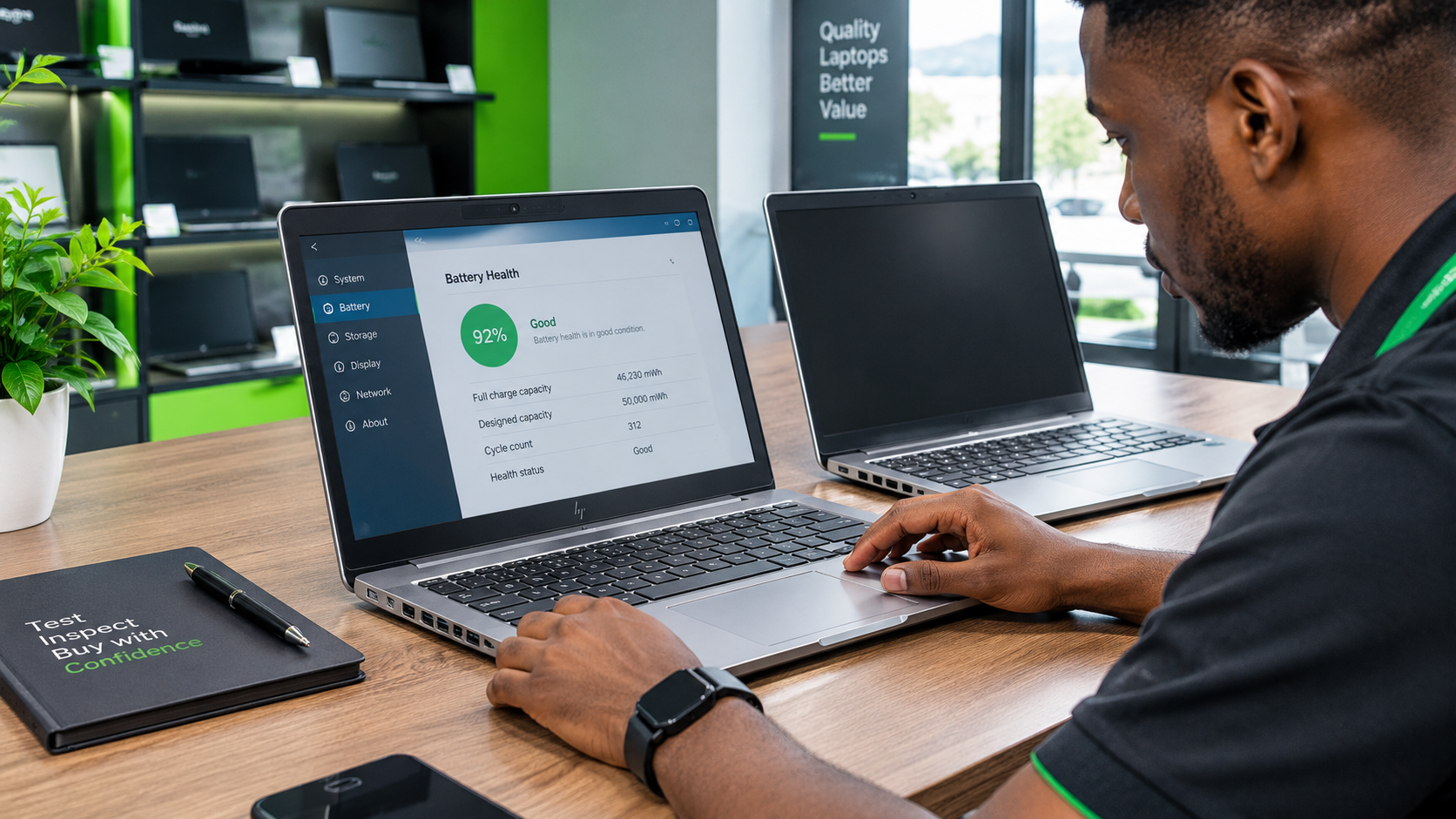
If you are considering a used laptop, assess its battery condition instead of relying on the original manufacturer's battery-life claims.
Also check that the charger is compatible with the laptop.
8. Should You Buy a New or Used Programming Laptop in Nigeria?
Both options can be suitable.
A new laptop may offer a newer configuration and applicable manufacturer warranty. A used laptop may provide a higher specification within the same budget, depending on the model and its condition.
Neither option is automatically better.
When comparing devices, consider:
- Exact processor model and generation.
- RAM capacity and upgradeability.
- SSD capacity and upgradeability.
- Display condition.
- Battery condition.
- Keyboard and port functionality.
- Operating-system compatibility.
- Repairability and parts availability.
- Included accessories.
- Applicable warranty terms.
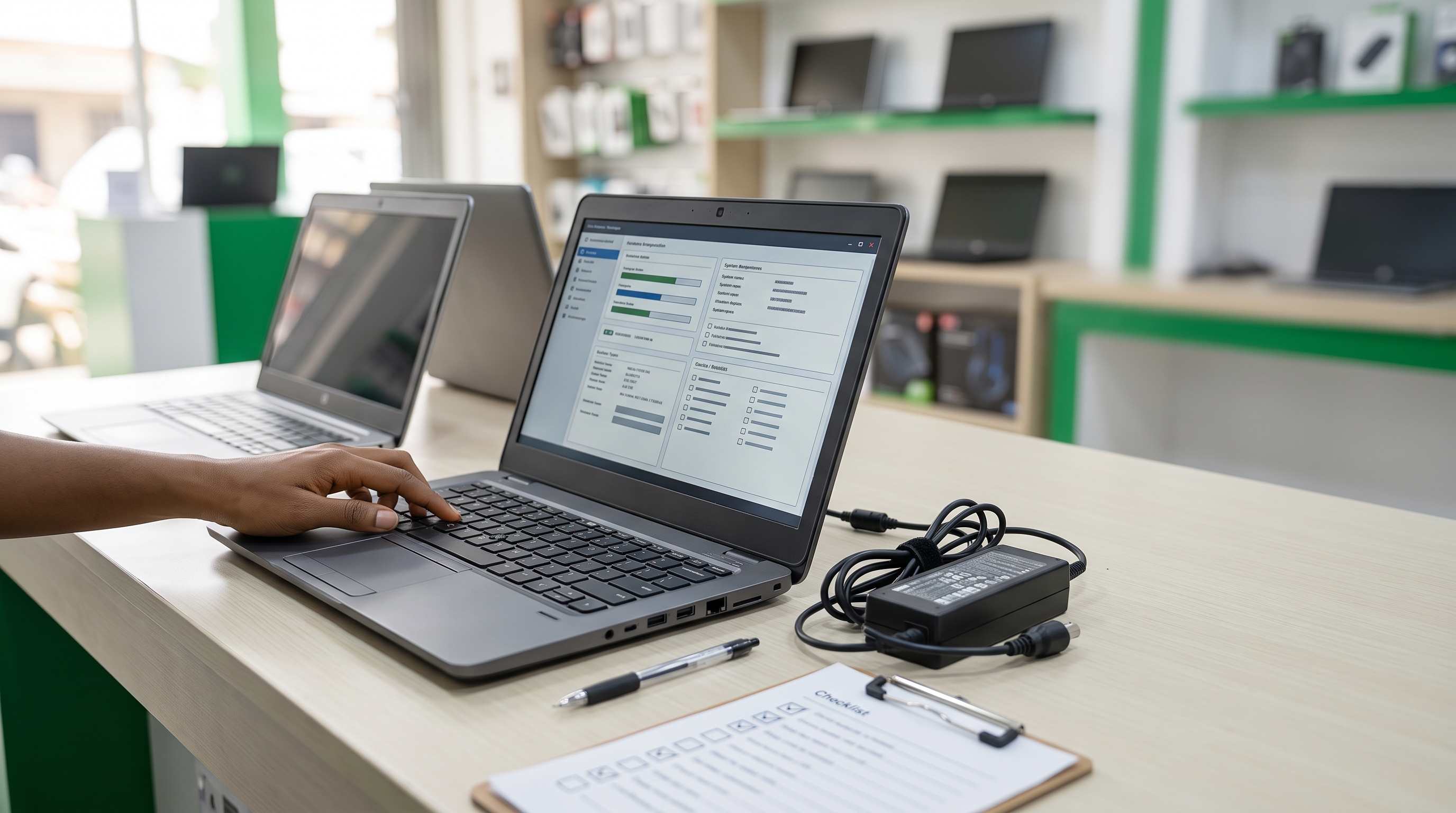
For used devices, inspect the actual laptop and confirm its specifications before payment.
How much does a programming laptop cost in Nigeria?
There is no single reliable price for every programming laptop.
Prices vary according to the model, processor, RAM, storage, condition, configuration and seller. Newer or more specialised systems may cost substantially more than entry-level machines.
Because current stock and prices have not been verified for this article, it would be misleading to publish specific prices or claim that a particular model is available at Laptop Realm.
Instead, establish your budget and compare actual devices with specifications that suit your workload.
9. A Practical Laptop Buying Checklist for Programmers
Before making a purchase, work through this checklist.
- Confirm the exact processor model.
- Choose RAM appropriate for your development tools.
- Prefer an SSD for primary storage.
- Confirm whether RAM and storage can be upgraded.
- Check operating-system and software compatibility.
- Verify virtualization support if required.
- Inspect the screen, keyboard, and touchpad.
- Check battery condition and charging functionality.
- Confirm the ports you need for external devices.
- Compare the actual price and configuration.
- Clarify any applicable warranty or return terms.
This approach helps you focus on the specifications that matter instead of choosing a laptop based only on its brand or appearance.
Conclusion: Choose a Programming Laptop That Fits Your Work
The best laptop for programming in Nigeria is the one that supports your intended development tools without forcing you to pay for capabilities you do not need.
For web development and general coding, prioritise a suitable processor, sufficient RAM, and SSD storage. For Android development, containers, virtual machines, and more demanding workloads, check the software requirements carefully and consider additional memory.
Screen comfort, keyboard quality, battery condition, and upgradeability also deserve attention.
Looking for a Programming Laptop in Ikeja?
Laptop Realm serves customers looking for laptops and technology products in Ikeja, Computer Village, Lagos.
If you are choosing a laptop for programming, computer science studies or software development, you can contact Laptop Realm to enquire about available options.
Share your budget, intended programming work, and preferred specifications. This makes it easier to compare suitable configurations and confirm the actual price, condition, and applicable product terms before purchasing.
Choose for the work you intend to do, not simply the highest specification you can afford.