How Much RAM Do You Need in a Laptop in 2026? A Guide for Nigerian Buyers
When buying a laptop in Nigeria, it is easy to focus on the processor, storage capacity or advertised price. However, RAM is another important specification that affects how comfortably your computer handles everyday tasks.
You may have seen laptops advertised with 4GB, 8GB, 16GB or 32GB RAM and wondered which configuration offers the best value.
The answer depends on what you intend to do with the laptop.
A student using Microsoft Word and a browser has different requirements from a programmer running development tools, a graphic designer editing large images or a gamer playing demanding titles.
This guide explains the differences between common RAM configurations, the amount of memory different users should consider, and what to check before buying or upgrading a laptop.
What Is RAM, and Why Does It Matter?
RAM stands for Random Access Memory. It is the computer's short-term working memory, which applications use to keep data readily accessible while they run.
For example, when you open a browser, a document editor, and a messaging application simultaneously, those applications consume memory.
If available RAM becomes insufficient, the operating system may move some data between memory and storage. Because storage is generally slower than RAM, this can contribute to sluggish performance.
More RAM can help when your workload needs more working memory. However, increasing RAM does not automatically make every laptop faster.
Processor performance, storage speed, software efficiency, and graphics hardware also matter.
The goal is to buy enough RAM for your actual workload without paying for capacity you are unlikely to use.
1. Is 4GB RAM Enough for a Laptop in 2026?
A laptop with 4GB RAM may handle some basic tasks, particularly with lightweight applications and limited multitasking.
However, it leaves relatively little room for modern Windows applications and multiple browser tabs.
Microsoft lists 4GB as the minimum memory requirement for Windows 11. Meeting that minimum does not guarantee smooth performance for every application or workload.
Who might consider 4GB RAM?
It may be sufficient for a limited range of light tasks, depending on the operating system and applications.
Examples include:
Basic document editing.
Simple offline tasks.
Lightweight applications.
Limited browsing with few open tabs.
What are the limitations?
You may experience slowdowns when switching between applications, opening many browser tabs or running memory-intensive software.
If you are purchasing a laptop for several years of regular schoolwork, business use or programming, consider whether a higher-memory configuration is available within your budget.
For most buyers seeking a general-purpose Windows laptop, 4GB is a restrictive starting point.
2. Is 8GB RAM Enough for Students and Office Work?
For many everyday computing tasks, 8GB RAM is a reasonable starting point.
It can support common activities such as document editing, email, online research, video meetings and ordinary browsing, provided the laptop's processor and other components are suitable.
Who should consider 8GB RAM?
An 8GB laptop may suit:
Students writing assignments.
Office workers using documents and spreadsheets.
Small-business owners managing everyday tasks.
Users browsing the internet and streaming videos.
People who primarily use lightweight applications.
However, the experience depends on how many applications you run simultaneously.
For example, opening a document, joining a video meeting and keeping many browser tabs active can consume more memory than performing each task separately.
Should you buy an 8GB laptop?
Consider 8GB if your workload is relatively light and the price fits your budget.
Before purchasing, check whether the memory can be upgraded later. Some laptops have upgradeable RAM, while others have memory soldered directly to the motherboard.
If you expect to use demanding software in the future, buying sufficient memory from the beginning may be more practical.
3. Is 16GB RAM Worth It?
For many buyers looking for a versatile laptop in 2026, 16GB RAM is a strong general-purpose target.
It provides more room for multitasking and can be particularly useful when running several applications simultaneously.
Who should consider 16GB RAM?
Consider this configuration if you regularly:
Keep many browser tabs open.
Work with large spreadsheets.
Attend online meetings while using other applications.
Write code and run development tools.
Edit photographs.
Use several business applications together.
Work with moderately demanding creative software.
Adobe's current Photoshop requirements provide a useful example. Its desktop technical requirements list 8GB RAM as the minimum and recommend 16GB or more.
This does not mean every graphic designer needs exactly 16GB. Actual requirements depend on file sizes, project complexity, other applications and the rest of the computer's hardware.
Is 16GB better than 8GB?
It can be, particularly when your workload would otherwise exhaust available memory.
However, if you only use a few lightweight applications, you might not notice a substantial difference in every task.
Compare the full laptop configuration and price rather than choosing solely by memory capacity.
4. When Do You Need 32GB RAM or More?
A 32GB configuration may be worthwhile for users with demanding workloads or a preference for additional memory headroom.
Examples include:
Developers running multiple virtual machines.
Users working with large datasets.
Video editors handling demanding projects.
Designers working with large creative files.
Engineers running specialised applications.
Users who frequently multitask across memory-intensive programs.
Some professional workloads benefit from 64GB or more, but this depends on the applications involved.
Do not assume that a laptop with 32GB RAM will outperform every laptop with 16GB RAM. A computer with more memory can still be limited by a weaker processor, slower storage or inadequate graphics hardware.
For gaming, the graphics card and processor can be just as important as RAM.
Before buying a high-memory laptop, check the system requirements of your main applications and consider whether the additional capacity will make a meaningful difference.
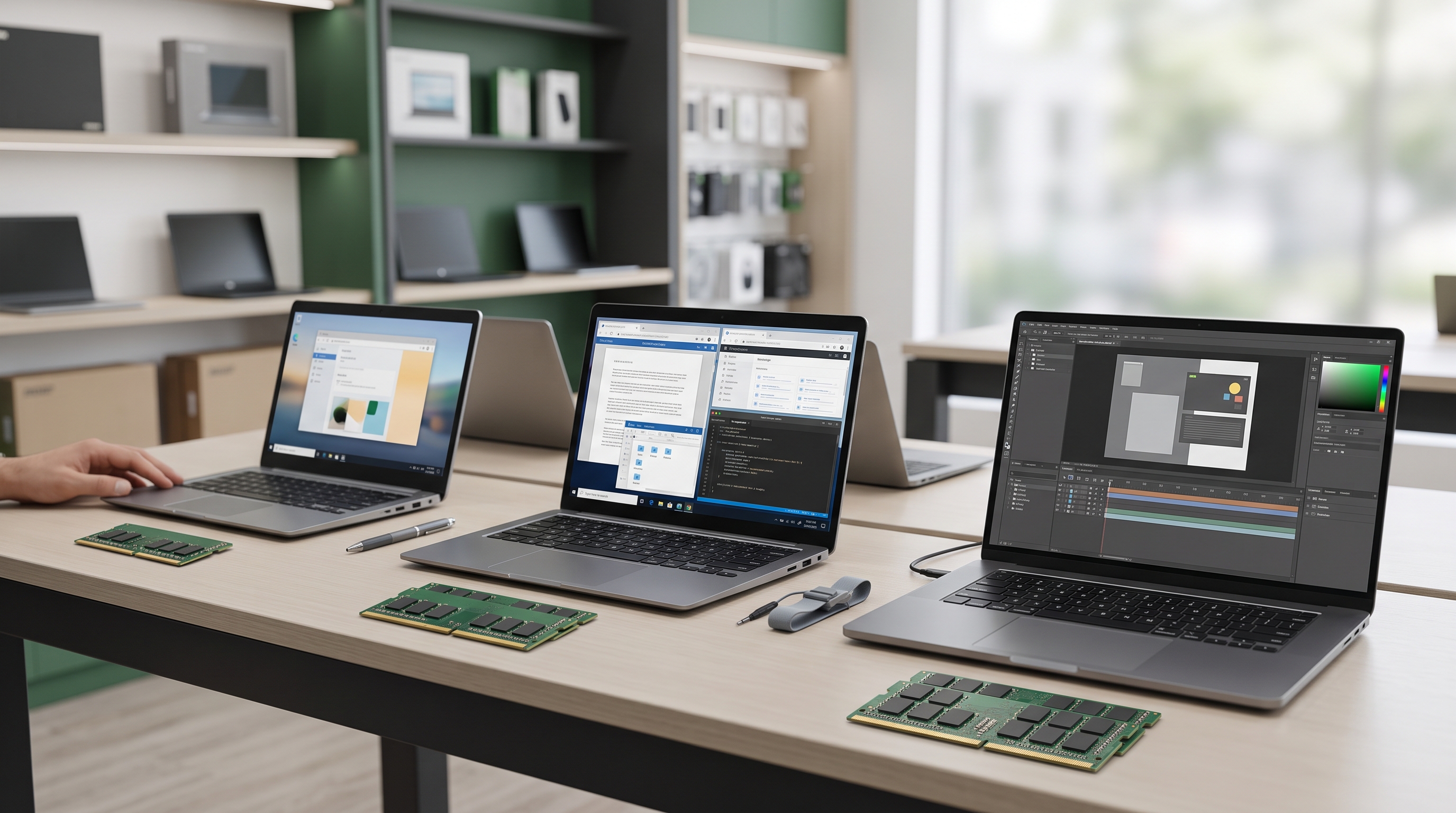
5. How Much RAM Do You Need for Different Uses?
Use this table as a starting point when comparing laptop specifications.
| Intended use | Suggested RAM to consider | Important considerations |
|---|---|---|
| Basic browsing and documents | 8GB | Application requirements and number of open tabs |
| Secondary-school or university assignments | 8GB–16GB | Course software and expected lifespan |
| Office work and business applications | 8GB–16GB | Spreadsheets, meetings and multitasking |
| Web development and programming | 16GB | IDEs, browser tabs, databases and containers |
| Graphic design and photo editing | 16GB or more | File sizes and software requirements |
| Video editing | 16GB–32GB or more | Resolution, project complexity and editing software |
| Modern gaming | 16GB is a practical starting point | Check the requirements of each game and the graphics hardware |
| Virtual machines and demanding professional workloads | 32GB or more may be appropriate | Number of virtual machines and workload size |
These are general buying recommendations, not universal minimum requirements. Always check the official requirements of the applications you plan to use.
6. How to Check How Much RAM Your Laptop Has
If you already own a Windows laptop, you can check its installed memory without opening the computer.
Method 1: Use Windows Settings
Open the Start menu.
Select Settings.
Choose System.
Scroll down and select About.
Look for the Installed RAM entry.
This shows the amount of installed memory Windows reports.
Method 2: Use Task Manager
Press Ctrl + Shift + Esc.
Open the Performance tab.
Select Memory.
Review the total memory, current usage and other available details.
You can use Task Manager to see whether memory usage regularly becomes high during your normal workload.
A high memory percentage is not automatically evidence of a fault. Windows uses available memory to support applications and system operations.
However, if memory usage frequently approaches capacity while your laptop becomes sluggish, a memory upgrade may be worth investigating.
7. Can You Upgrade Laptop RAM Later?
Sometimes. It depends on the exact laptop model.
Some laptops have removable memory modules that can be replaced or supplemented. Others have RAM soldered onto the motherboard, making a conventional memory upgrade impossible.
Before purchasing additional RAM, establish the following:
Maximum supported capacity: Check the manufacturer's specifications for the exact model.
Memory type: Determine whether the laptop requires DDR4, DDR5 or another supported memory type.
Available slots: Find out whether there is an empty slot or whether an existing module must be replaced.
Existing configuration: A laptop may have part of its memory soldered and one additional slot, or all its memory may be soldered.
Warranty and installation requirements: Check whether opening the laptop or installing components could affect applicable warranty coverage.
You can start by checking the manufacturer's official specifications or service manual. Lenovo, for example, provides guidance on checking supported memory and upgrade information for its computers.
The Crucial System Scanner and compatibility tools can also help identify compatible memory options, although manufacturer documentation should remain an important reference.
Do not buy a memory module based solely on its capacity. Compatibility matters.
8. Should You Buy More RAM or a Better Processor?
This is an important question when shopping with a limited budget.
RAM and the processor solve different performance problems.
More RAM can help when you need to run more applications or work with larger projects without exhausting available memory.
A stronger processor can help with tasks that depend heavily on CPU performance, such as compiling code, processing data and performing certain calculations.
An SSD can improve boot times and application loading compared with a traditional mechanical hard drive.
For example, if your laptop has sufficient memory but struggles with a demanding application because of a weak processor, adding RAM may not solve the underlying problem.
Likewise, if your laptop constantly runs out of memory while multitasking, a processor upgrade alone may not address the issue.
Most laptop processors are not designed for routine user replacement, so compare the processor carefully when buying a laptop.
Choose a balanced configuration that matches your needs.
9. What Should Nigerian Buyers Check Before Paying?
When comparing laptops in Ikeja, Computer Village or online, do not focus on RAM alone.
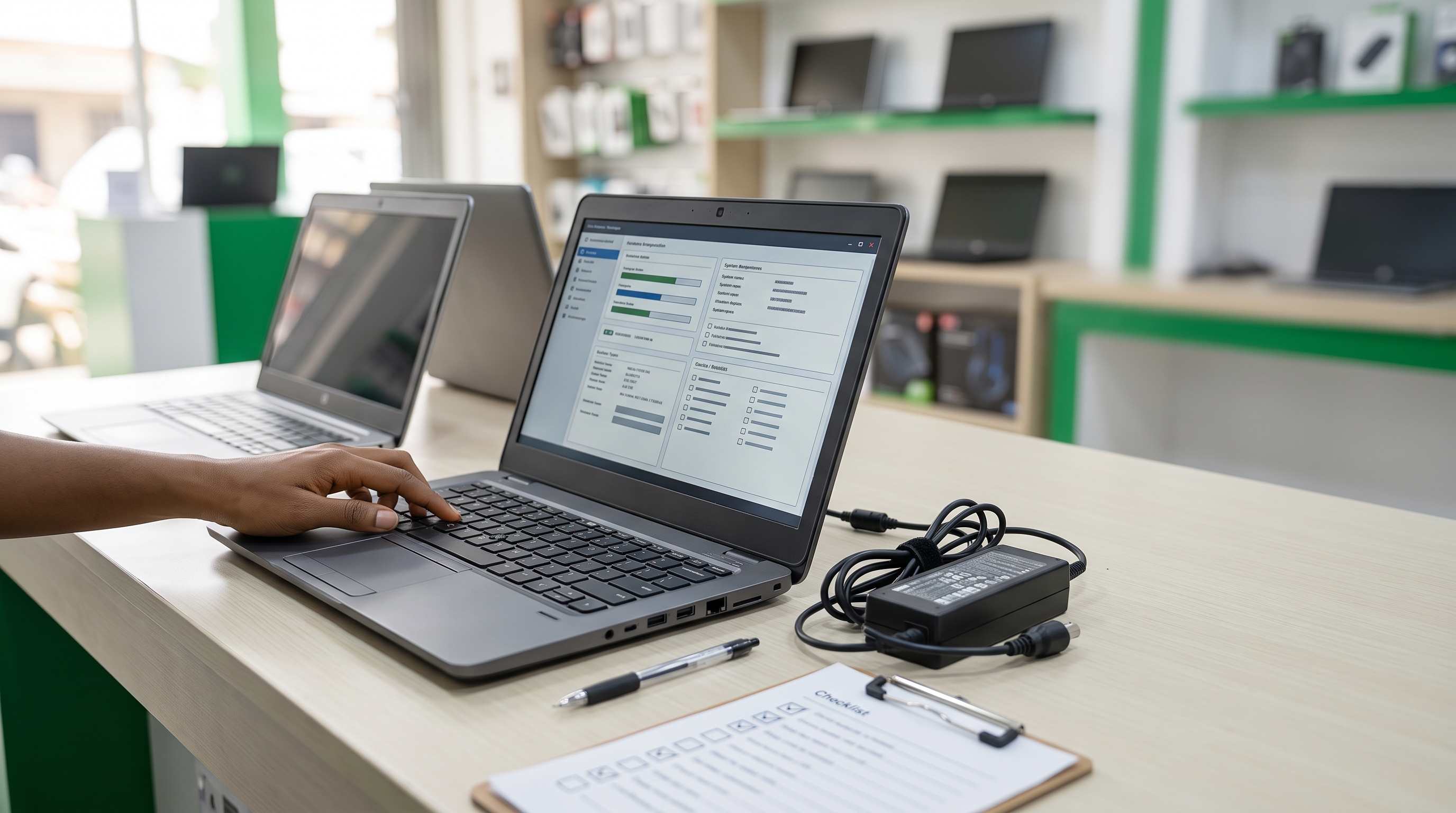
Use this checklist:
Confirm the exact processor model.
Check installed RAM and whether it is upgradeable.
Verify SSD capacity and storage type.
Confirm display size and resolution.
Check the operating system and compatibility with your applications.
Inspect the keyboard, screen, ports and charging behaviour when buying a used device.
Confirm the product's condition and included accessories.
Ask about applicable warranty terms.
Compare the final price with similar configurations.
Laptop prices in Nigeria vary according to model, processor, memory, storage, condition, seller and availability.
For that reason, it is not useful to assume that every 16GB laptop costs a particular amount or that every 8GB laptop is inexpensive.
Request the specifications and current price of the actual unit you intend to purchase.
Final Recommendation: Which RAM Configuration Should You Choose?
For many buyers, 8GB can be a reasonable entry point for everyday tasks, while 16GB offers greater flexibility for multitasking, programming and creative work.
Choose 32GB or more when your workload justifies the additional capacity.
Before making a decision, consider three questions:
What applications will I use most often?
How much memory do those applications require when used together?
Can I upgrade the laptop later if my needs change?
The best choice is not necessarily the laptop with the largest RAM capacity. It is the one that offers a suitable balance of memory, processor performance, storage, condition and price.
Looking for a Laptop in Ikeja, Lagos?
Laptop Realm helps customers explore laptop options for education, business, programming and everyday computing.
If you are unsure whether to choose an 8GB, 16GB or 32GB laptop, tell us what you intend to use it for and your budget.
Contact Laptop Realm to enquire about available configurations and confirm the current specifications, price and applicable product terms before purchasing.
A little research before buying can help you choose a laptop that meets your needs without paying for unnecessary specifications.