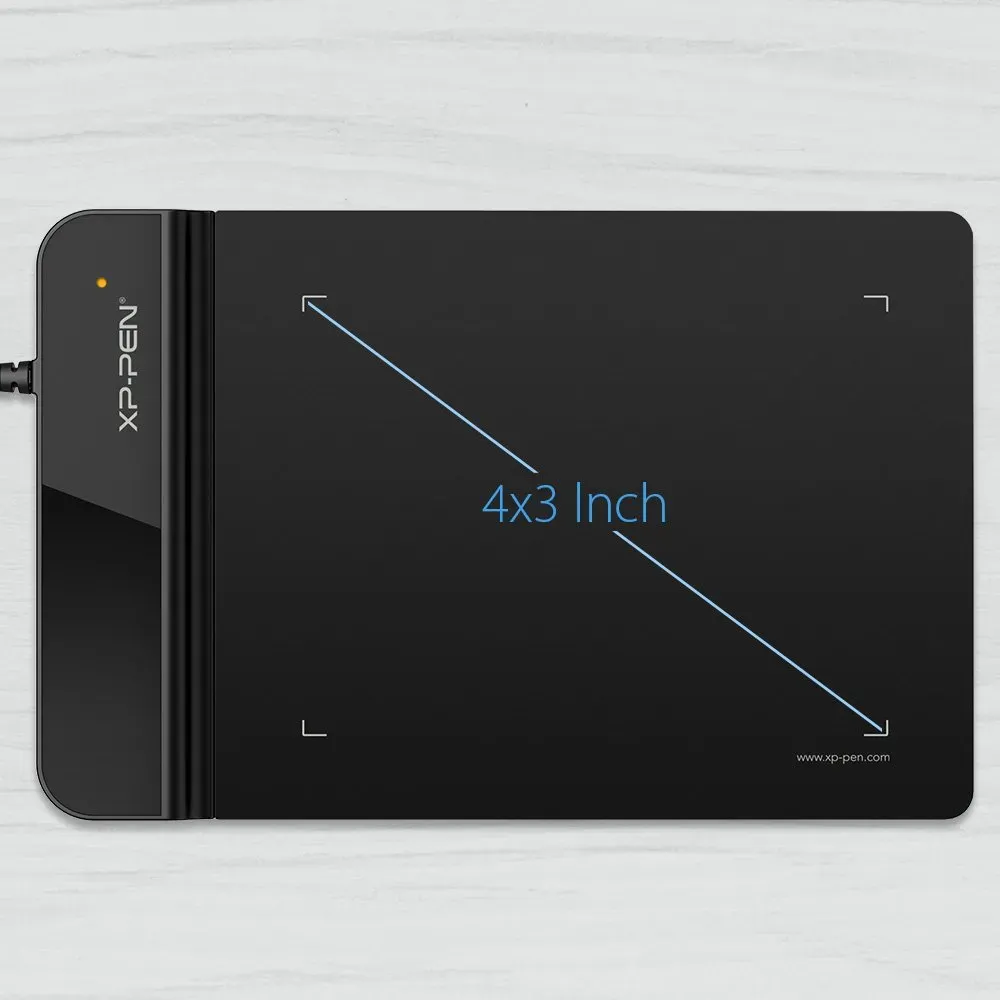
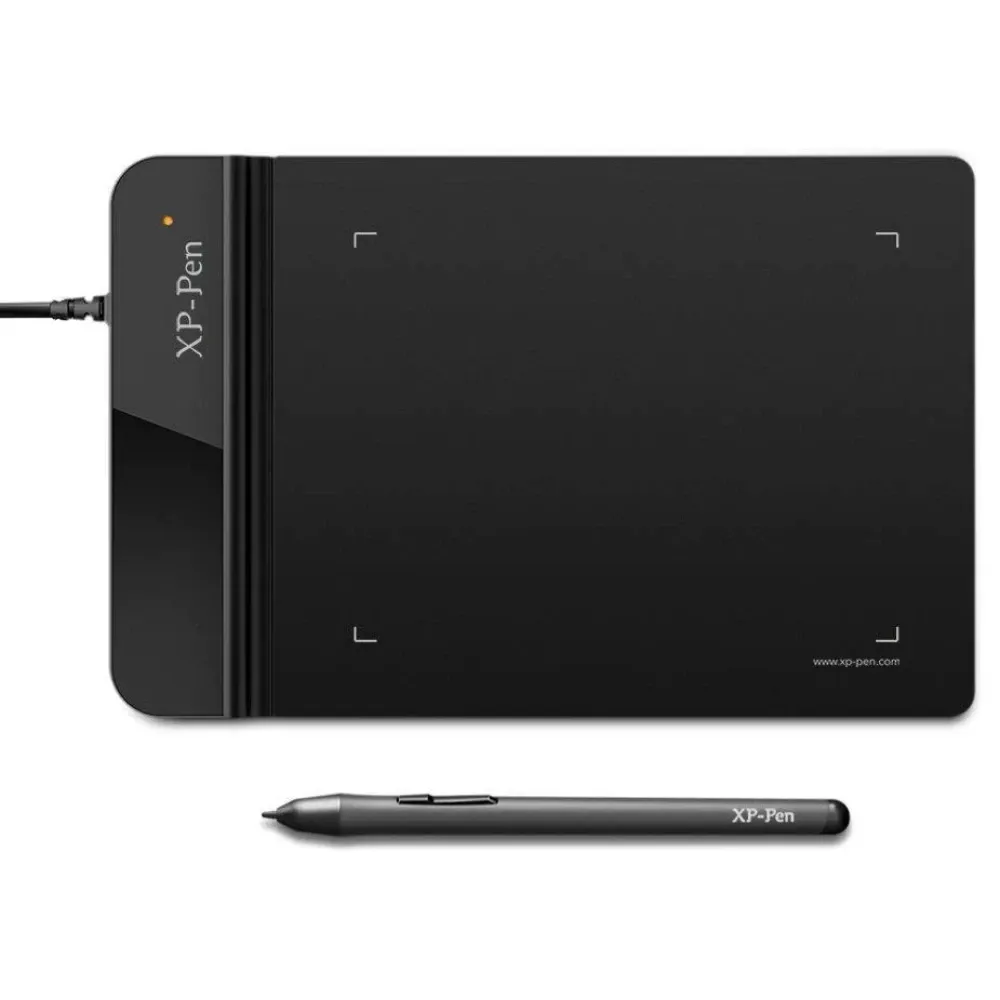
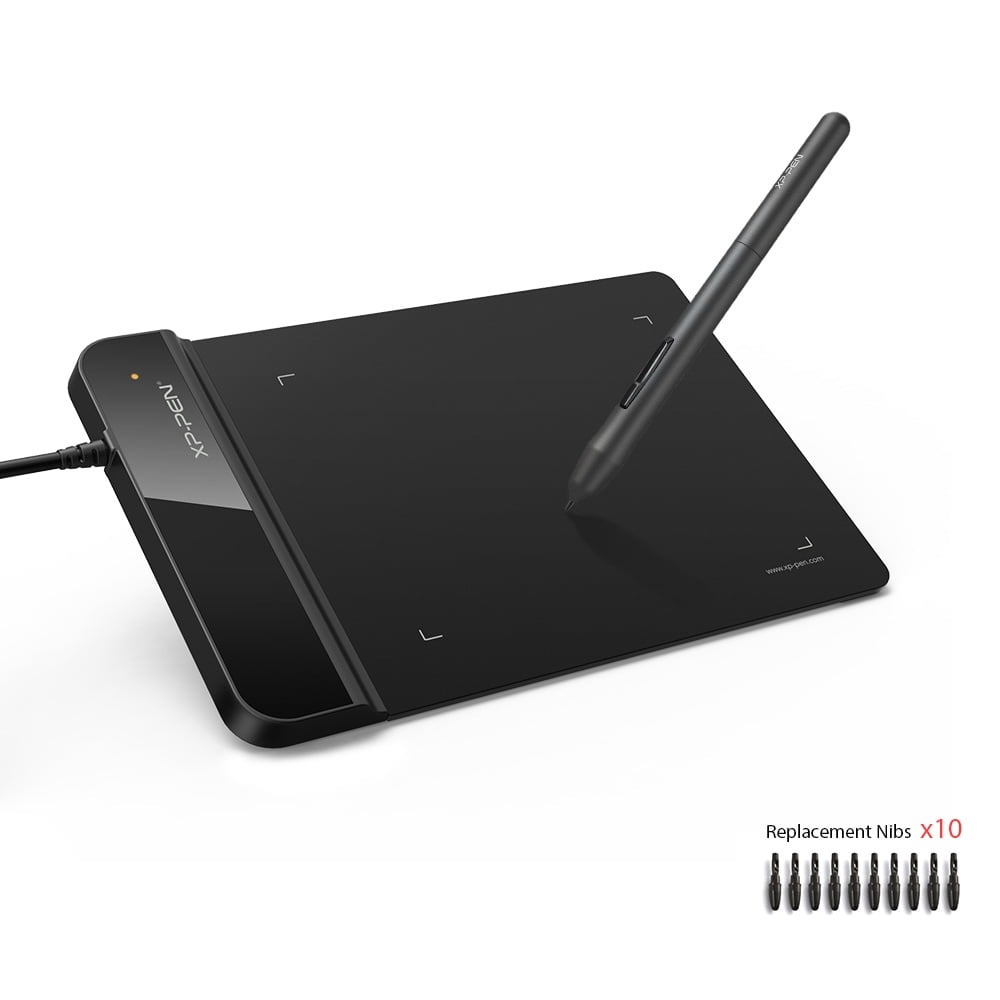
The XP-Pen G430S is a compact and ultrathin digital drawing tablet designed for digital artists, students, teachers, online tutors, casual creators, and gamers who enjoy rhythm games such as OSU. Featuring a 4 × 3-inch active drawing area, battery-free stylus, 8192 levels of pressure sensitivity, and a slim portable design, the G430S provides accurate pen input in a small and convenient package.
Designed with portability and simplicity in mind, the XP-Pen G430S is an excellent option for users who need a graphics tablet that takes up very little desk space. Its compact dimensions make it easy to carry in a laptop bag, backpack, or even alongside other computer accessories.
The tablet features a 4 × 3-inch active drawing area. Although smaller than many conventional graphics tablets, this compact workspace is particularly suitable for OSU gameplay, digital signatures, handwriting, online teaching, annotations, and users who prefer a small and precise pen tablet.
For digital artists, the G430S can be used for sketching, simple illustrations, handwriting, photo editing, and other pen-based applications. The compact active area allows users to make precise movements while keeping the tablet conveniently positioned next to their keyboard or laptop.
The supplied stylus is battery-free, meaning it does not require charging or battery replacement. This makes the pen convenient for everyday use and allows users to begin working whenever the tablet is connected to a compatible computer.
The stylus provides 8192 levels of pressure sensitivity. Compatible applications can detect different amounts of pressure applied to the pen, allowing users to control line thickness, brush intensity, opacity, and other pressure-sensitive effects.
For artists, pressure sensitivity provides greater control when drawing and sketching. For handwriting and online teaching, it allows the stylus to behave more naturally than a conventional computer mouse.
The XP-Pen G430S is especially associated with OSU gameplay. Its compact active area allows players to control the cursor using a digital stylus, providing an alternative to using a traditional mouse.
For OSU players, the small 4 × 3-inch surface can be convenient because it allows quick and controlled pen movements. The compact format can also leave more room for the keyboard and other gaming peripherals.
Beyond gaming, the G430S can be used as a general-purpose graphics tablet. Students can use it for digital note-taking, handwriting, diagrams, and creative projects, while teachers can use it for online lessons and annotations.
Online teaching is one of the tablet's practical applications. Teachers and tutors can use the stylus to write on digital whiteboards, solve mathematical problems, draw diagrams, highlight information, and annotate documents during online classes.
Using a pen tablet for online teaching can be more natural than attempting to write with a mouse. The stylus allows users to make handwritten marks directly within compatible applications while students can view the results on the computer screen.
The G430S can also be used for remote working. Users can annotate documents, create handwritten notes, sign digital documents, mark up presentations, and perform other tasks that benefit from pen input.
The tablet's ultrathin design makes it particularly suitable for mobile workstations. It can be carried alongside a laptop without adding significant bulk, making it useful for students, teachers, freelancers, and professionals who regularly work from different locations.
The G430S is a traditional graphics tablet rather than a pen display. It does not have a built-in screen. Users draw on the tablet's surface while viewing their strokes on the connected computer or laptop display.
This design helps keep the tablet lightweight, compact, and affordable. It can also be a practical choice for users who already have a monitor or laptop and simply need a precise pen-input device.
For beginners, the G430S provides a simple way to start using a digital drawing tablet. Its straightforward design allows users to learn basic digital drawing, handwriting, annotation, and pen-input techniques without requiring a large professional graphics tablet.
The tablet can also be used with compatible photo-editing software. Users can perform basic retouching, selections, masking, drawing, and other precision tasks using the stylus.
Graphic design students can use the tablet for creating sketches, simple graphics, layouts, and other visual projects. While its compact active area is better suited to certain workflows than large-format artwork, it provides accurate pen input for many everyday creative tasks.
The G430S can also be useful for digital signatures. Users can create handwritten signatures in compatible software and applications, making the tablet suitable for office and remote-working environments.
Its small footprint makes it particularly useful where desk space is limited. The tablet can sit comfortably beside a laptop keyboard or other peripherals without taking over the workspace.
The black finish gives the device a simple and professional appearance that works well in home offices, classrooms, gaming setups, and creative workstations.
The XP-Pen G430S is compatible with Windows and Mac computers, making it suitable for users across common desktop operating systems. It can be integrated into creative, educational, gaming, and productivity workflows depending on the software being used.
The tablet can be used with compatible drawing, handwriting, online teaching, and gaming applications. Users should install the appropriate XP-Pen driver where required to configure the tablet and stylus correctly.
The battery-free stylus eliminates the inconvenience associated with rechargeable digital pens. There is no need to charge the pen before drawing, teaching, or gaming, allowing it to remain ready for use.
The 8192 pressure levels provide a high degree of sensitivity for compatible applications. This allows artists and other users to make subtle changes to their input depending on how firmly the stylus is pressed against the tablet.
For OSU gamers, the combination of a small active area and pressure-sensitive battery-free stylus provides a compact control solution. The tablet can be placed close to the keyboard and used specifically for rhythm-game input.
For online tutors, the device provides a portable digital writing surface that can be used with virtual classroom and meeting software. Teachers can use it to demonstrate concepts that are difficult to explain using a mouse alone.
For students, the G430S can provide a convenient tool for online classes, handwritten work, diagrams, annotations, and introductory digital art.
For remote professionals, the tablet can be used for signing documents, annotating files, marking up presentations, and other tasks requiring more precise input than a mouse.
The XP-Pen G430S combines its compact 4 × 3-inch drawing area, ultrathin construction, battery-free stylus, and 8192 pressure levels into a simple and portable graphics tablet. Its specialized size makes it particularly suitable for OSU gameplay and portable pen-input tasks, while its broader compatibility allows it to be used for online teaching, digital writing, basic creative work, and remote productivity.
Overall, the XP-Pen G430S is a compact digital graphics tablet designed for users who want accurate pen control without a large desktop footprint. Its battery-free stylus, 8192 pressure levels, ultrathin design, and Windows and Mac compatibility make it suitable for OSU gaming, online teaching, handwriting, digital signatures, annotations, and everyday creative work.
What's in the box:
Tablet,
Passive Pen,
Quick Guide,
Replacement Nibs,
Pen-Clipper