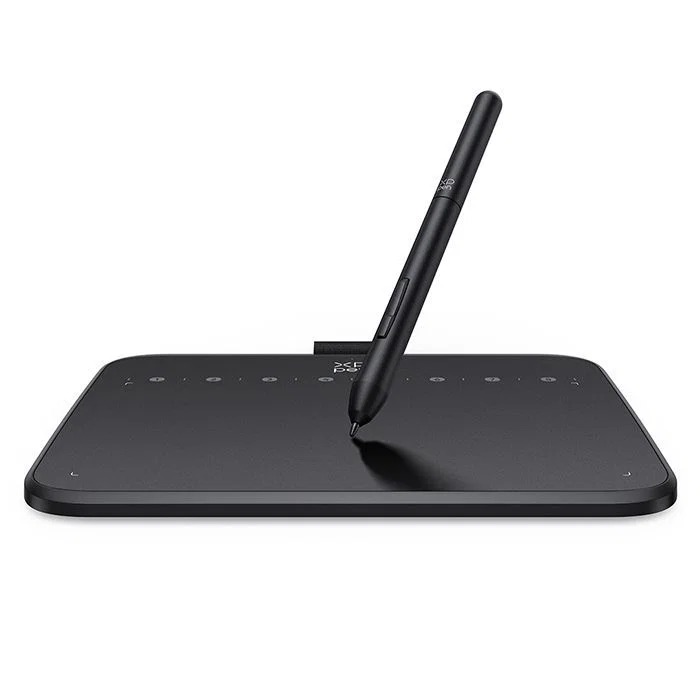
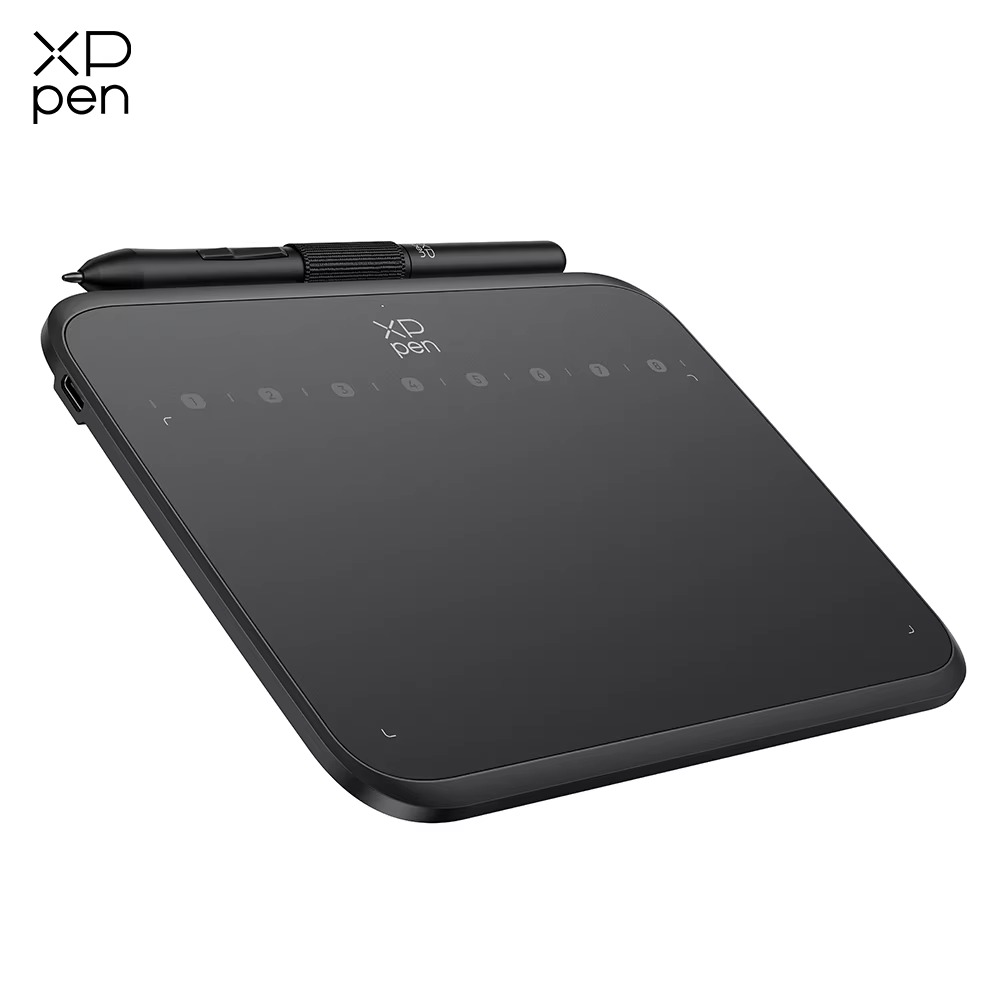
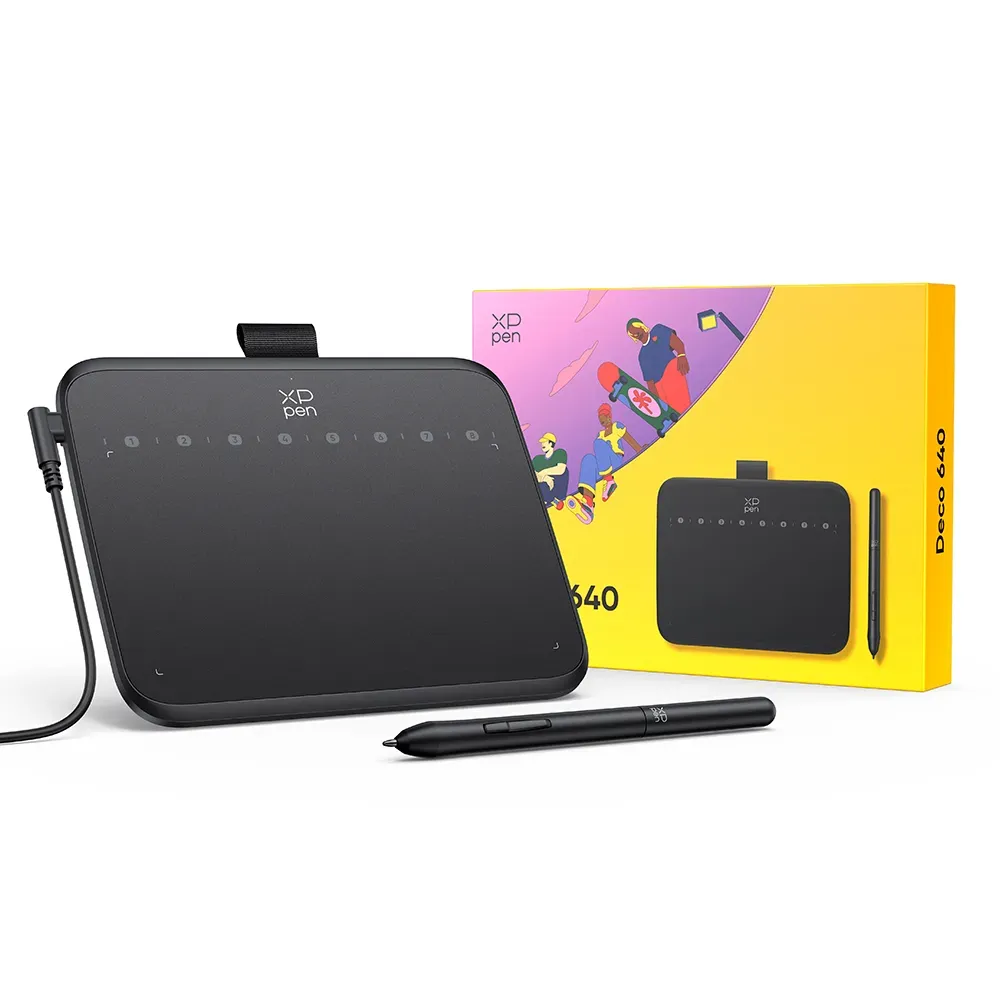
The XP-Pen Deco 640 is a compact and versatile digital drawing tablet designed for artists, illustrators, graphic designers, students, teachers, online tutors, gamers, photographers, and professionals who need precise pen input for creative and productivity tasks. Featuring a 6 × 4-inch active drawing area, an advanced battery-free stylus with 16,384 levels of pressure sensitivity, and compatibility with PC, Mac, and Android devices, the Deco 640 provides a responsive and convenient platform for digital creation.
The Deco 640 is designed for users who want accurate digital pen input without the size and expense of a large pen display. Its compact form factor makes it easy to place beside a keyboard or laptop and convenient to carry between home, office, school, studio, and other workspaces.
The tablet provides a 6 × 4-inch active drawing area, giving artists enough room for sketching, illustration, handwriting, photo editing, graphic design, and other creative applications while maintaining a portable footprint. The active area responds directly to the movement of the stylus and translates those movements into corresponding cursor movements on the connected device.
The Deco 640 is particularly suitable for digital artists who prefer using a traditional graphics tablet rather than drawing directly on a screen. Users draw on the tablet while viewing the resulting artwork on their connected computer, laptop, or supported Android device.
One of the standout features of the XP-Pen Deco 640 is its high level of pressure sensitivity. The supplied battery-free stylus supports up to 16,384 levels of pressure sensitivity, allowing compatible applications to detect subtle variations in pen pressure.
This high pressure sensitivity gives artists greater control over digital strokes. Depending on the application and brush settings, users can adjust line thickness, opacity, brush intensity, shading, and other effects by changing the amount of pressure applied to the stylus.
The battery-free stylus does not require charging or battery replacement. This makes it convenient for extended drawing sessions and eliminates the need to maintain a rechargeable pen.
For digital artists, the combination of a responsive stylus and high pressure sensitivity provides a more natural drawing experience than using a conventional mouse. Artists can create fine lines, heavier strokes, detailed sketches, shading, and other effects using pressure-sensitive brushes.
The Deco 640 is suitable for a wide range of digital-art applications. Illustrators can use it for sketching, line art, character design, comics, manga, concept art, storyboards, colouring, and digital painting.
Graphic designers can use the tablet for creating logos, posters, advertisements, branding materials, social media graphics, typography, layouts, and other visual content. Pen input can also be useful when creating custom shapes or making precise selections and masks.
Photographers can use the Deco 640 for detailed photo-editing tasks such as retouching, masking, cloning, selections, dodging and burning, and other precision-based adjustments in compatible software.
The tablet is also suitable for animation. Artists can use the stylus to create animation frames, character artwork, storyboards, backgrounds, and other visual assets.
For students studying graphic design, illustration, animation, multimedia, photography, or related creative subjects, the Deco 640 provides a compact digital-art tool that can be used with a laptop or desktop computer.
Teachers and online tutors can use the tablet for digital handwriting and interactive teaching. The stylus can be used to write equations, draw diagrams, annotate documents, highlight information, and demonstrate concepts during online classes.
The Deco 640 can be particularly useful for mathematics and science teaching, where handwritten calculations, diagrams, graphs, and annotations can be easier to create with a pen than a mouse.
The tablet is also suitable for remote working. Professionals can use it for handwritten notes, digital signatures, document annotations, presentations, image editing, and other tasks requiring precise pen input.
The XP-Pen Deco 640 is compatible with PC, Mac, and supported Android devices. This gives users flexibility when incorporating the tablet into different computing environments.
On compatible Android devices, the tablet can provide a convenient pen-input interface for supported creative applications. Compatibility may depend on the specific Android device, operating system, USB connection, and application being used.
The Deco 640 is a traditional graphics tablet rather than a pen display. It does not have a built-in screen. Instead, users draw on the tablet surface while viewing their artwork or cursor on the connected computer or mobile device.
This screenless design keeps the device compact and lightweight while also allowing users to take advantage of a larger external monitor. It can be a practical solution for users who already have a laptop or monitor and want to add accurate pen input.
The 6 × 4-inch active area provides a balance between drawing space and portability. It offers more working room than ultra-compact tablets while remaining small enough for travel and limited desk spaces.
The Deco 640 can also be used for OSU gameplay. Its responsive pen input and compact active area can be configured for rhythm-game use, providing an alternative control method to a conventional mouse.
For OSU players, the tablet can provide precise cursor control and quick movements across the active surface. Its compact size also makes it easy to position next to a gaming keyboard.
The high pressure sensitivity is not limited to gaming. Artists can take advantage of the 16,384 pressure levels in compatible creative applications, while teachers and remote workers can benefit from the tablet's precise handwriting and annotation capabilities.
For beginners, the Deco 640 provides an accessible way to start learning digital drawing. Users can practise sketching, line work, digital painting, photo editing, and other creative skills without requiring a large professional pen display.
For experienced artists, the tablet can function as a portable secondary graphics device. Its compact design makes it convenient to move between different workstations or carry alongside a laptop.
The battery-free stylus is especially convenient for mobile users because there is no charging routine to maintain. The pen can remain ready for use whenever the tablet is connected to a compatible device.
The tablet can also be used for digital signatures and document annotation. Professionals can use the stylus to sign compatible documents, mark up PDFs, highlight information, or make handwritten notes.
For online meetings and presentations, the Deco 640 can provide a more natural way to annotate documents and screens. Users can draw directly within compatible applications while presenting to colleagues, students, or clients.
What's in the box:
Digital Pen,
USB Cable,
Replacement Nib,
Quick Start Guide,
Pen Nib Clip