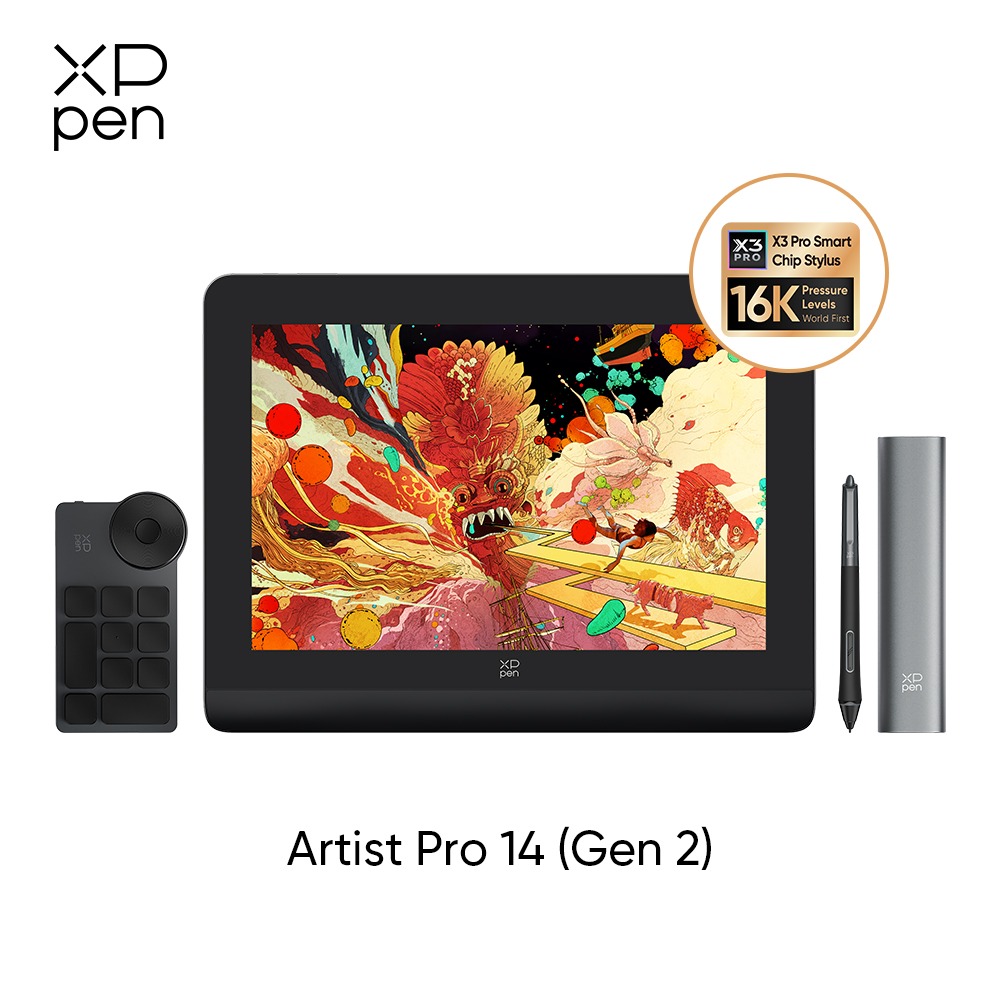
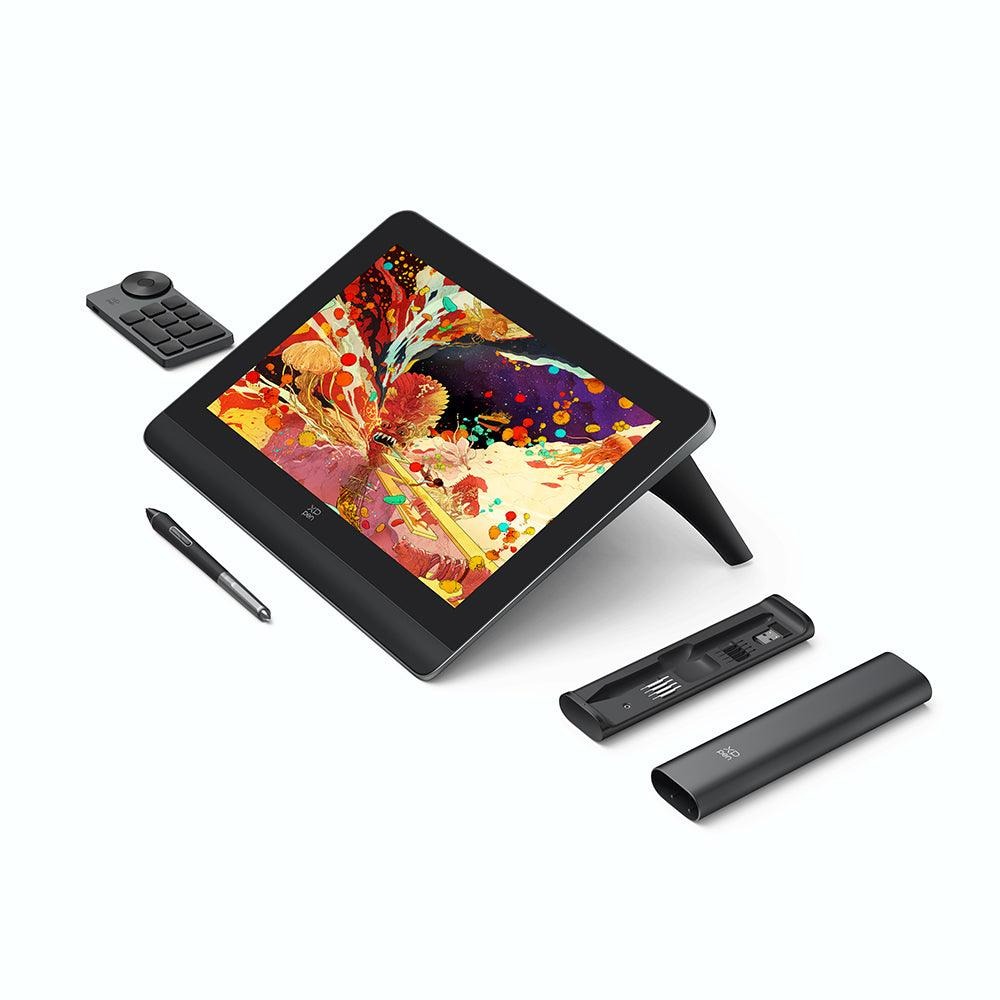
The XP-Pen Artist Pro 14 Gen 2 is a professional drawing tablet with a built-in 14-inch display designed for digital artists, illustrators, graphic designers, animators, photographers, content creators, students, and creative professionals. Combining a high-quality full-laminated anti-glare screen with XP-Pen's advanced X3 Pro battery-free stylus, 16,384 levels of pressure sensitivity, 123% sRGB colour gamut, a Mini Keydial, and an adjustable stand, this pen display provides a responsive and efficient workspace for digital creativity.
The Artist Pro 14 Gen 2 is designed for users who prefer drawing directly on their artwork. Unlike traditional graphics tablets that require users to look at a separate monitor while drawing, this pen display allows the stylus to interact directly with the image displayed on the screen.
The 14-inch display provides a practical balance between workspace and portability. It offers enough room for detailed illustration, digital painting, graphic design, animation, photo editing, and other creative tasks while maintaining a relatively compact footprint for artists who work at home, in the office, or from different locations.
The screen features a full-laminated construction that brings the display and protective glass layers closely together. This helps reduce the gap between the pen tip and the displayed artwork, minimizing parallax and providing a more direct drawing experience.
Full lamination is particularly useful when making precise strokes or working on detailed artwork. The closer alignment between the pen tip and the displayed image allows artists to work more naturally and accurately.
The display also features an anti-glare surface designed to reduce distracting reflections. This makes the screen more comfortable to use under different lighting conditions and helps artists maintain a clear view of their artwork during extended creative sessions.
The combination of full lamination and anti-glare treatment provides a drawing surface designed for both precision and comfort. Artists can work directly on the display while experiencing less visual distraction from surrounding light sources.
One of the most important features of the Artist Pro 14 Gen 2 is its X3 Pro battery-free stylus. The pen uses XP-Pen's X3 Pro technology and does not require batteries or charging, allowing users to work continuously without worrying about the pen running out of power.
The X3 Pro stylus supports 16,384 levels of pressure sensitivity. This provides a high degree of control over digital brush strokes in compatible creative applications. Artists can vary line thickness, opacity, brush intensity, shading, and other effects by changing the pressure applied to the pen.
The high pressure sensitivity is especially useful for digital painters and illustrators who need precise control over their strokes. Subtle pressure changes can produce delicate lines and shading, while stronger pressure can create heavier and more pronounced strokes depending on the selected brush.
The X3 Pro stylus also supports tilt recognition, allowing compatible software to respond to the angle at which the pen is held. This can be useful for shading and creating natural brush effects that imitate traditional drawing tools.
The combination of pressure sensitivity, tilt support, and responsive pen tracking gives artists greater control over their digital artwork.
The display supports a wide 123% sRGB colour gamut. This allows the screen to reproduce a broad range of colours, making the Artist Pro 14 Gen 2 suitable for digital painting, graphic design, illustration, photography, animation, and content creation.
Wide colour coverage is particularly useful for creative professionals who work with colourful artwork or require a broad range of visual tones. Designers and artists can work with vibrant colours while viewing their creations directly on the pen display.
The Artist Pro 14 Gen 2 is suitable for a wide range of creative applications. Digital illustrators can use it for sketching, line art, character design, concept art, comics, manga, storyboards, colouring, and digital painting.
Graphic designers can use the pen display for creating logos, advertisements, posters, branding materials, social media graphics, typography, layouts, and other visual projects.
Photographers can use the display for detailed retouching, masking, selections, cloning, compositing, and other precision-based photo-editing tasks.
Animators can use the tablet for creating animation frames, character artwork, storyboards, backgrounds, and other visual assets. The pressure-sensitive pen provides additional control when working with brushes and drawing tools.
The tablet is also suitable for 3D artists working with compatible modelling, sculpting, and texturing software. The pen can provide a more natural input method for sculpting, painting textures, creating masks, and performing other creative operations.
For content creators, the Artist Pro 14 Gen 2 can be used to create illustrations, thumbnails, digital artwork, annotations, handwritten elements, and other visual content.
The Mini Keydial provides additional control over the creative workflow. Its compact physical design allows users to access frequently used functions without constantly reaching for a keyboard.
Depending on the software and user configuration, the Mini Keydial can be used for functions such as zooming, scrolling, changing brush size, adjusting settings, rotating the canvas, and accessing other shortcuts.
Having dedicated physical controls can help streamline creative workflows by allowing artists to make adjustments while keeping their attention on the artwork.
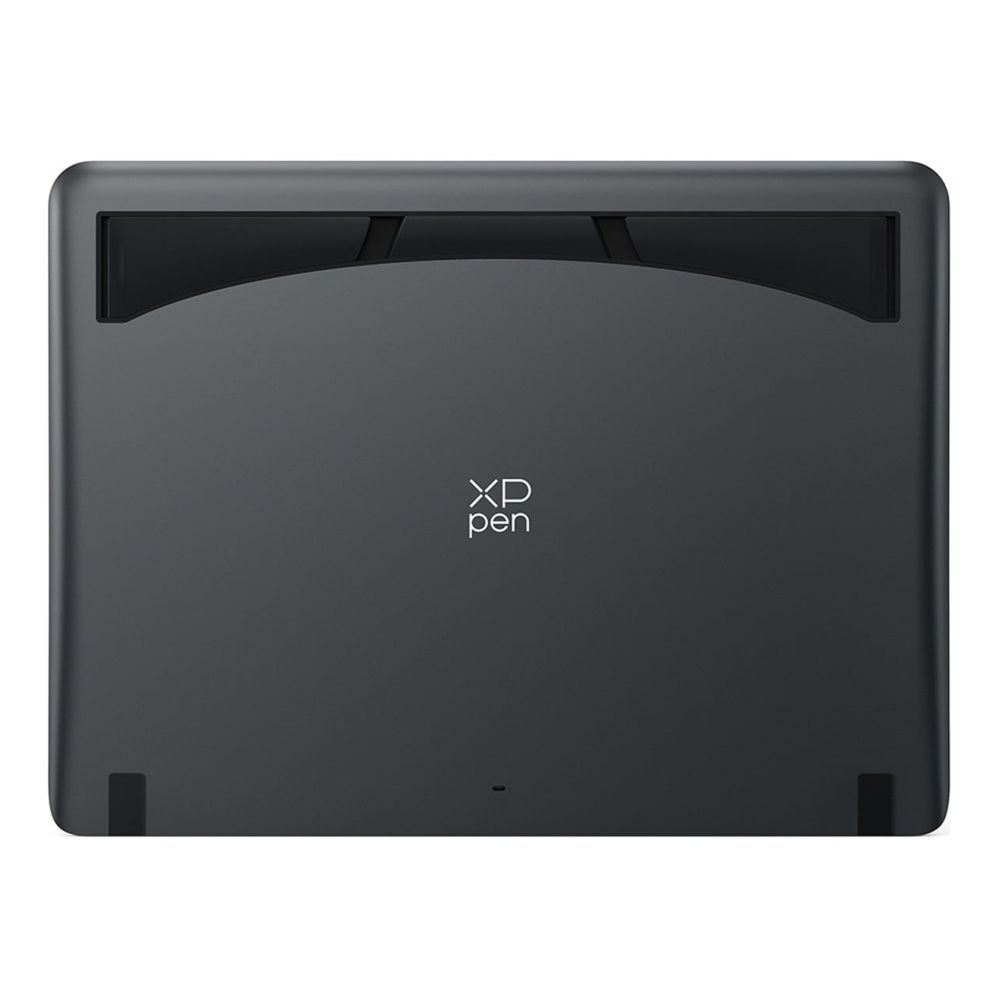
The included adjustable stand provides a stable platform for positioning the Artist Pro 14 Gen 2 at a comfortable working angle. An angled drawing surface can be useful during extended creative sessions and can help users find a comfortable posture for drawing.
The stand also allows artists to adjust the viewing and drawing position according to their preferred working style. This flexibility can be useful in professional studios, home offices, classrooms, and other creative environments.
The Artist Pro 14 Gen 2 can be used by both experienced professionals and beginners. Professional artists can take advantage of the advanced pen technology and wide colour gamut, while students and beginners can benefit from the intuitive direct-on-screen drawing experience.
For students studying graphic design, illustration, animation, multimedia, photography, or related subjects, the tablet provides a practical digital workspace for learning and creative projects.
Teachers and educators can also use the device for digital handwriting, diagrams, annotations, presentations, and online lessons. The ability to write directly on the display can be useful when explaining mathematical equations, drawing diagrams, annotating documents, or demonstrating creative techniques.
The Artist Pro 14 Gen 2 is a pen display rather than a standalone computer. It must be connected to a compatible computer or supported device running the required software.
When connected to a computer, the tablet can function as an interactive display and pen-input device. Users can work with compatible drawing, design, photo-editing, animation, and other creative applications.
The full-laminated display provides a more direct relationship between the stylus and artwork compared with traditional screenless graphics tablets. This can make the transition from traditional drawing to digital art more intuitive.
For traditional artists moving into digital workflows, drawing directly on the screen can feel more familiar because the pen is positioned directly over the artwork.
The anti-glare display is also beneficial for users who spend many hours working on the tablet. By reducing distracting reflections, the screen can provide a clearer working environment in different lighting conditions.
The 14-inch size provides a useful balance between drawing space and portability. It is large enough for detailed artwork while remaining more manageable than larger professional pen displays.
The Artist Pro 14 Gen 2 is suitable for home studios, professional design offices, photography workstations, classrooms, educational environments, and creative agencies.
For freelance professionals, its relatively compact format makes it easier to incorporate into different workstations. It can also be useful for artists who need a dedicated drawing display without committing to a very large desktop unit.
The X3 Pro stylus is battery-free, which means users do not need to interrupt their creative sessions to recharge the pen. This is particularly useful for artists who spend long periods drawing or designing.
The high pressure sensitivity also gives users flexibility across different types of artwork. Fine illustrations, broad digital paintings, detailed retouching, handwriting, and other pen-based activities can all benefit from responsive pressure input.
For graphic designers, the combination of a direct-on-screen workflow and physical controls can make repetitive tasks more efficient. The Mini Keydial can provide quick access to frequently used commands while the pen remains in the artist's hand.
For digital painters, the wide colour gamut provides a broad visual palette while the pressure-sensitive stylus allows control over brush behaviour.
For illustrators, the full-laminated display and precise pen input can make detailed line work and colouring more comfortable.
For photographers, the display provides a large enough working area for precise retouching and masking while the pen offers more control than a conventional mouse.
For animators, the tablet provides a direct canvas for creating individual frames, character artwork, storyboards, and other visual elements.
Overall, the XP-Pen Artist Pro 14 Gen 2 combines a 14-inch full-laminated anti-glare display, 123% sRGB colour gamut, X3 Pro battery-free stylus, 16,384 levels of pressure sensitivity, tilt support, Mini Keydial, and adjustable stand into a professional creative workstation.
It is designed for users who want direct-on-screen drawing combined with advanced pen sensitivity and physical workflow controls. Whether used for digital painting, illustration, graphic design, animation, photography, content creation, education, or other creative applications, the Artist Pro 14 Gen 2 provides a versatile platform for modern digital work.