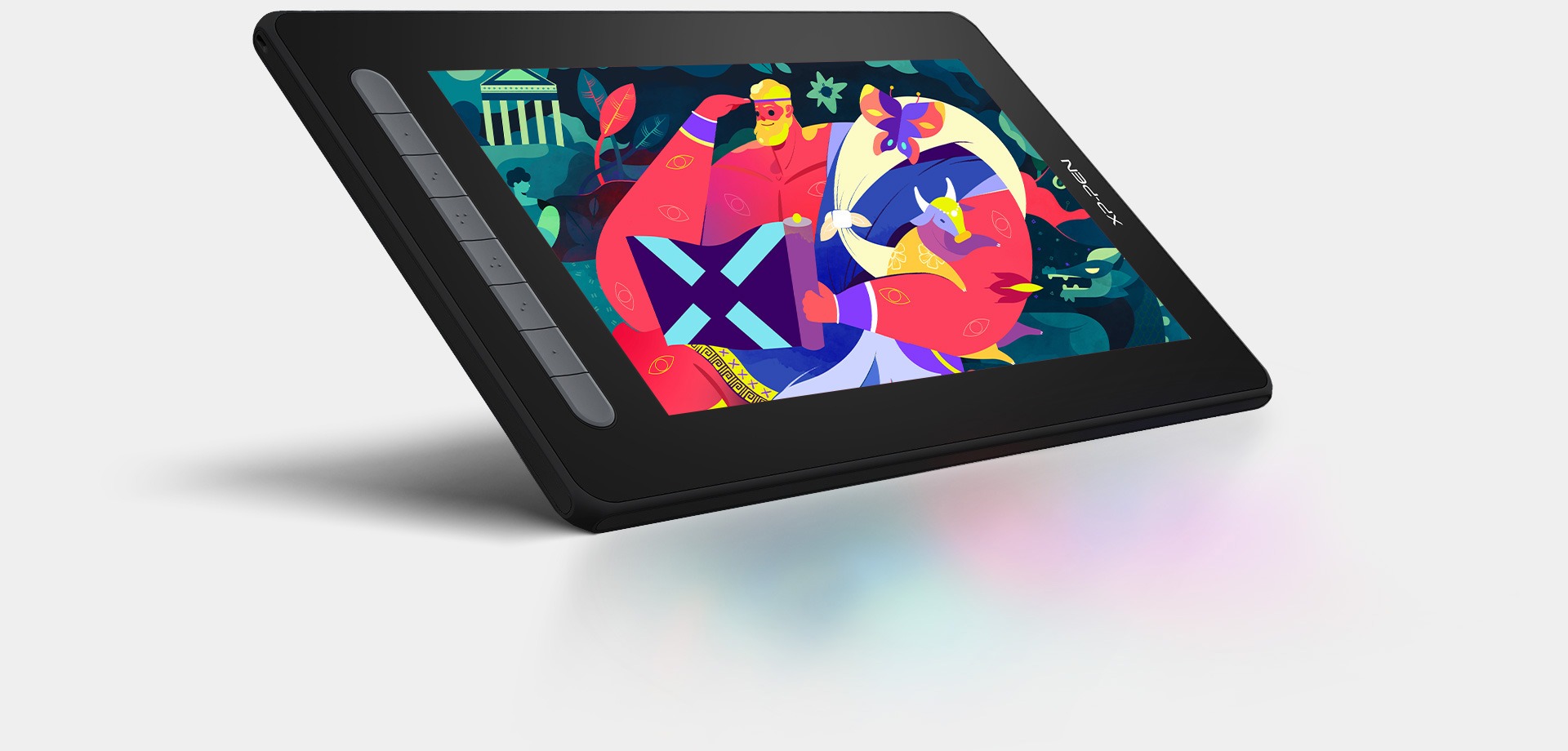
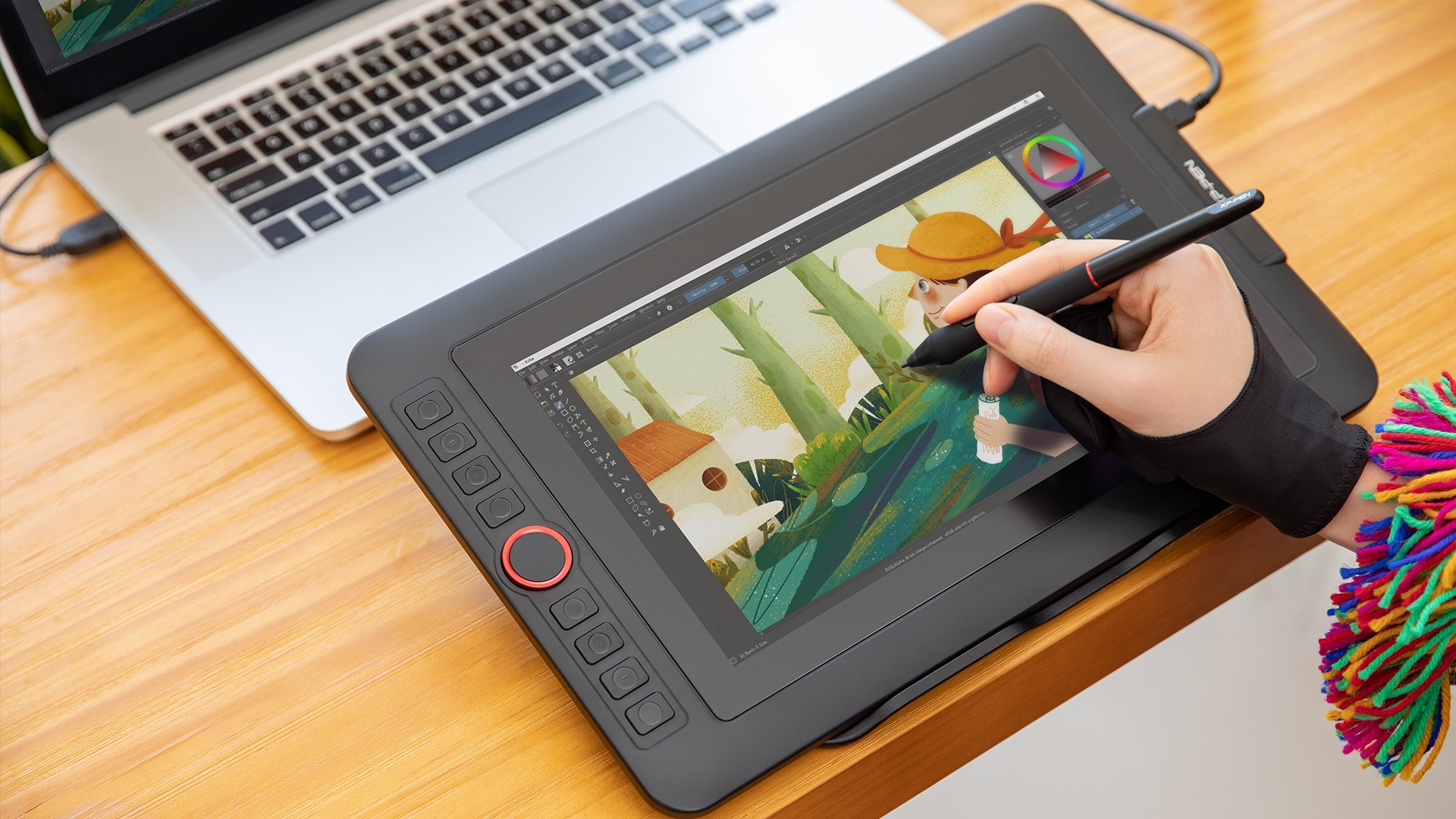
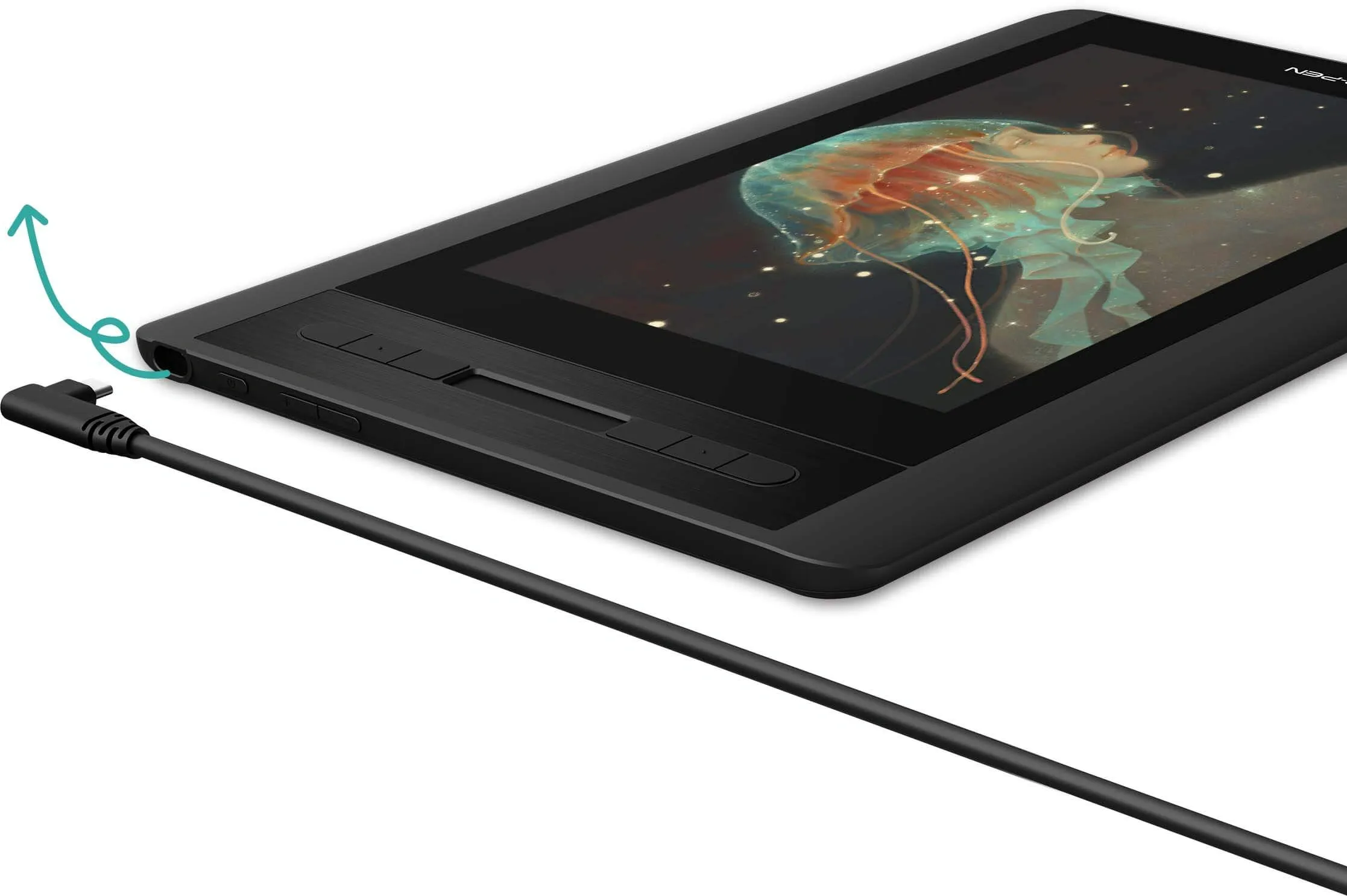
The XP-Pen Artist 12 3rd is a compact and versatile drawing tablet with screen designed for digital artists, illustrators, graphic designers, animators, photographers, students, educators, content creators, and creative professionals. Featuring an 11.9-inch Full HD 1920 × 1080 display, XP-Pen X4 Smart Chip Stylus technology, a direct-on-screen drawing experience, and broad compatibility with Windows, Mac, Android, and ChromeOS, the Artist 12 3rd provides a convenient platform for digital creativity.
With its compact design and professional creative features, the Artist 12 3rd is suitable for users who want a screen-based drawing tablet that is easy to fit into a home studio, office, classroom, or portable workstation. Its black finish gives it a clean and professional appearance suitable for both personal and professional environments.
The tablet features an 11.9-inch display with a Full HD resolution of 1920 × 1080. The 16:9 screen provides a clear digital workspace for drawing, illustration, graphic design, animation, photo editing, handwriting, and other creative tasks.
The 1920 × 1080 resolution provides sufficient detail for everyday digital artwork while keeping the display compact and portable. Artists can view their work directly beneath the stylus, allowing them to draw naturally on the screen rather than looking at a separate monitor.
The Artist 12 3rd is a pen display rather than a standalone computer. It connects to a compatible computer or supported mobile device and allows users to interact with creative applications directly through the screen and stylus.
One of the key features of this model is the X4 Smart Chip Stylus. XP-Pen's X4 technology is designed to provide responsive and precise pen input for digital artists and other creative users.
The stylus is designed for pressure-sensitive digital drawing, allowing compatible creative software to respond to variations in the user's pen pressure. This can be used to control line thickness, brush intensity, opacity, shading, and other artistic effects.
The direct-on-screen drawing experience makes the Artist 12 3rd suitable for users who are transitioning from traditional drawing to digital art. Instead of drawing on a separate surface while looking at a monitor, users can position the pen directly over the artwork displayed on the screen.
This can make sketching, tracing, colouring, digital painting, and detailed illustration feel more intuitive.
The compact 11.9-inch display provides enough space for many creative tasks while remaining relatively easy to transport. Artists can use it in a home studio, office, classroom, or other creative workspace.
For digital illustrators, the Artist 12 3rd can be used for sketching, line art, character design, concept art, comics, manga, storyboards, colouring, and digital painting.
Graphic designers can use the tablet for creating logos, posters, advertisements, branding materials, social media graphics, typography, layouts, and other visual projects.
The stylus can also provide greater precision for tasks such as drawing custom shapes, tracing, image masking, selections, and other detailed design work.
Photographers can use the Artist 12 3rd with compatible photo-editing software for retouching, masking, cloning, compositing, selections, and other precision-based editing tasks.
For animators, the screen-based workflow provides a direct canvas for creating animation frames, character artwork, storyboards, backgrounds, and other visual elements.
The tablet can also be used by 3D artists working with compatible modelling, sculpting, and texturing applications. Pen input can be useful for sculpting, painting textures, creating masks, and other creative tasks.
For content creators, the Artist 12 3rd can be used to create illustrations, thumbnails, handwritten elements, annotations, diagrams, and other visual assets.
Teachers and online educators can use the drawing display as an interactive writing and annotation tool. The stylus can be used to write equations, draw diagrams, annotate documents, highlight information, and demonstrate concepts during online classes.
The screen-based workflow can be particularly useful for subjects that involve handwritten calculations or diagrams. Teachers can write directly on the display while students view the resulting content through the computer or online learning platform.
Students studying graphic design, illustration, animation, photography, multimedia, or related creative subjects can use the Artist 12 3rd as a compact digital-art workstation.
The device can also be useful for remote work. Professionals can use the stylus for handwritten notes, digital signatures, document annotations, presentations, and other tasks requiring precise pen input.
The Artist 12 3rd supports a broad range of platforms, including Windows, Mac, Android, and ChromeOS. This provides flexibility for users who work across different devices.
Its Android compatibility can be useful for artists who want to connect the tablet to supported mobile devices. Compatibility depends on the specific device, operating-system version, connection method, and application being used.
ChromeOS compatibility also makes the Artist 12 3rd suitable for supported Chromebook environments. This can be particularly useful in educational settings where Chromebooks are commonly used.
For Mac and Windows users, the tablet can be integrated into a desktop or laptop creative workstation and used with compatible drawing, design, photo-editing, animation, and other software.
The compact size makes the Artist 12 3rd convenient for users who have limited desk space. It can fit into smaller workstations while still providing a dedicated screen for digital drawing.
The black finish gives the tablet a professional appearance that fits naturally into modern creative workstations.
For freelance artists and designers, the compact design makes it easier to move the tablet between different locations. It can be used at home, in an office, studio, classroom, or while travelling with a compatible laptop.
The direct-on-screen design also makes the Artist 12 3rd suitable for beginners. Users who are accustomed to drawing on paper may find the screen-based workflow easier to understand than a traditional screenless graphics tablet.
Experienced artists can use the tablet as a compact secondary drawing display or as a portable creative workstation.
For digital painters, the pressure-sensitive stylus provides control over brush strokes, allowing artists to create detailed artwork, shading, and varied line weights in compatible applications.
For graphic designers, the direct pen input can provide more precise control for freehand design, masking, tracing, and image manipulation.
For photographers, the stylus can make detailed retouching and masking more intuitive than using a conventional mouse.
For educators, the tablet provides a practical way to write and annotate digital content during online classes and presentations.
For students, it offers a compact platform for learning digital art, graphic design, illustration, animation, and other creative disciplines.
The XP-Pen Artist 12 3rd is therefore suitable for a wide range of users who want a compact screen-based drawing solution. Its combination of an 11.9-inch FHD display, X4 Smart Chip Stylus, broad operating-system compatibility, and portable design makes it suitable for both creative and educational workflows.
The Full HD display provides a clear workspace for viewing artwork, while the stylus provides direct interaction with the digital canvas. Users can work directly on the screen and see their strokes appear beneath the pen.
The tablet can be integrated into professional creative applications as well as educational and productivity workflows. Its broad platform compatibility also provides flexibility for users who work across computers, Chromebooks, and supported Android devices.