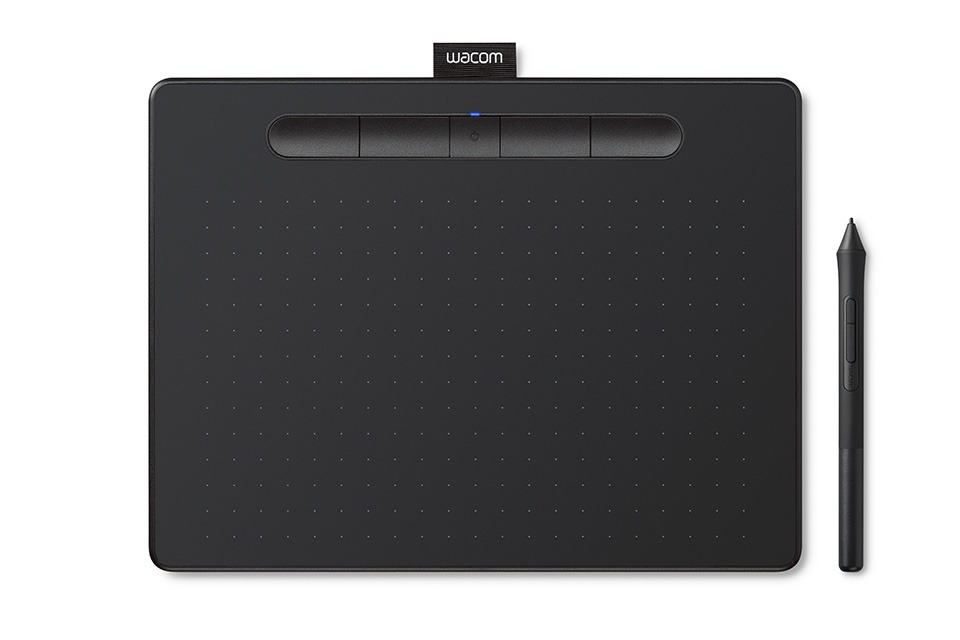
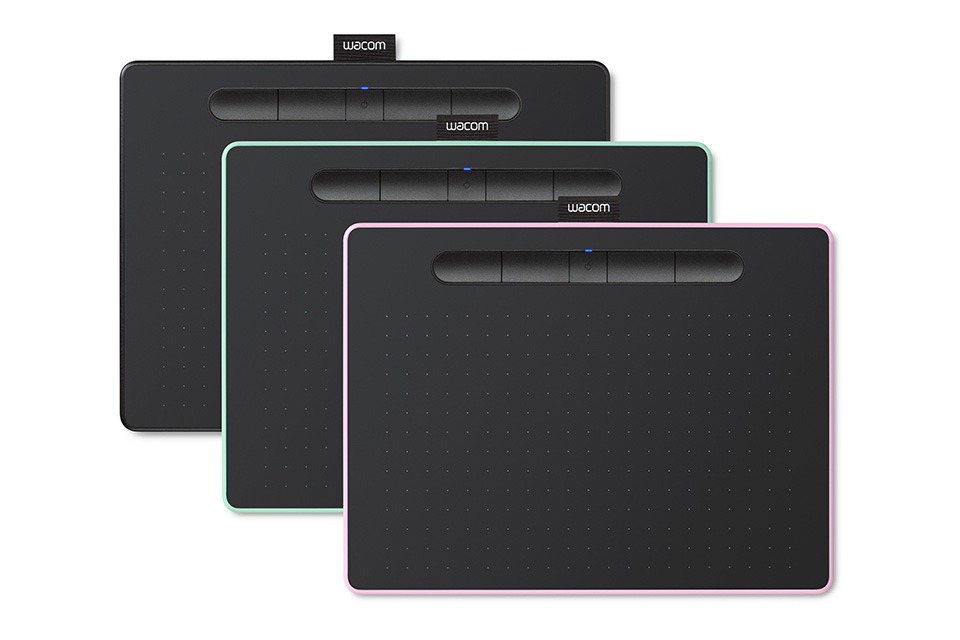
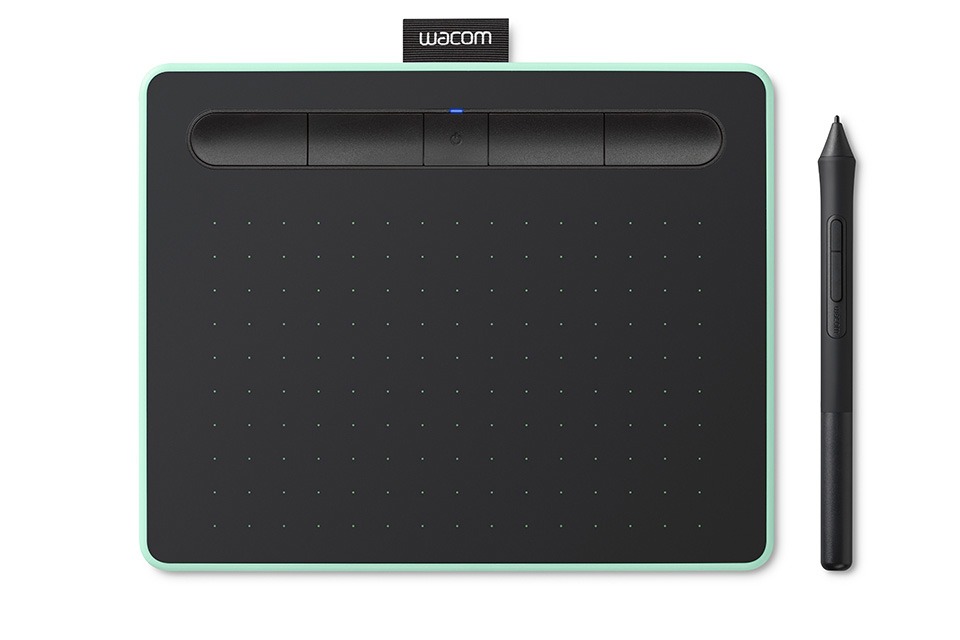
The Wacom Intuos Small Graphics Drawing Tablet is a compact and versatile digital pen tablet designed for artists, illustrators, graphic designers, students, teachers, photographers, hobbyists, and anyone who wants precise pen input for creative and productivity tasks. Combining Wacom's digital pen technology with four customizable ExpressKeys, a compact drawing surface, bundled training resources, and compatibility with Windows, Mac, Android, and Chromebook devices, the Intuos Small provides an accessible way to create and interact with digital content.
The compact design makes the Wacom Intuos Small particularly suitable for users with limited desk space or those who want a portable graphics tablet that can easily be carried between home, school, office, and studio environments. Its small footprint allows it to sit comfortably beside a laptop or keyboard without taking up excessive workspace.
Unlike a pen display, the Wacom Intuos Small does not have a built-in screen. Instead, users draw on the tablet surface while viewing their artwork or cursor on the connected computer or supported device. This traditional graphics-tablet workflow is widely used for digital illustration, graphic design, photo editing, handwriting, and other precision-based tasks.
The included Wacom digital pen provides a natural way to interact with creative software. The pen allows users to draw, sketch, paint, write, edit photographs, annotate documents, and perform other tasks that can be difficult or less intuitive with a conventional mouse.
For digital artists, the Intuos Small provides a practical entry point into digital drawing. Artists can use it for sketching, line art, character design, digital painting, comics, manga, concept art, colouring, and other creative projects.
Graphic designers can use the tablet for creating logos, posters, advertisements, social media graphics, branding materials, typography, layouts, and other visual content. The pen provides precise control for freehand drawing, tracing, selections, masking, and other detailed design tasks.
Photographers can use the Wacom Intuos Small with compatible photo-editing applications for retouching, masking, cloning, selections, dodging and burning, and other precision-based editing work. Using a pen can provide greater control than a mouse for detailed adjustments.
The tablet also supports handwritten input, making it useful for digital notes, signatures, annotations, diagrams, and online teaching. Teachers can use the pen to write equations, draw diagrams, mark documents, and demonstrate concepts during online lessons.
The four customizable ExpressKeys are one of the main productivity features of the Wacom Intuos Small. These physical buttons can be assigned to frequently used commands, allowing users to create shortcuts suited to their preferred workflow.
Depending on the software and configuration, ExpressKeys can be assigned functions such as undo, redo, zoom, brush selection, erasing, saving, canvas navigation, or other frequently used commands.
Having physical shortcut buttons can reduce the need to repeatedly reach for the keyboard. This can help keep the user's attention on the drawing surface and make repetitive creative tasks more efficient.
The ExpressKeys can be customized for different applications, allowing artists to create shortcuts that match their individual working style. A photographer, for example, may configure them differently from a digital painter or graphic designer.
The Wacom Intuos Small is also suitable for beginners. Users who are new to digital art can learn fundamental drawing and design techniques while becoming familiar with digital creative software.
The included training and software resources add value for users who are beginning their digital-art journey. Depending on the specific package and region, bundled software and training offers may vary, so users should check the included activation information for the exact software available with their unit.
For students, the tablet can be used for digital art assignments, graphic design projects, photo editing, handwritten work, online learning, and presentations.
Its compact size also makes it convenient for students who have limited desk space or need a graphics tablet that can be transported between home and school.
Teachers and educators can use the Intuos Small as a digital writing and annotation device. When connected to a compatible computer, the tablet can be used with online classroom applications, digital whiteboards, presentation software, and other educational tools.
The pen can make online teaching more natural when handwritten explanations, diagrams, mathematical calculations, or annotations are required.
For remote workers, the tablet can be useful for digital signatures, document annotation, handwritten notes, presentations, and other tasks requiring precise pen input.
The Wacom Intuos Small supports Windows and Mac computers as well as compatible Chromebook and Android devices. This broad compatibility allows users to incorporate the tablet into different home, school, office, and creative environments.
Chromebook compatibility makes the tablet particularly useful in educational settings where ChromeOS devices are commonly used. Users can connect the tablet to compatible Chromebook devices and use supported applications for drawing, writing, teaching, and other activities.
Android compatibility provides additional flexibility for supported mobile devices. Users can connect the tablet to compatible Android smartphones or tablets and use supported creative applications.
For Mac and Windows users, the Intuos Small can become part of a larger creative workstation. It can be paired with a laptop or desktop computer and used with compatible illustration, photo-editing, graphic-design, animation, and productivity software.
The tablet's screenless design also means users can take advantage of a larger external monitor while keeping the drawing tablet compact. This can be useful for artists who already have a high-quality monitor or laptop display.
What's in the box:
Wacom Intuos Small Tablet,
Wacom Pen 4k,
USB-A cable with L-shaped Connector,
3 extra standard nibs and nb removal tool,
Quick start guide