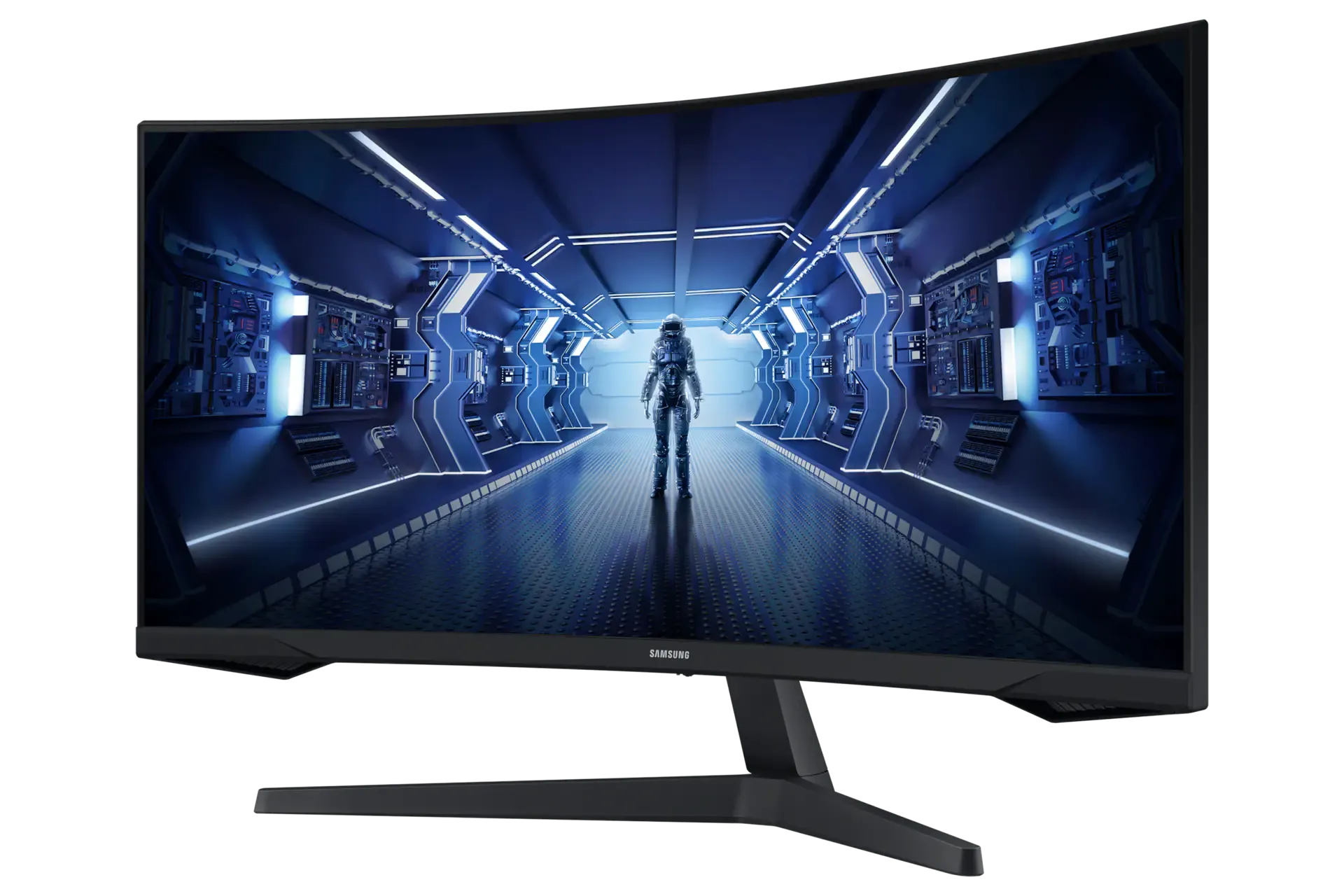
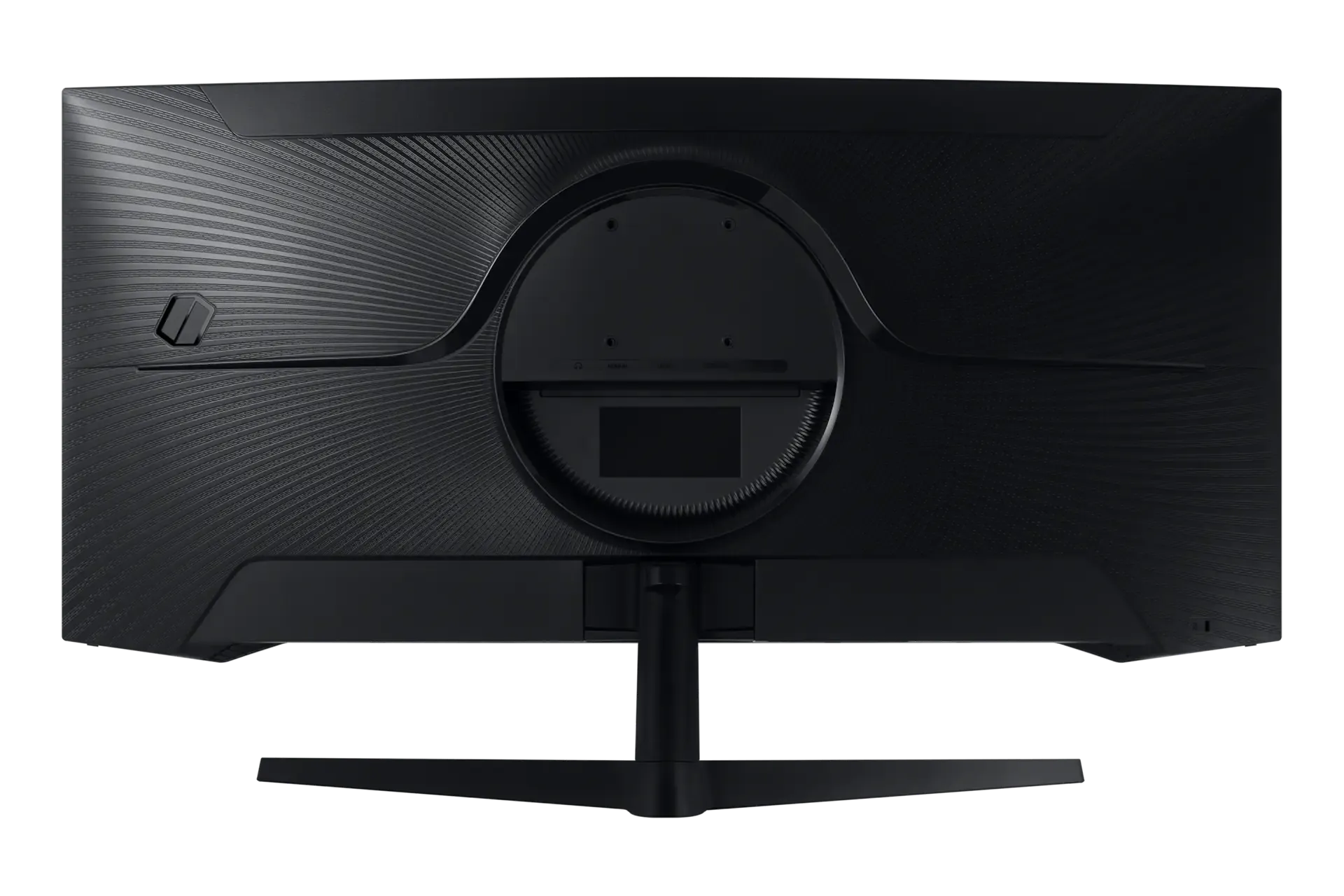
The Samsung 34 Inch Odyssey G5 G55T C34G55TWWN is an ultra-wide curved gaming monitor designed for immersive gaming, entertainment, multitasking, and productivity. With a 34-inch Ultra WQHD display, 3440 × 1440 resolution, 21:9 aspect ratio, 1000R curvature, 165Hz refresh rate, 1ms MPRT response time, HDR10, and AMD FreeSync Premium, it provides an expansive screen designed for modern gaming and everyday computing. Samsung lists the C34G55T series with these core specifications across its regional product documentation.
The 34-inch ultra-wide screen provides substantially more horizontal workspace than a conventional 16:9 monitor. With its 21:9 aspect ratio, the Odyssey G5 can display more of a game environment horizontally while also giving users additional room for multiple application windows. This makes it suitable for customers who want a wider desktop without moving to a dual-monitor setup.
The monitor has a native Ultra WQHD resolution of 3440 × 1440 pixels. This resolution provides considerably more horizontal pixels than a standard 2560 × 1440 QHD display, producing a wide and detailed desktop canvas. The additional horizontal space can be useful for games, spreadsheets, video-editing timelines, browsers, documents, and other applications.
One of the defining features of the Samsung Odyssey G5 G55T is its 1000R curvature. The curved panel is designed to follow the natural shape of the user's field of view, bringing the sides of the ultra-wide screen closer to the user's viewing position. Samsung positions the 1000R curvature as a feature intended to create a more immersive viewing experience.
The 1000R curve is particularly useful for gaming because the wide screen surrounds more of the user's peripheral vision. Racing games, flight simulators, open-world games, strategy games, and other titles that support ultra-wide resolutions can take advantage of the expanded horizontal viewing area.
The Odyssey G5 G55T uses a VA panel. Samsung specifies a typical brightness of 250 cd/m², a minimum brightness of 200 cd/m², and a static contrast ratio of 2,500:1. The monitor also provides 178-degree horizontal and vertical viewing angles.
The VA panel technology provides a high static contrast ratio, which can help produce deeper-looking blacks compared with many conventional IPS displays. This can be useful for gaming and entertainment, especially in scenes containing significant differences between bright and dark areas.
For gaming, the monitor supports a maximum refresh rate of 165Hz. A 165Hz refresh rate allows compatible systems to display considerably more frames per second than standard 60Hz monitors, resulting in smoother motion when the connected graphics hardware can produce the required frame rate.
The 165Hz refresh rate is useful for fast-moving games, including first-person shooters, racing games, sports games, action titles, and other gaming applications where smooth motion is important. The actual frame rate achieved will depend on the computer's graphics hardware, game settings, and selected resolution.
The monitor also features a 1ms MPRT response-time specification. Samsung notes that its 1ms figure is based on MPRT testing under particular settings and conditions, so actual response characteristics can vary depending on content and monitor configuration.
A fast MPRT specification is intended to help reduce perceived motion blur in fast-moving scenes. Combined with the 165Hz refresh rate, the display is designed for responsive gaming where quick movements and rapid changes occur on screen.
The Samsung Odyssey G5 G55T supports AMD FreeSync Premium. Adaptive synchronization technology works with compatible graphics hardware to help reduce screen tearing and stuttering. Samsung also lists low-frame-rate compensation as part of the FreeSync Premium feature set.
FreeSync Premium can be particularly useful when game frame rates fluctuate. Rather than having the monitor operate independently of the graphics card's frame output, compatible adaptive-sync technology can dynamically adjust the display refresh behaviour within its supported range.
The monitor supports HDR10 for compatible content. HDR can provide a wider range of brightness and colour information compared with standard dynamic-range content, helping supported games and videos display brighter highlights and darker areas with additional tonal information.
Samsung specifies support for up to 16.7 million colours and a 72% NTSC colour gamut for the C34G55T series. These specifications provide a suitable colour range for gaming, multimedia, general computing, and everyday creative applications.
The 21:9 ultra-wide aspect ratio is one of the monitor's biggest practical advantages. Users can place multiple application windows next to one another without needing two separate displays. For example, a browser can remain open alongside a document, spreadsheet, communication application, or development environment.
For productivity users, the 3440 × 1440 resolution provides additional horizontal workspace for large spreadsheets and documents. Users who regularly work with multiple windows can make use of the wider canvas without constantly switching between applications.
For programmers and software developers, the ultra-wide display can accommodate a code editor, terminal window, browser, documentation, and communication tools simultaneously. This can provide a convenient single-screen workspace for development tasks.
For video editors, the wide 21:9 display provides additional room for long editing timelines. Editing controls and preview windows can remain visible while the timeline occupies a substantial portion of the available horizontal space.
The monitor can also be useful for graphic design, photography, engineering applications, business dashboards, financial software, and other tasks where additional horizontal workspace is beneficial.
For gaming, the 21:9 format can provide a wider field of view in games that support ultra-wide resolutions. The effect is especially noticeable in racing and simulation games, where additional horizontal visibility can make the game environment appear more expansive.
The Odyssey G5 G55T also includes gaming-focused features such as Black Equalizer, Low Input Lag Mode, Refresh Rate Optimizer, and Super Arena Gaming UX. These features provide additional controls for adjusting the monitor to different gaming scenarios.
Black Equalizer is designed to adjust the visibility of darker areas, while Low Input Lag Mode is intended to reduce the processing delay between an input and the corresponding image displayed on the screen.
The monitor also includes Eye Saver Mode and Flicker Free technology. These features are designed to provide additional viewing comfort during extended periods of monitor use.