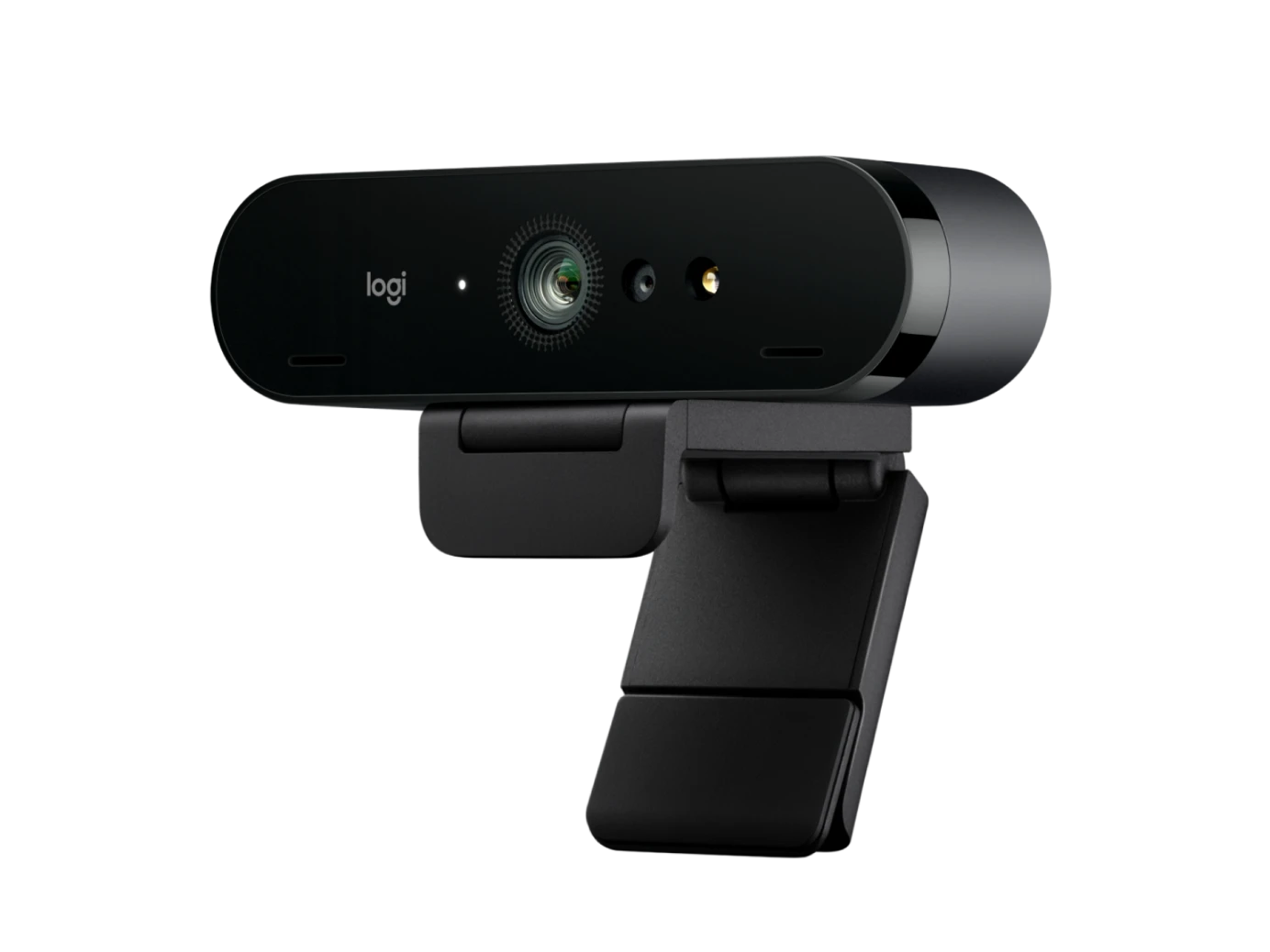
The Logitech BRIO 4K PRO Webcam is a professional Ultra HD webcam designed for high-quality video conferencing, remote work, online meetings, streaming, content creation, online teaching, interviews, and everyday communication. With a 13MP image sensor, 4K Ultra HD video, autofocus, HDR support, 5x digital zoom, adjustable field of view, RightLight 3 automatic light correction, dual noise-cancelling microphones, and Windows Hello support, BRIO provides a comprehensive webcam solution for professional and personal use.
At the heart of the Logitech BRIO is a 13-megapixel image sensor designed to capture detailed and high-resolution video. The webcam supports 4K Ultra HD video at up to 30 frames per second, Full HD 1080p at up to 60fps, and HD 720p at up to 90fps. This gives users the flexibility to choose between maximum image detail and smoother frame rates depending on the application and requirements.
The 4K capability makes BRIO particularly suitable for professional video calls, online presentations, interviews, live streaming, recording, and other applications where image clarity is important. When used with compatible software and hardware, the high-resolution sensor can provide considerably more detail than conventional 720p or 1080p webcams.
The webcam features autofocus, allowing it to automatically maintain focus as the user moves closer to or farther away from the camera. This is useful during meetings, presentations, demonstrations, and recordings where the subject may not remain at exactly the same distance from the lens.
BRIO also provides three adjustable diagonal field-of-view options: 65°, 78°, and 90°. This allows users to control how much of their surroundings appear in the frame. The 65° option provides a more focused view, while the wider 90° option can include more people or more of the surrounding workspace.
The webcam also provides up to 5x digital zoom. This allows users to adjust framing and enlarge the image when supported by Logitech software or compatible applications.
One of BRIO's important image technologies is Logitech RightLight 3. This automatic light-correction system is designed to improve image quality in different lighting environments, including low-light conditions and situations involving strong backlighting. It automatically adjusts the image to help keep the subject visible and properly exposed.
BRIO also supports HDR on compatible configurations. HDR can help the camera handle scenes containing both brighter and darker areas, making it useful for users working in rooms with windows, strong lighting, or uneven illumination.
For audio, the Logitech BRIO features two built-in omnidirectional microphones with noise-cancelling technology. Logitech specifies microphone pickup from up to approximately 1.2 metres. This provides convenient integrated audio capture for typical individual video calls and online meetings.
The dual microphones help reduce unwanted background noise and provide a clearer voice signal during compatible calls. This means users can often rely on the webcam's integrated microphones without needing to purchase a separate microphone for basic conferencing.
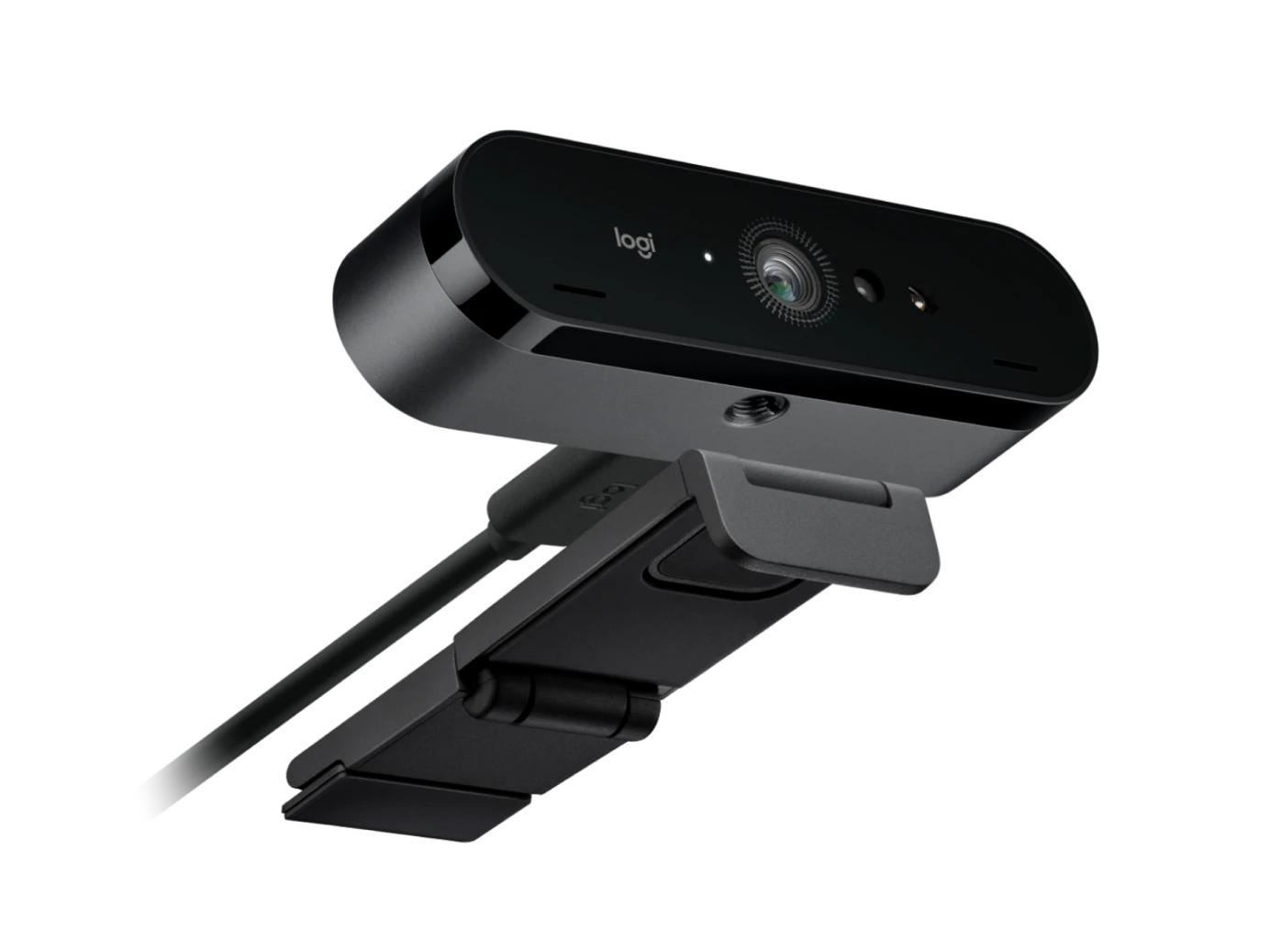
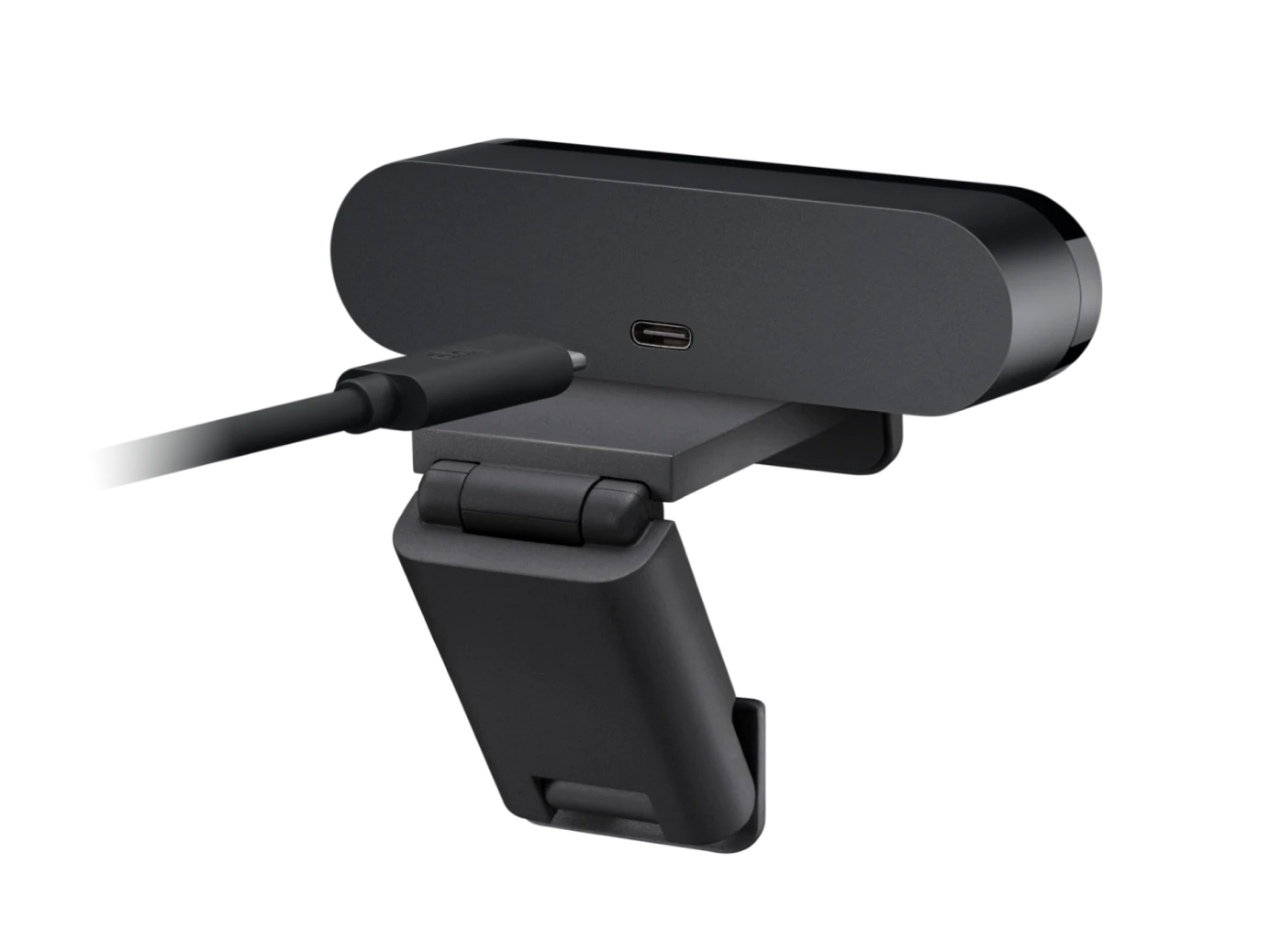
The Logitech BRIO supports plug-and-play connectivity through USB. The webcam uses USB-A connectivity and can also work with USB-C through an appropriate adapter. Logitech specifies a 1.5-metre cable, providing flexibility when positioning the camera on a monitor, laptop, or desk.
One of the major advantages of the BRIO is Windows Hello support. The webcam incorporates infrared sensor technology that can be used for compatible Windows Hello facial recognition. This provides a convenient biometric login method on supported Windows computers.
The webcam is suitable for professional environments where secure and convenient Windows login is useful. Instead of relying exclusively on a password, users with a compatible Windows Hello configuration can use facial recognition to sign in.
The BRIO also includes an attachable privacy shutter. Users can physically cover the camera lens when the webcam is not being used, providing an additional layer of privacy.
For business professionals, the Logitech BRIO is well suited to video conferencing, virtual meetings, presentations, interviews, and remote collaboration. Its 4K capability, autofocus, adjustable field of view, automatic lighting correction, and integrated microphones provide a complete video communication setup.
Remote workers can use BRIO for meetings with colleagues, customers, suppliers, and business partners. The adjustable field of view makes it possible to choose a suitable framing for individual meetings or presentations, while autofocus helps maintain a clear image during movement.
The webcam is also suitable for online education. Teachers can use it for virtual classes, lectures, demonstrations, and recorded lessons, while students can use it for online classes, presentations, interviews, group discussions, and other video-based activities.
For content creators and streamers, BRIO provides 4K recording capability and multiple resolution and frame-rate options. The 1080p/60fps mode can provide smoother video for supported streaming and recording applications, while 720p/90fps provides an even higher frame rate when supported.
The glass lens and autofocus system are designed to provide clear and detailed images. Combined with the 13MP sensor, the camera is suitable for users who want a higher-quality image than that offered by basic built-in laptop webcams.
The BRIO's adjustable universal mounting clip allows it to be attached to compatible monitors, LCD displays, and laptops. The clip can also be removed so that the webcam can be mounted using its standard tripod thread.
This flexibility is useful for users who regularly change their workstation configuration. The webcam can remain attached to a monitor in a permanent office setup or be repositioned for a laptop or tripod-based recording setup.
The compact construction also makes the BRIO suitable for portable workstations. Logitech lists the webcam itself at approximately 69.2g, making it relatively easy to carry alongside a laptop and other accessories.
The webcam can be used with popular video conferencing platforms and operating systems. Logitech positions BRIO as a professional business webcam designed for modern video collaboration environments.
For office workers, BRIO can provide a significant upgrade over the standard webcam built into many laptops and monitors. Its higher resolution, autofocus, adjustable framing, and light correction can provide additional flexibility for professional video communication.
For business owners and consultants, the webcam can be used for customer meetings, virtual consultations, interviews, webinars, and online presentations. The 4K sensor provides detailed video when supported by the application and connection.
For freelancers, BRIO can be used for client meetings, remote interviews, online training, presentations, and content creation. Its integrated microphones also help reduce the amount of additional equipment required for a basic video setup.
For home users, the webcam can be used for video calls with friends and family, online services, remote work, streaming, and general computer communication.