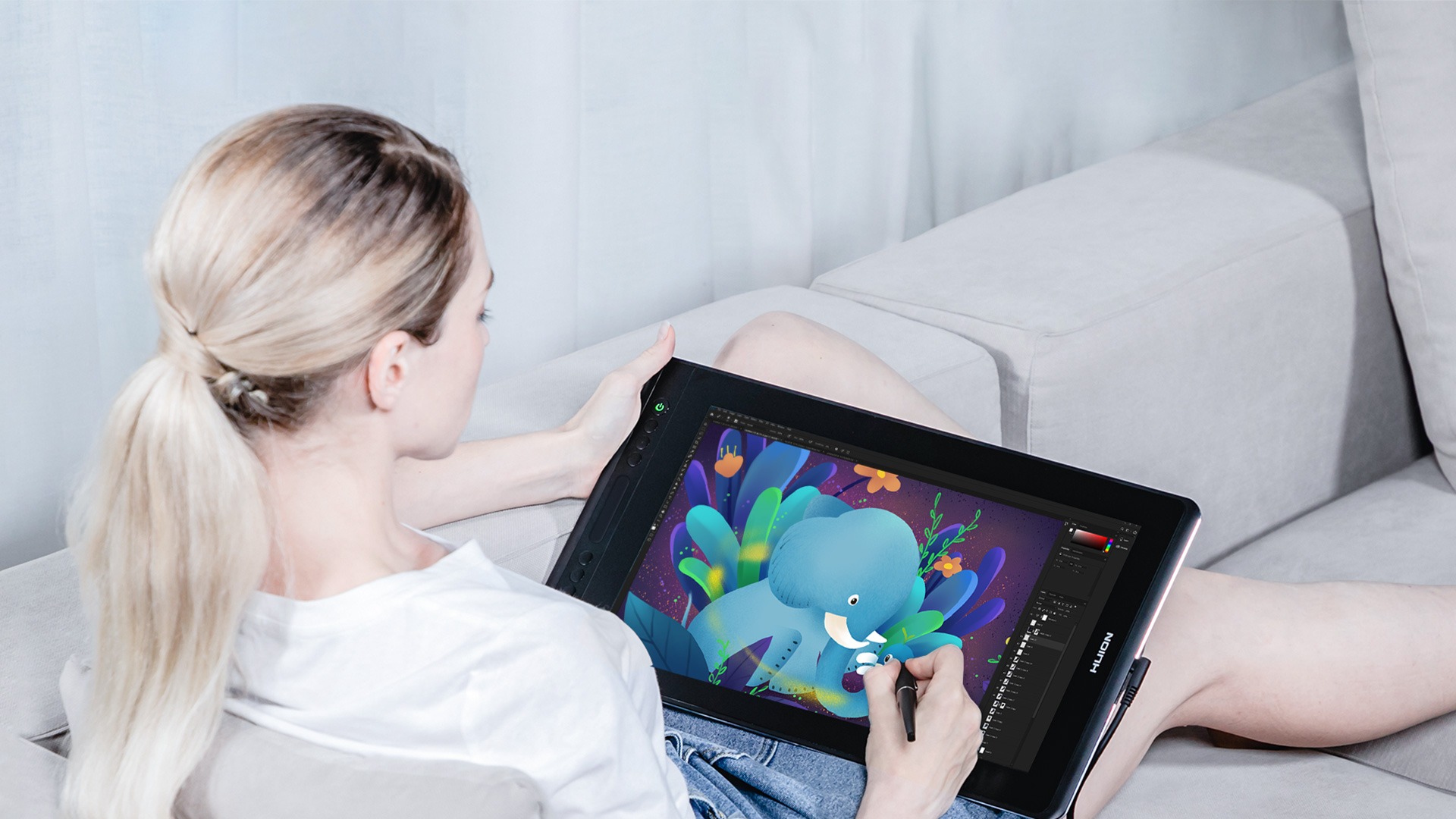
The Huion Kamvas Pro 16 GT-156 is a professional 15.6-inch drawing tablet with a built-in display, designed for digital artists, illustrators, graphic designers, animators, photographers, students, educators, and creative professionals. With a Full HD IPS display, 120% sRGB colour gamut, full-laminated anti-glare etched glass, battery-free PW507 digital pen, 8192 levels of pressure sensitivity, six programmable shortcut keys, and a touch bar, the Kamvas Pro 16 provides a practical and responsive workspace for digital creation.
The Kamvas Pro 16 features a 15.6-inch IPS display with a 1920 × 1080 Full HD resolution and 16:9 aspect ratio. The active drawing area measures approximately 344.16 × 193.59mm, providing a generous workspace for illustration, digital painting, photo editing, animation, graphic design, handwriting, and other pen-based creative applications.
The FHD resolution provides clear and detailed visuals while keeping the display requirements manageable for a wide range of compatible computers. The 15.6-inch format also offers a useful balance between workspace and portability, making the Kamvas Pro 16 suitable for artists who need a larger canvas without moving to a much larger desktop pen display.
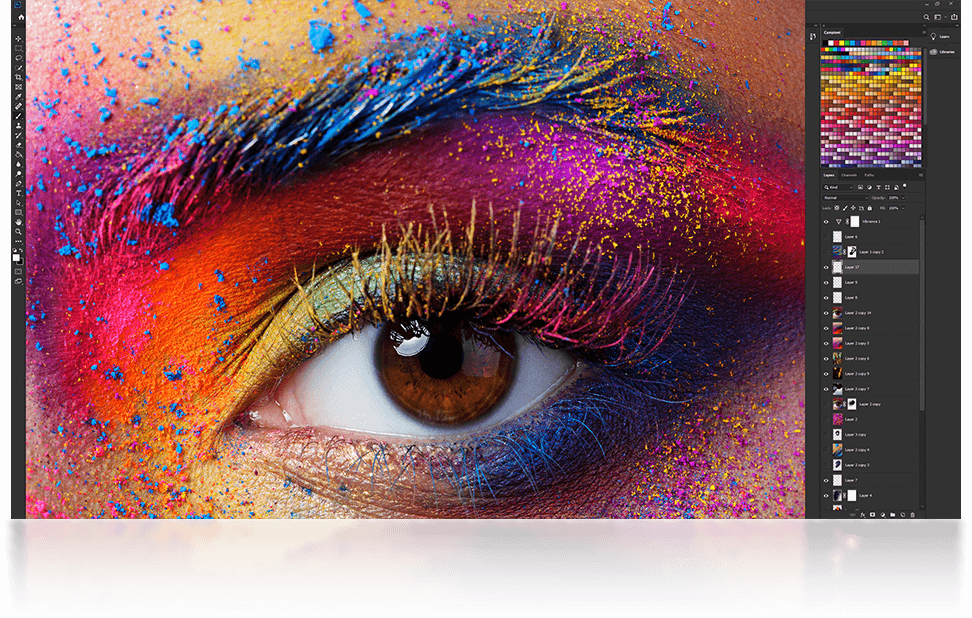
The IPS panel supports 16.7 million colours and a 120% sRGB colour gamut. The expanded colour gamut allows the display to reproduce a broad and vibrant range of colours, making it suitable for digital artwork, graphic design, photo editing, animation, illustration, and other colour-focused applications.
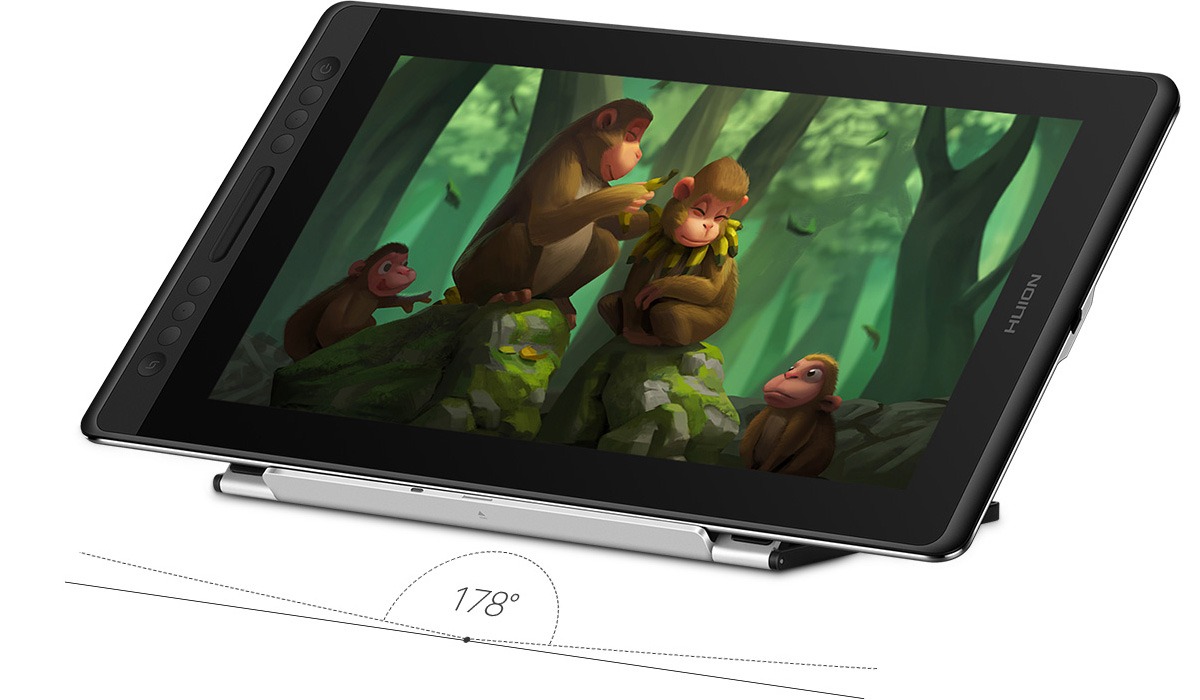
The display has a 1000:1 contrast ratio and typical brightness of 220 cd/m². It also provides wide viewing angles of up to 178 degrees, helping maintain consistent image visibility when the screen is viewed from different positions.
One of the defining features of the Kamvas Pro 16 GT-156 is its full-laminated display. Full lamination brings the glass and LCD layers closer together, reducing the gap between the pen tip and the image underneath. This helps minimize parallax and makes the cursor appear more closely aligned with the physical position of the pen.
The display uses anti-glare etched glass. The etched surface reduces reflections while providing a textured drawing surface designed to give the pen a more natural, paper-like feel. Huion identifies the GT-156 among its products that use anti-glare etched glass rather than a conventional anti-glare film.
This combination of full lamination and etched anti-glare glass is useful for artists who spend extended periods drawing directly on the screen. The reduced parallax makes precise positioning easier, while the textured surface provides additional resistance between the pen and screen.
The Kamvas Pro 16 comes with the Huion PW507 digital pen. The PW507 uses battery-free electromagnetic resonance technology, meaning it does not require batteries or charging during normal use. This makes it convenient for long creative sessions and eliminates the need to maintain a pen battery.
The PW507 supports 8192 levels of pressure sensitivity. Compatible drawing software can use pressure information to control brush size, opacity, stroke intensity, and other effects. This gives artists greater control over their digital strokes and allows them to create more varied and natural-looking artwork.
The pen also supports ±60-degree tilt recognition. In compatible applications, artists can use the angle of the pen to create shading, broader strokes, and brush effects that more closely resemble traditional drawing techniques.
The PW507 has a 5080 LPI pen resolution, a 10mm sensing height, and a report rate above 220 PPS. Huion specifies approximately ±0.5mm accuracy at the centre and ±3mm at the corners. These specifications are designed to provide responsive and accurate pen tracking across the active drawing area.
The Kamvas Pro 16 also provides six programmable shortcut keys. These keys can be customized for frequently used functions such as undo, redo, zoom, brush adjustment, erasing, canvas rotation, or other commands supported by the user's creative software.
The integrated touch bar provides an additional control option, allowing users to interact with supported functions without constantly reaching for the keyboard or navigating software menus. Together, the shortcut keys and touch bar can help streamline a creative workflow.
The shortcut controls can be especially useful for digital artists who regularly repeat the same commands. Instead of switching between the drawing surface and a keyboard, frequently used functions can be assigned directly to the tablet's controls.
The Kamvas Pro 16 supports both left-handed and right-handed users. This makes the tablet suitable for different working preferences and allows artists to configure their workspace according to their dominant hand.
The device is suitable for a broad range of creative applications. Digital illustrators can use it for sketching, line art, digital painting, character design, concept art, comics, manga, storyboards, and other forms of illustration.
Graphic designers can use the Kamvas Pro 16 for logo design, posters, advertisements, branding materials, social media graphics, typography, layouts, and other visual design projects.
Photographers can use the pen display for photo retouching, masking, compositing, detailed selections, cloning, painting, and other precision-based editing tasks.
Animators can use the large active area for creating animation frames, storyboards, character artwork, and other production elements. Pressure sensitivity and tilt recognition provide additional control over digital brushes.
The Kamvas Pro 16 is also suitable for 3D artists. Compatible 3D modelling, sculpting, texturing, and rendering applications can take advantage of the pressure-sensitive pen for sculpting, texture painting, masking, and other creative tasks.
For educators, the Kamvas Pro 16 can function as an interactive writing and presentation surface. Teachers can write equations, annotate documents, draw diagrams, mark up presentations, and demonstrate creative techniques directly on the display.
Students studying graphic design, animation, illustration, architecture, multimedia, photography, or other creative disciplines can use the tablet as a practical digital-art workstation.
The Kamvas Pro 16 is not a standalone computer. It functions as a pen display and must be connected to a compatible computer running the appropriate software. Huion lists compatibility with Windows, macOS, and Linux operating systems.
Huion specifies compatibility with Windows 7 or later, macOS 10.12 or later, and Linux. This broad operating-system support allows the tablet to be incorporated into a variety of creative workstations.
The tablet uses USB-C for its video interface and supports connection through a 3-in-1 cable. The 3-in-1 cable combines the required connections into a more organized setup, helping reduce cable clutter around the workstation.
The Kamvas Pro 16 measures approximately 437.8 × 251.2 × 11.5mm and weighs around 1.35kg. Its relatively slim profile and moderate weight make it easier to transport than many larger professional pen displays.
The compact design makes the Kamvas Pro 16 suitable for artists who work between different locations, such as home, office, school, studio, or client environments. It can provide a professional drawing interface without requiring the desk space of a larger 20- or 22-inch display.
What's in the box:
Digital Pen PW507,
3-in-1 Cable,
Power Adapter,
Foldable Stand ST200,
Pen Holder PH05, Pen Nib x 10, Nib Clip,
Glove,
Cleaning Cloth,
Quick Start Guide.