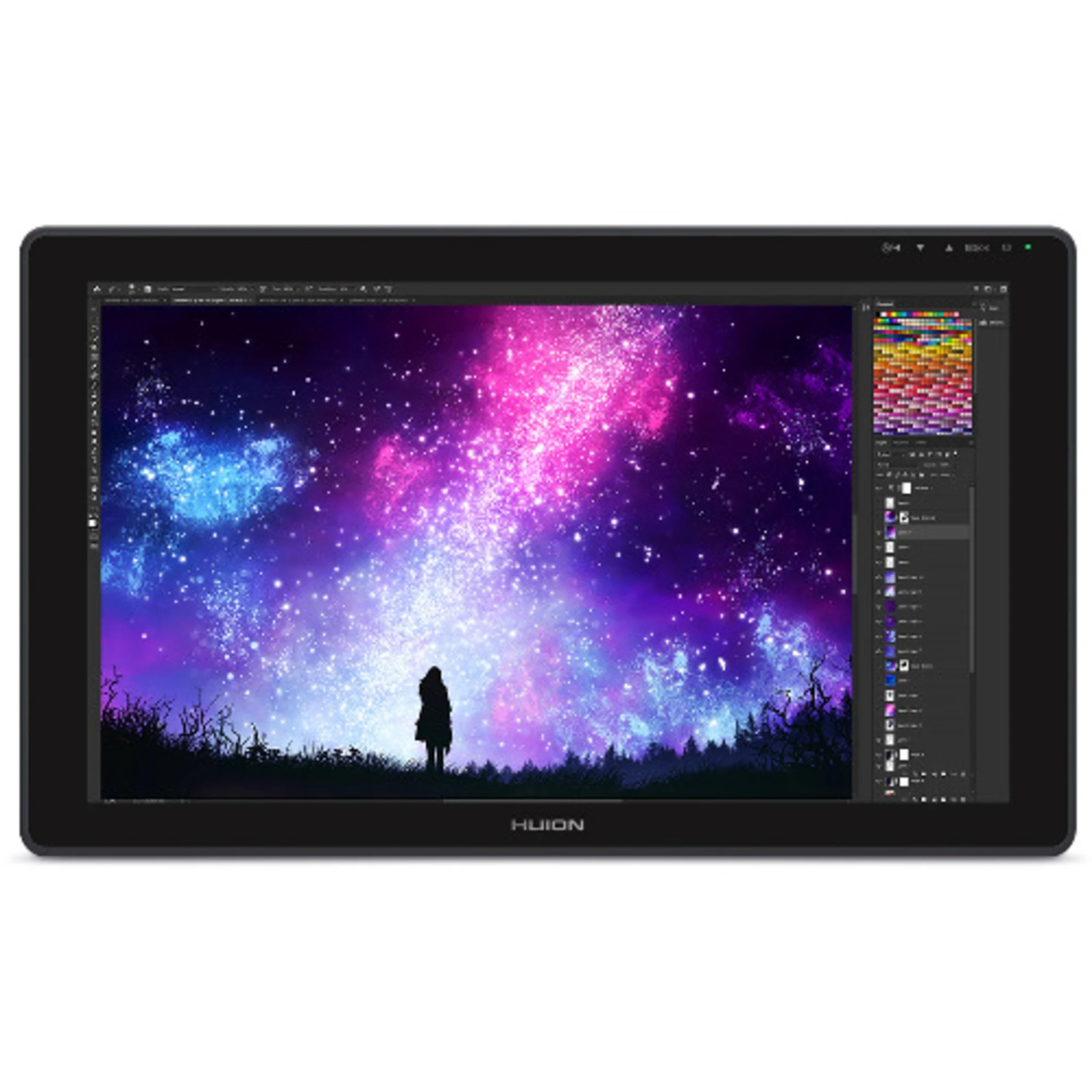
The Huion Kamvas 22 GS2201 is a professional 21.5-inch drawing tablet and pen display designed for digital artists, illustrators, graphic designers, animators, photographers, students, educators, and other creative professionals. With a large Full HD IPS display, 120% sRGB colour gamut, 8192 levels of pen pressure sensitivity, ±60° tilt recognition, and Huion's battery-free PW517 digital pen, the Kamvas 22 provides a spacious and responsive canvas for digital creativity.
The Kamvas 22 features a 21.5-inch IPS display with a 1920 × 1080 Full HD resolution and 16:9 aspect ratio. Its active drawing area measures approximately 476.64 × 268.11mm, giving artists plenty of room for detailed illustrations, digital paintings, photo editing, animation, graphic design, handwriting, and other creative tasks.
The large screen provides a comfortable working area for artists who prefer drawing directly on a spacious display rather than working on a small traditional graphics tablet while looking at a separate monitor. The direct pen-on-screen workflow allows users to interact naturally with their artwork and creative applications.
The IPS panel provides a 178-degree viewing angle and supports 16.7 million display colours. Huion specifies a 1000:1 contrast ratio and maximum brightness of 220 cd/m². These specifications provide a clear and detailed viewing experience for digital artwork, illustrations, photographs, graphics, and other visual content.
One of the key features of the Kamvas 22 is its wide 120% sRGB colour gamut. This allows the display to reproduce a broad range of colours, helping digital artwork appear vibrant and detailed. The wide colour space can be particularly useful for digital painting, illustration, graphic design, photo editing, animation, and other colour-focused workflows.
The Kamvas 22 uses an anti-glare matte film over the display. The matte surface helps reduce reflections from surrounding light sources while providing a slightly textured surface that can give drawing a more natural, paper-like feel. Huion designed the surface to help artists work comfortably while maintaining clear visibility of their artwork.
The display is not fully laminated. This is an important distinction between the Kamvas 22 GS2201 and the higher-end Kamvas 22 Plus GS2202. The Kamvas 22 uses anti-glare matte film and 120% sRGB, while the Kamvas 22 Plus uses full lamination, etched anti-glare glass, and 140% sRGB.
The Kamvas 22 comes with Huion's PW517 digital pen, which uses battery-free electromagnetic resonance technology. Because the pen does not require batteries or charging, artists can use it continuously without worrying about replacing or recharging a battery.
The PW517 supports 8192 levels of pressure sensitivity. This allows compatible drawing software to detect different amounts of pressure applied to the pen. Artists can use pressure variations to control line thickness, opacity, brush intensity, and other effects depending on the software and brush settings.
The pen also supports ±60° tilt recognition. This allows compatible applications to respond to the angle at which the pen is held. Artists can use this capability to create natural shading, broader strokes, and other effects that resemble traditional drawing instruments.
The PW517 has a pen resolution of 5080 LPI and a sensing height of 10mm. Huion specifies accuracy of approximately ±0.3mm at the centre and ±2mm at the corners. The pen also has a report rate above 220 PPS, helping provide responsive tracking during drawing.
For digital artists, the combination of the large 21.5-inch display and pressure-sensitive PW517 pen creates a direct drawing experience. Artists can sketch, paint, colour, shade, erase, and refine their work directly on the screen.
The Kamvas 22 is suitable for digital illustration. Artists can use it for character design, concept art, comics, manga, storyboarding, children's illustrations, portraits, landscapes, and other forms of digital artwork.
Graphic designers can use the pen display for creating logos, posters, advertisements, social media graphics, marketing materials, typography, layouts, and other visual designs.
Photographers can use the Kamvas 22 with compatible editing applications for detailed retouching, masking, compositing, selections, and other tasks where precise pen control can be useful.
The large screen can also benefit animators. The 21.5-inch working area provides sufficient room for animation software interfaces, drawing frames, timelines, reference material, and other tools. Pressure sensitivity and tilt recognition can also provide additional control when creating animation artwork.
The Kamvas 22 can be used for 3D modelling and digital sculpting with compatible software. Artists can use the pressure-sensitive pen for tasks such as sculpting, texture painting, drawing masks, and navigating creative workflows.
Educators can also use the Kamvas 22 as an interactive writing and presentation surface. It can be used to annotate documents, draw diagrams, write equations, demonstrate design concepts, and create visual explanations during lessons or presentations.
The device is compatible with Windows, macOS, supported Android devices, and Linux. Huion specifies support for Windows 7 or later, macOS 10.12 or later, Android devices supporting USB 3.1/DisplayPort 1.2, and Linux.
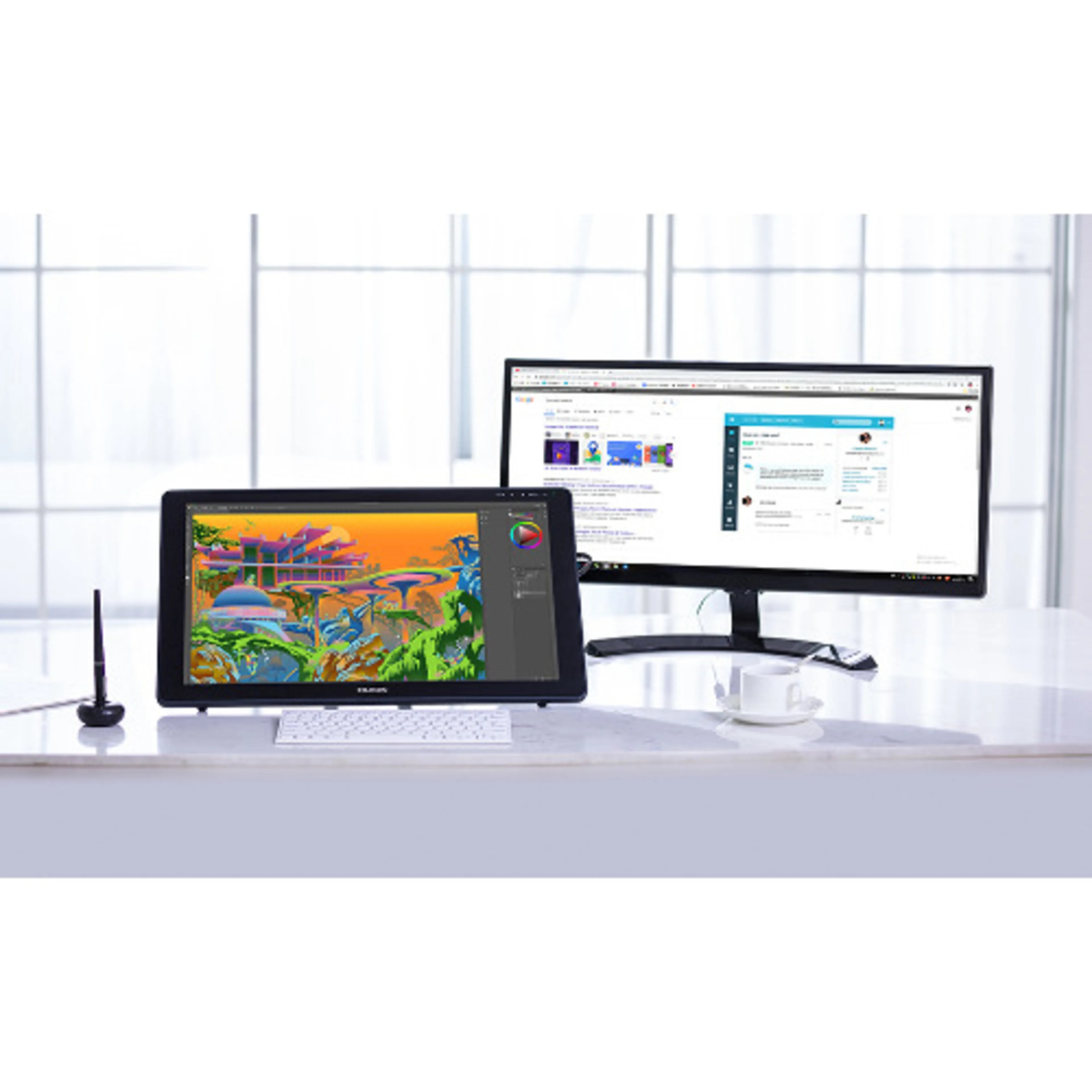
The Kamvas 22 is a drawing monitor rather than a standalone computer. It needs to be connected to a compatible computer, laptop, or supported Android device to operate. This allows it to work as an interactive display for compatible creative applications running on the connected device.
Connectivity is provided through two USB-C ports and one USB-A port. The USB-C connections support connection to compatible computers and mobile devices, while the USB-A port can be used for compatible external peripherals such as keyboards and USB storage devices.
The Kamvas 22 can connect to compatible computers using the supplied 3-in-1 cable. Huion also supports USB-C to USB-C connectivity for compatible devices, although the USB-C to USB-C cable is optional for the Kamvas 22.
The Android compatibility adds flexibility for users who want to connect the drawing display to supported mobile devices. However, the Android device must support the appropriate USB-C display functionality for the Kamvas 22 to operate correctly.
The Kamvas 22 has a dark grey exterior and a slim profile measuring approximately 546 × 323 × 19–26.7mm. With the included stand, the complete unit weighs approximately 3.9kg.
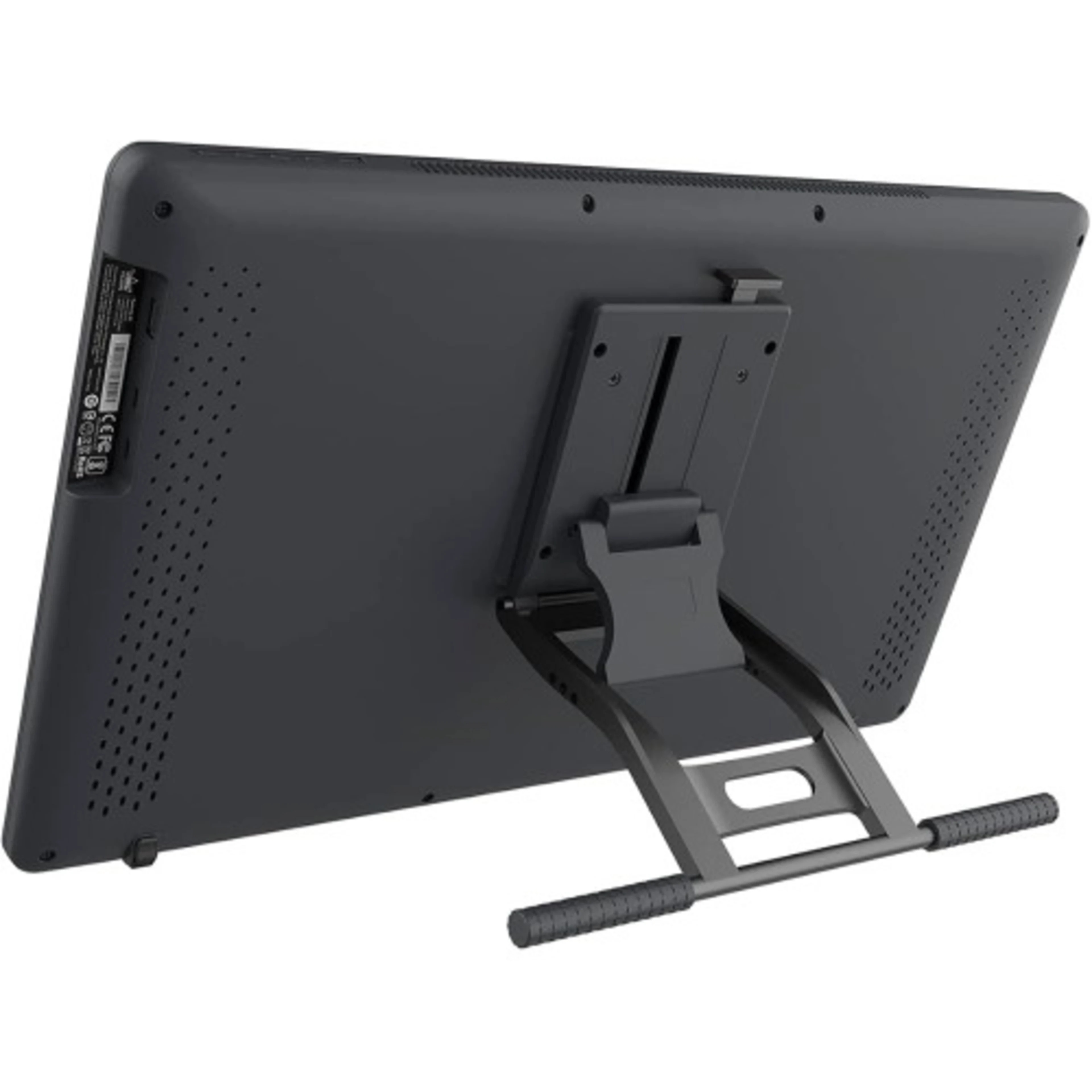
An adjustable ST100A stand is included with the device. The stand can be adjusted between approximately 20° and 80°, allowing artists to position the display according to their preferred working angle.
The adjustable stand is useful for long drawing sessions because artists can change the screen angle depending on whether they are sketching, painting, editing photographs, or performing other tasks. A more upright position can also make it easier to view artwork from a distance.
The Kamvas 22 supports a 75 × 75mm VESA mounting interface, allowing compatible monitor arms and mounting systems to be used where required. This can be useful for professional studios and customized creative workstations.
The display does not feature built-in shortcut keys or touch functionality. Users can instead use an external keyboard, shortcut device, or other compatible USB peripheral alongside the Kamvas 22. Huion confirms that the Kamvas 22 does not support finger touch input.
For artists who use keyboard shortcuts extensively, pairing the Kamvas 22 with a keyboard or dedicated shortcut controller can provide an efficient workflow. This allows the large display to remain focused on the artwork while frequently used commands can be accessed from the external device.
The Kamvas 22 has a maximum power consumption of approximately 24W according to Huion's current specifications. It uses a 12V 3A power supply and supports AC 100–240V, 50/60Hz input.
The display's 14ms response time is designed for its primary purpose as a creative pen display. Unlike gaming monitors that emphasize very high refresh rates, the Kamvas 22 focuses on drawing accuracy, pressure sensitivity, colour reproduction, and a large interactive workspace.
For students studying graphic design, illustration, animation, architecture, multimedia, or related creative disciplines, the Kamvas 22 provides a large digital canvas for learning and developing professional creative skills.
For freelance designers and artists, the device can become the central display in a home studio or professional workspace. Its large screen and pressure-sensitive pen allow users to work directly on their digital projects without needing to look away at a separate monitor.
For professional illustrators, the 21.5-inch screen provides enough physical space for detailed artwork while still fitting into a dedicated desktop workstation. The 16:9 display can also accommodate creative software interfaces around the active canvas.
The Kamvas 22 is also suitable for handwritten annotations, digital signatures, diagrams, online teaching, presentations, and other pen-based applications. Its pressure-sensitive input allows users to create natural handwritten marks and drawings in supported software.
The anti-glare matte surface is particularly useful for studio and office environments where overhead lighting or windows may create reflections. By diffusing reflected light, the matte finish can make the display easier to view during extended working sessions.
The Kamvas 22 also provides a wide 178-degree viewing angle, allowing artwork to remain visible from different positions around the display. This can be useful during demonstrations or when another person is viewing the artist's work.