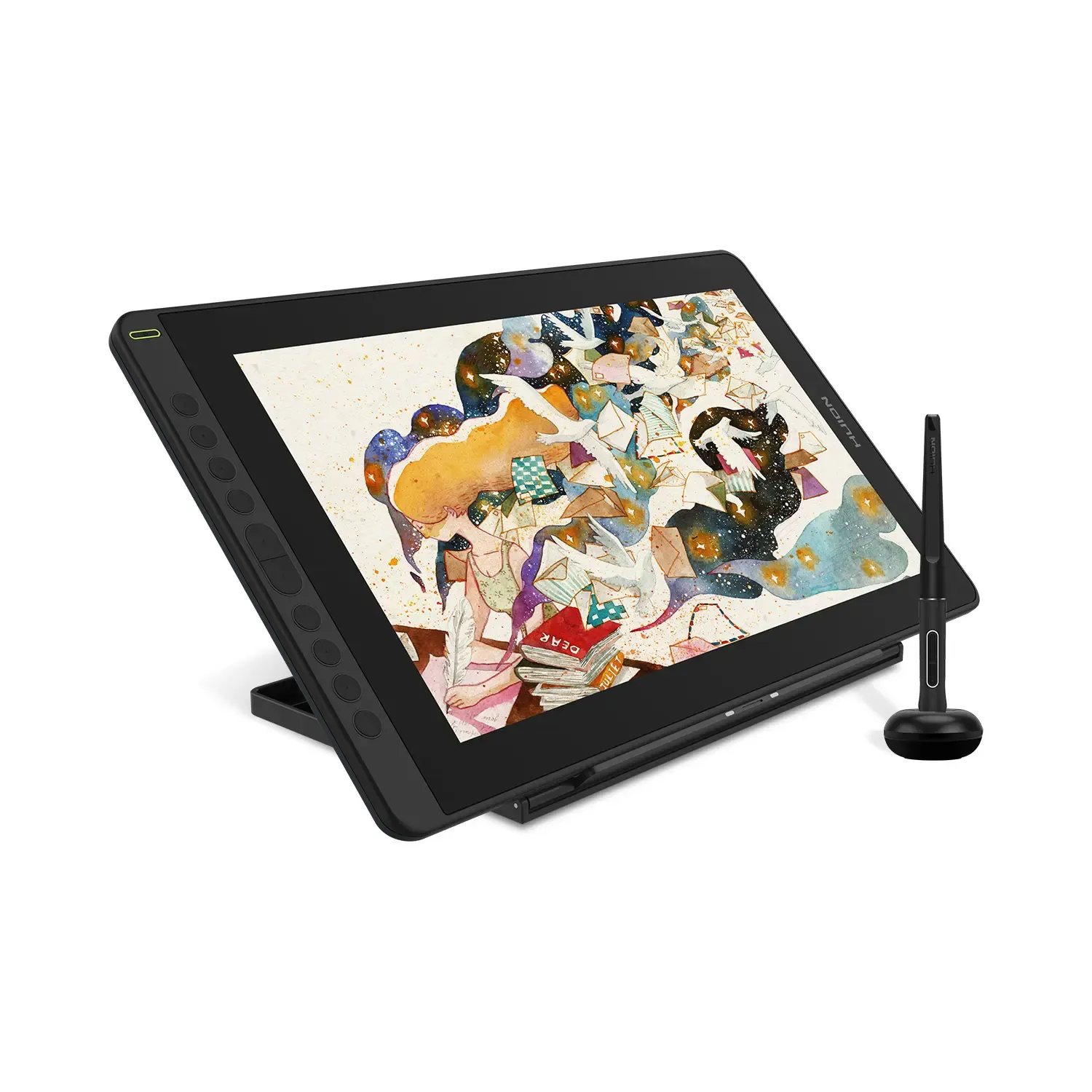
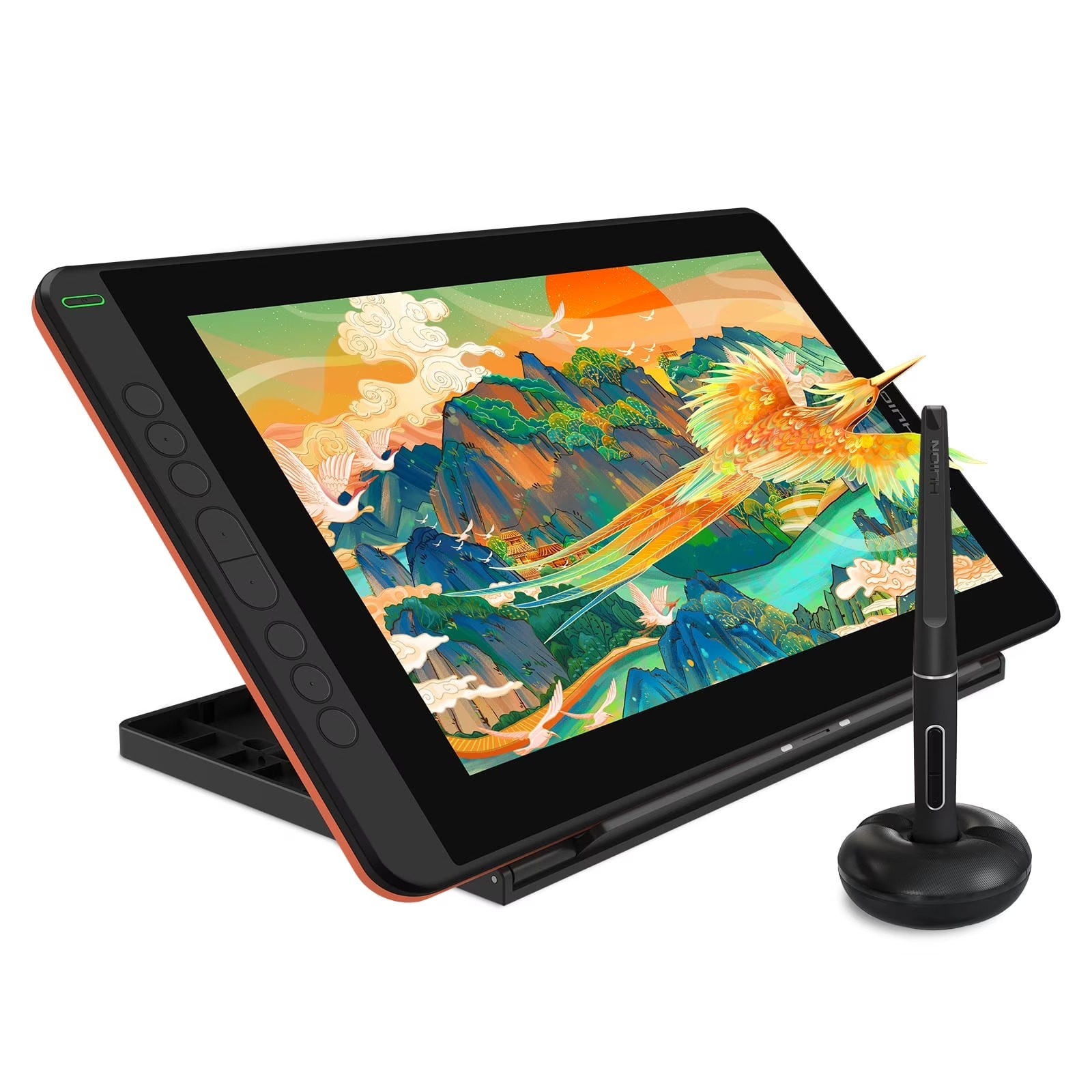
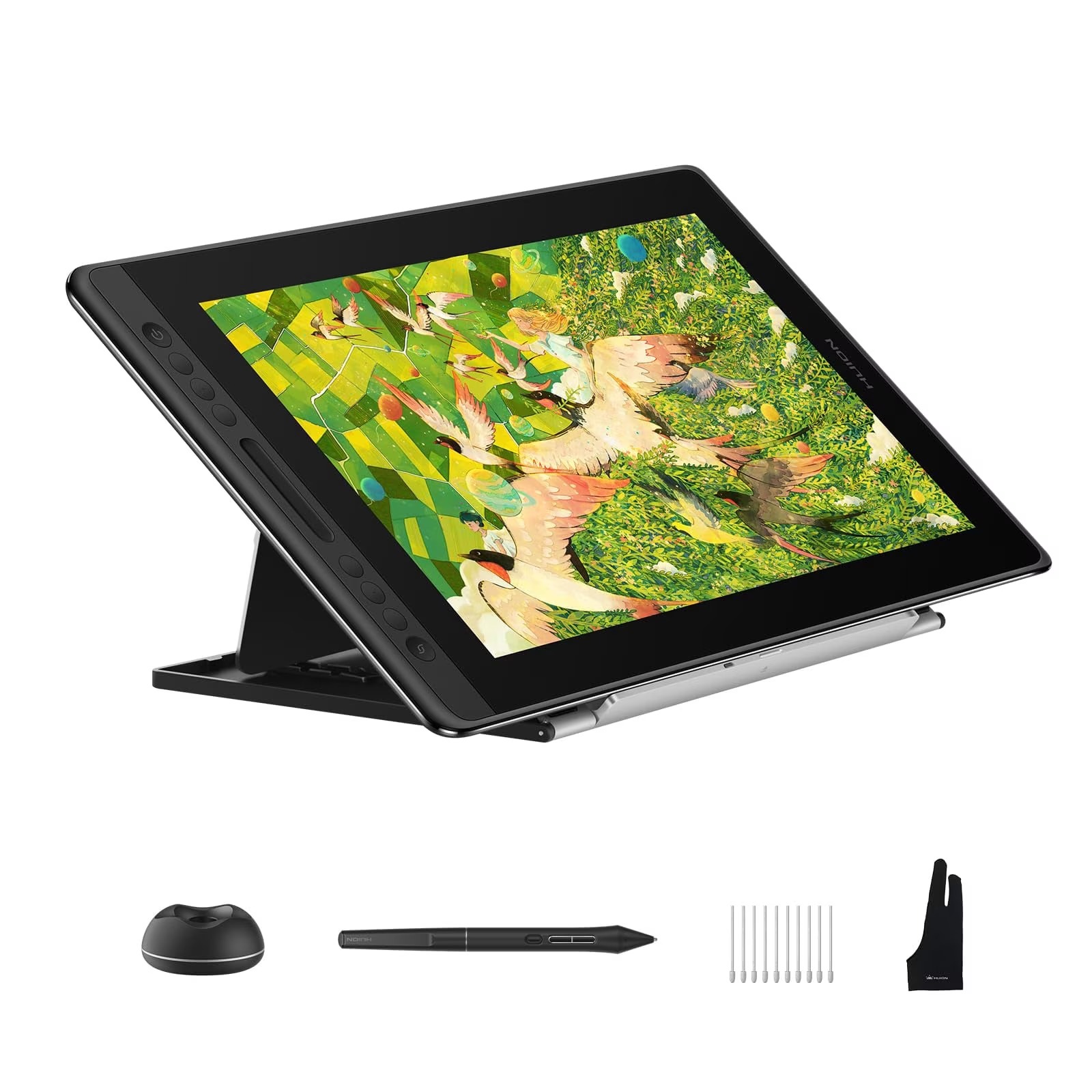
The Huion Kamvas 13 (Gen 3) SE RDS-130 is a compact professional drawing tablet with a built-in 13.3-inch display, designed for digital artists, illustrators, graphic designers, animators, photographers, students, educators, and creative professionals. Combining a Full HD IPS screen, full-laminated Canvas Glass, advanced PenTech 4.0 technology, 16,384 levels of pressure sensitivity, and a battery-free PW600L digital pen, the Kamvas 13 Gen 3 SE provides a responsive and natural digital drawing experience.
The 13.3-inch display provides a 1920 × 1080 Full HD resolution with a 16:9 aspect ratio. Its active drawing area measures approximately 293.8 × 165.2mm, providing a practical workspace for illustration, sketching, digital painting, graphic design, animation, photo editing, handwriting, and other creative applications.
The IPS display operates at 60Hz and supports 16.7 million colours. Huion specifies a 1000:1 contrast ratio and approximately 200–220 nits typical brightness depending on the published specification. The display also supports a wide 120% sRGB colour gamut, with colour-gamut coverage of approximately 99% sRGB, 99% Rec.709, and 90% Adobe RGB.
The broad colour coverage makes the Kamvas 13 Gen 3 SE suitable for colour-focused creative work such as digital painting, illustration, graphic design, animation, photo editing, and content creation.
The display is equipped with Huion's second-generation Canvas Glass technology. The surface incorporates anti-glare and anti-sparkle characteristics designed to reduce distracting reflections and screen grain while providing a textured, paper-like drawing experience.
The screen is fully laminated, bringing the display and glass layers closely together. This reduces the apparent gap between the pen tip and the image on the screen, helping minimize parallax and making pen positioning feel more direct and precise.
For artists who prefer drawing directly on their artwork, the combination of full lamination and textured Canvas Glass provides an intuitive working experience. The pen moves across the screen while the artwork appears directly underneath it, closely resembling the relationship between a traditional drawing tool and paper.
The Kamvas 13 Gen 3 SE uses Huion's PenTech 4.0 technology with the PW600L battery-free digital pen. The pen incorporates Huion's HV200 chip and is designed to provide accurate cursor tracking and improved pressure response.
The PW600L provides an impressive 16,384 levels of pressure sensitivity. This allows compatible creative applications to detect subtle changes in pen pressure, giving artists greater control over line thickness, opacity, brush intensity, shading, and other pressure-sensitive effects.
The pen requires no battery or charging, making it convenient for long drawing sessions. Its battery-free electromagnetic resonance technology allows artists to use it continuously without having to stop and recharge the pen.
The PW600L also supports ±60° tilt recognition. Compatible software can use the angle of the pen to create natural shading and other effects, providing additional control when using brushes that respond to pen tilt.
PenTech 4.0 also improves the physical drawing feel of the pen. Huion specifies an initial activation force of approximately 2g and a maximum pen-nib retraction distance of 0.35mm. These improvements are designed to make light strokes easier to capture while providing a more stable pen tip during drawing.
The PW600L provides a pen resolution of 5080 LPI, a sensing height of 10mm, and a report rate exceeding 260 PPS. These specifications contribute to responsive and accurate pen tracking during detailed creative work.
The Kamvas 13 Gen 3 SE also provides built-in productivity controls. The device features five programmable press keys, two dial controllers, and two function-switch buttons. These controls can be assigned to frequently used commands in compatible creative software, allowing users to access shortcuts without constantly reaching for a keyboard.
The two dial controllers provide additional flexibility for controlling commonly used functions. Depending on the software and configuration, users can assign functions such as brush size, zoom, canvas rotation, scrolling, or other frequently used operations.
The five programmable keys provide additional shortcut options. Artists can customize them according to their preferred workflow, making it easier to access repetitive commands while keeping their attention on the artwork.
The compact design makes the Kamvas 13 Gen 3 SE suitable for artists who need a portable drawing display. The tablet measures approximately 361.21 × 202.77 × 11.7mm and weighs around 865g, making it easier to carry in a backpack or laptop bag than larger professional pen displays.
Its relatively lightweight design makes it suitable for students, freelance artists, designers, and professionals who work from different locations. It can be used at home, in the office, at school, in a studio, or while travelling.
The Kamvas 13 Gen 3 SE can also switch between display and pen-tablet modes. This provides additional flexibility for users who sometimes prefer to draw directly on the screen and at other times want to use the device as a traditional pen tablet. Huion documents the procedure for switching to pen-tablet mode through the connection and power controls.
The drawing display is designed to work with compatible computers and mobile devices. It supports Windows 7 or later, macOS 10.12 or later, Android devices supporting USB 3.1/DisplayPort 1.2 or later, and Linux with Ubuntu 20.04 LTS.
The Kamvas 13 Gen 3 SE is a drawing monitor rather than a standalone computer. It needs to be connected to a compatible computer, laptop, or supported Android device to operate.
For computers without a compatible USB-C display connection, the included 3-in-1 cable can be used to connect the pen display. The device also has a full-featured USB-C connection that can be used with compatible USB-C devices supporting the required display standards.
When connecting to an Android phone or tablet, the mobile device needs to support the required USB-C DisplayPort functionality. Huion notes that compatible Samsung devices can use DeX Mode and Huawei devices can use Desktop Mode for supported full-screen configurations.
The Kamvas 13 Gen 3 SE is suitable for a wide range of digital-art applications. Digital illustrators can use it for sketching, line art, colouring, character design, concept art, comics, manga, storyboarding, and digital painting.
Graphic designers can use the tablet to create logos, advertisements, posters, branding materials, social-media graphics, typography, layouts, and other visual designs.
For photographers, the pressure-sensitive pen provides a precise input method for photo retouching, masking, selections, cloning, compositing, and other detailed editing tasks.
Animators can use the large active drawing area for creating animation frames, character artwork, storyboards, and other visual assets. The high pressure sensitivity and tilt recognition provide additional control when working with digital brushes.
The tablet can also be used for 3D modelling and digital sculpting. Compatible software can take advantage of pressure-sensitive pen input for sculpting, texture painting, masking, and other creative workflows.
For educators and online tutors, the Kamvas 13 Gen 3 SE can function as an interactive writing and annotation device. Users can write equations, draw diagrams, annotate documents, demonstrate techniques, and create visual explanations directly on the screen.
Students studying graphic design, animation, illustration, photography, multimedia, architecture, and other creative subjects can use the tablet as a portable digital-art workstation.
The Canvas Glass surface is particularly useful for artists who prefer some physical resistance between the pen and display. Its textured surface provides a more paper-like sensation while the anti-glare treatment helps reduce reflections during use.
The display also supports multiple colour modes, including sRGB, Rec.709, Adobe RGB, and User modes, allowing users to adjust the display according to their workflow.
Huion also subjects the display to factory colour calibration. The Kamvas 13 Gen 3 series is specified with a factory calibration report, helping users understand the colour performance of their particular display.
What's in the box:
Kamvas 13 Gen 3 SE,
Digital Pen, Pen Holder,
10 Pen Nibs, 1 Felt Pen Nib, Pen Nib Clip, 3-in-1 Cable,
USB Extension Cable,
Adjustable Stand,
Leon Stickers,
Gloves,
Cleaning Cloth,
Quick Start Guide.