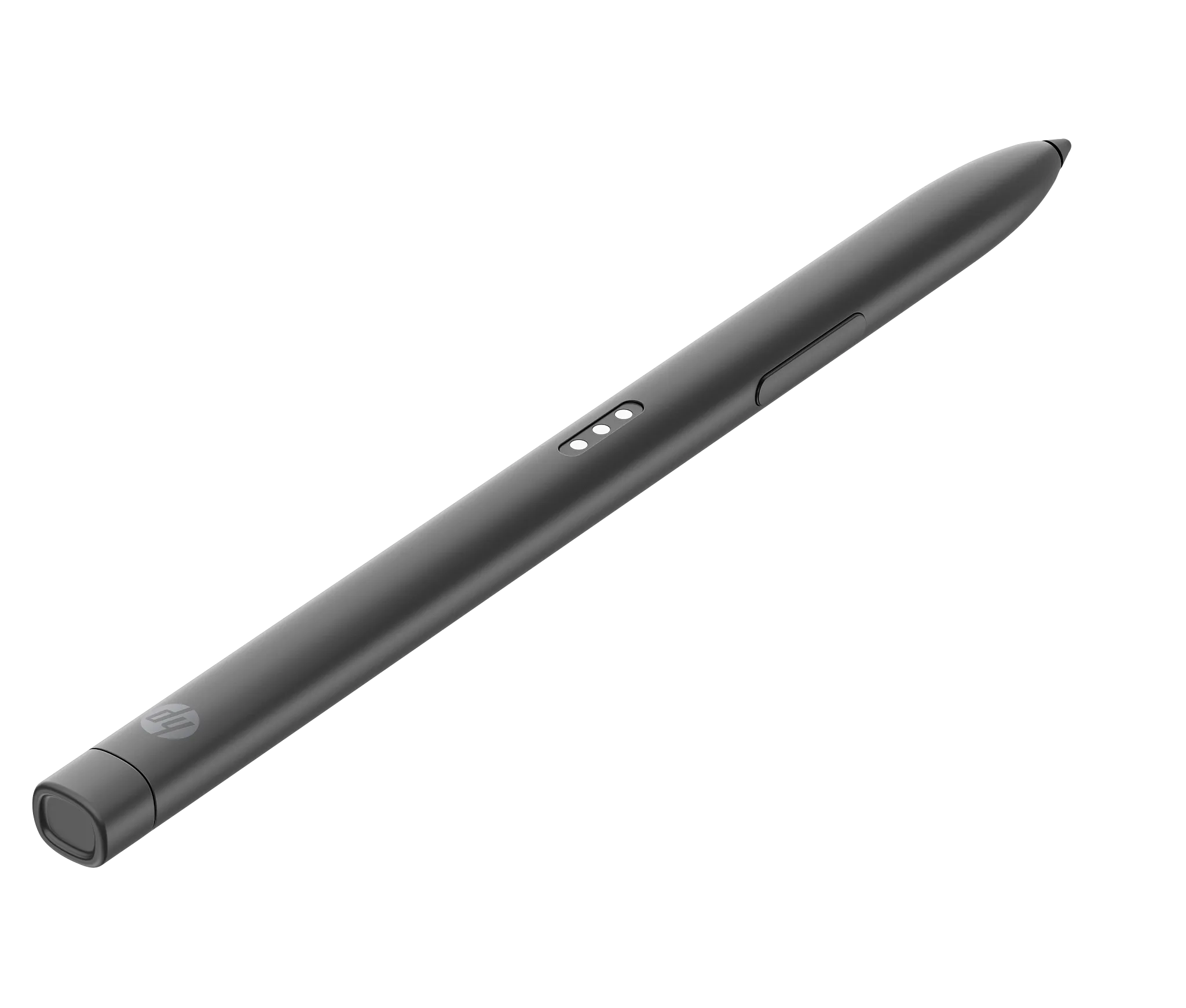
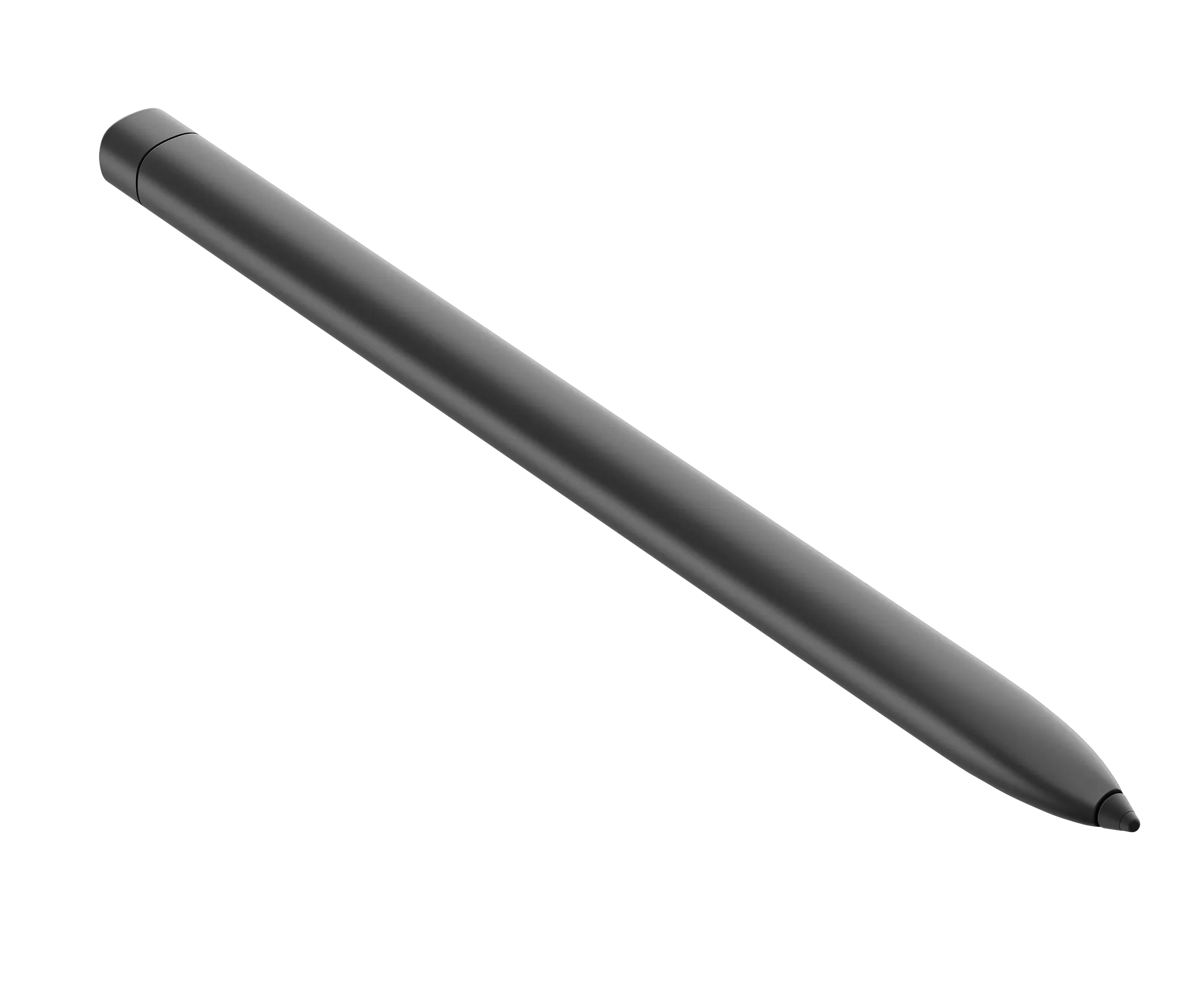
The HP Rechargeable Active Pen G2 is a versatile digital stylus designed to provide a natural pen-based input experience on compatible HP touchscreen laptops and tablets. It allows users to write, draw, take notes, annotate documents, navigate applications, and interact directly with the touchscreen, providing an alternative to traditional keyboard and mouse input.
Designed for compatible HP devices that support its required pen technology, the HP Rechargeable Active Pen uses AES 2.0 technology and provides up to 4,096 levels of pressure sensitivity. This enables the pen to detect different levels of pressure when writing or drawing, helping provide a more natural digital-pen experience.
The rechargeable Li-ion battery eliminates the need for disposable batteries. HP lists battery life of up to seven days under normal use, although actual battery life can vary depending on usage patterns, connectivity, and other factors.
The pen is designed for users who want to make better use of the touchscreen capabilities of compatible HP laptops and tablets. Instead of relying entirely on touch with a finger, users can use the stylus for more precise interaction with supported applications.
For students, the HP Rechargeable Active Pen can be useful for taking handwritten notes, highlighting information, annotating documents, drawing diagrams, completing digital exercises, and interacting with educational applications. The pressure-sensitive input can also make handwriting and sketching feel more natural than using a conventional touchscreen.
Professionals can use the pen for marking up documents, making handwritten notes during meetings, signing supported digital documents, annotating presentations, and interacting with touchscreen applications. It can be particularly useful for users of convertible HP laptops that can be folded into tablet mode.
The pen is also suitable for creative tasks. Users can draw, sketch, shade, and create digital artwork in compatible applications. The 4,096 pressure levels provide greater sensitivity than basic touchscreen styluses, allowing supported applications to respond to variations in writing and drawing pressure.
The HP Rechargeable Active Pen has a lightweight design, weighing approximately 15 grams. Its listed dimensions are approximately 148mm in length, making it compact enough to carry alongside a compatible laptop or tablet.
One of the convenient features of the pen is its magnetic attachment capability on supported HP devices. This allows the pen to be kept close to the computer when not in use, helping reduce the chance of misplacing the stylus. HP specifically documents magnetic attachment functionality for certain compatible EliteBook and Elite x2 systems.
The pen supports Windows 11, Windows 10, and Windows 8 on compatible hardware. However, compatibility is dependent on the particular HP device and its supported pen technology. HP lists AES 2.0 as the minimum system requirement for this rechargeable active pen.
HP's documented compatible devices include the HP Elite x2 1013 G3, HP EliteBook x360 1030 G3, HP EliteBook x360 1030 G2, HP EliteBook x360 1040 G5, HP EliteBook x360 1020 G2, and HP Pro x2 612 G2. HP also notes that functionality can differ between supported devices.
On certain compatible models, HP specifies enhanced capabilities including low latency, tilt detection, adjustable tilt sensitivity, 4,096 pressure levels, and a 240Hz report rate. Other compatible HP systems may support more basic functionality with different latency, pressure-level, and report-rate characteristics.
This makes it important to check the exact HP laptop or tablet model before purchasing. Not every HP touchscreen device supports the same active-pen technology, and a touchscreen by itself does not necessarily guarantee compatibility with this particular pen.
For users with a compatible HP convertible laptop, the pen can make tablet mode significantly more useful. When the keyboard is folded away, the stylus provides a convenient way to navigate the touchscreen, write notes, draw, and interact with supported software.
During meetings, the pen can be used to quickly record handwritten notes. Users can also annotate PDFs, presentations, diagrams, photographs, or other supported documents without needing to print them.
For office workers, this can reduce the need to switch between paper notes and digital files. Important information can be written directly onto the touchscreen and saved electronically when supported by the application being used.
For students, the pen can provide a more natural way to write mathematical formulas, diagrams, annotations, and handwritten notes. It can also be used for highlighting and marking digital textbooks or study materials in compatible applications.
For designers and creative users, pressure sensitivity allows supported software to interpret differences in pen pressure. This can be useful when creating lines with varying thickness or shading effects.