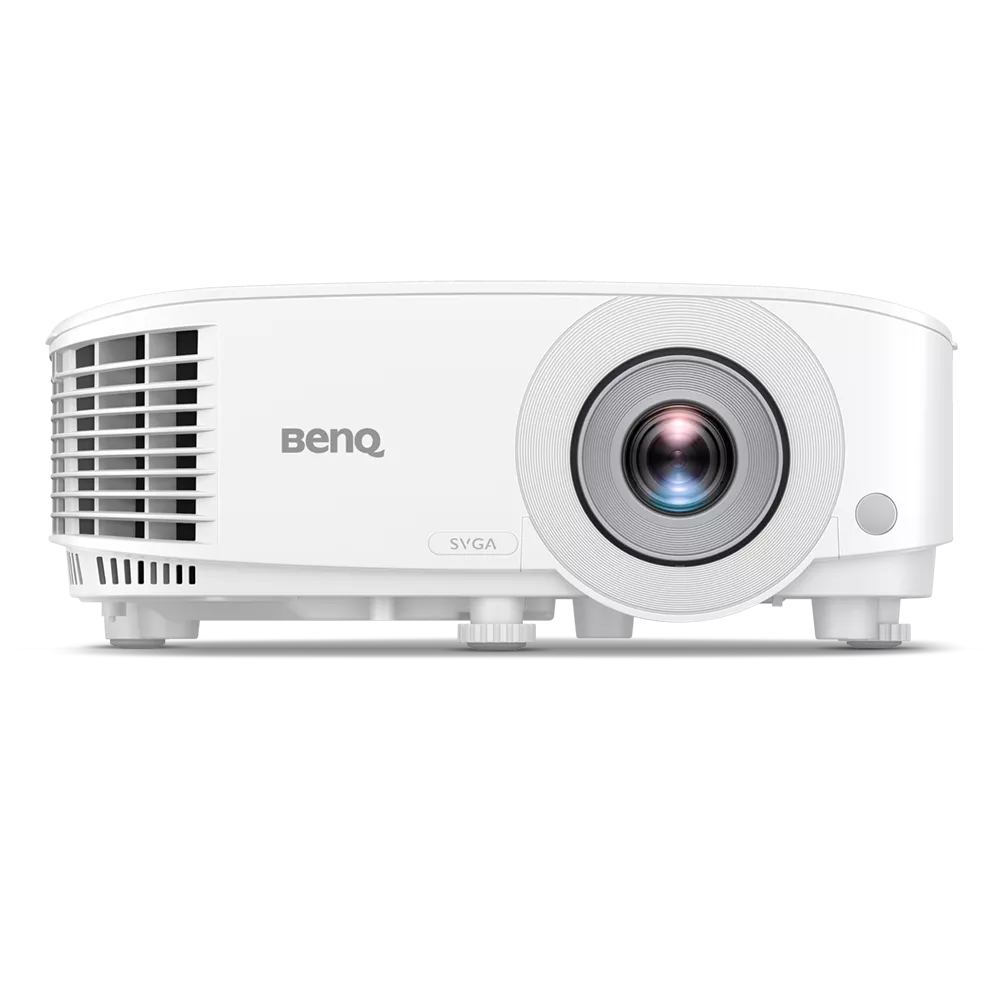
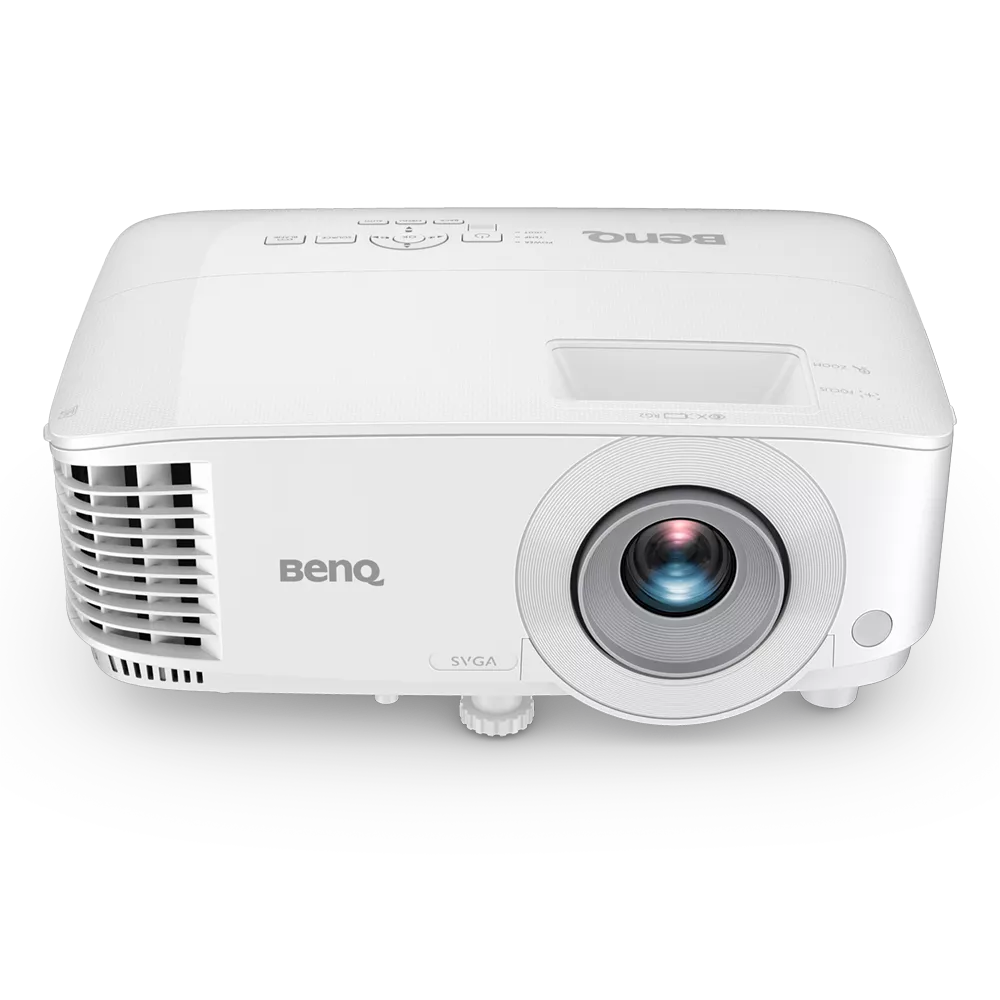
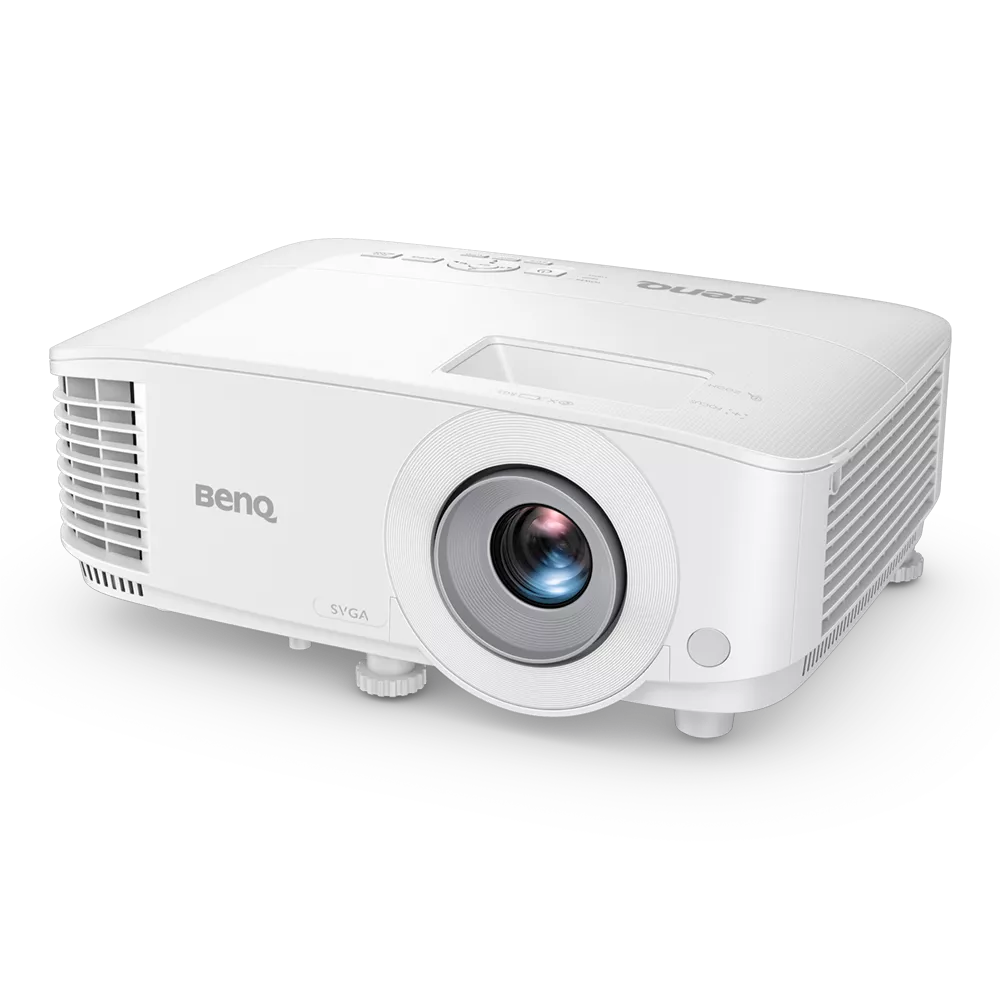
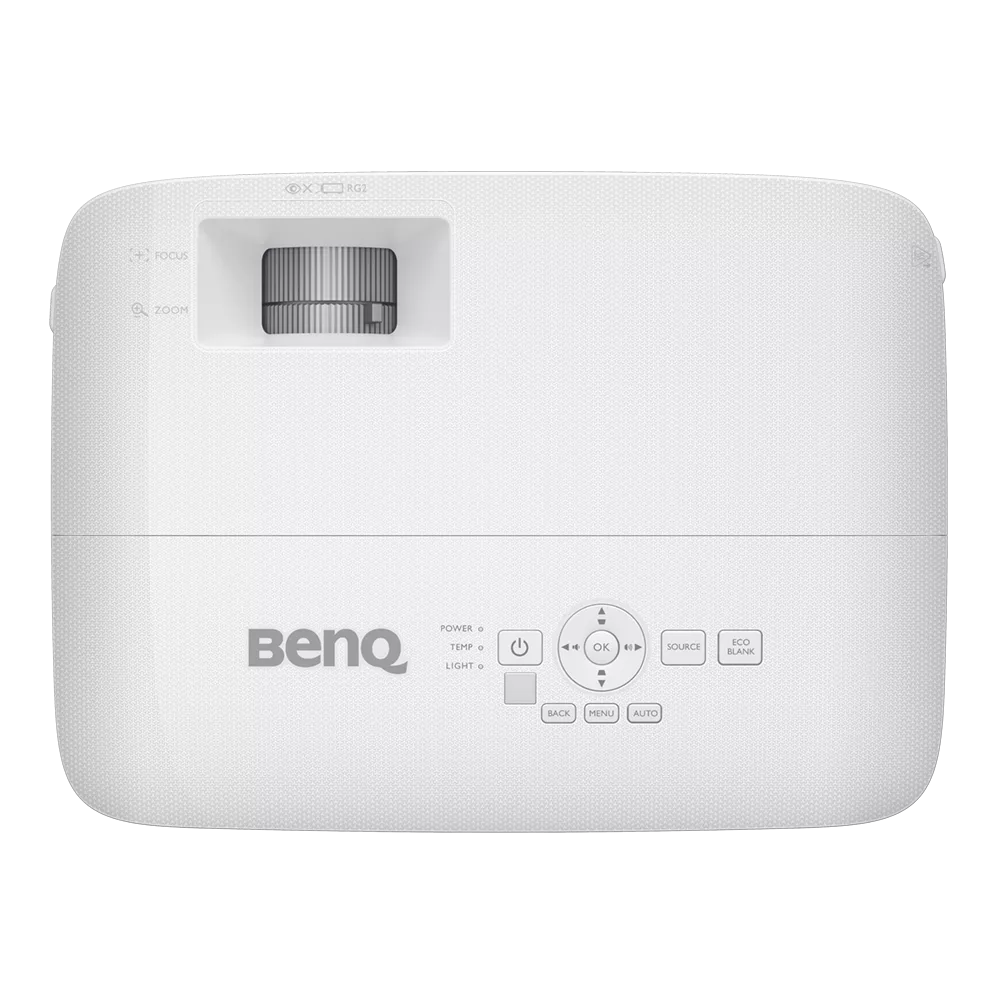
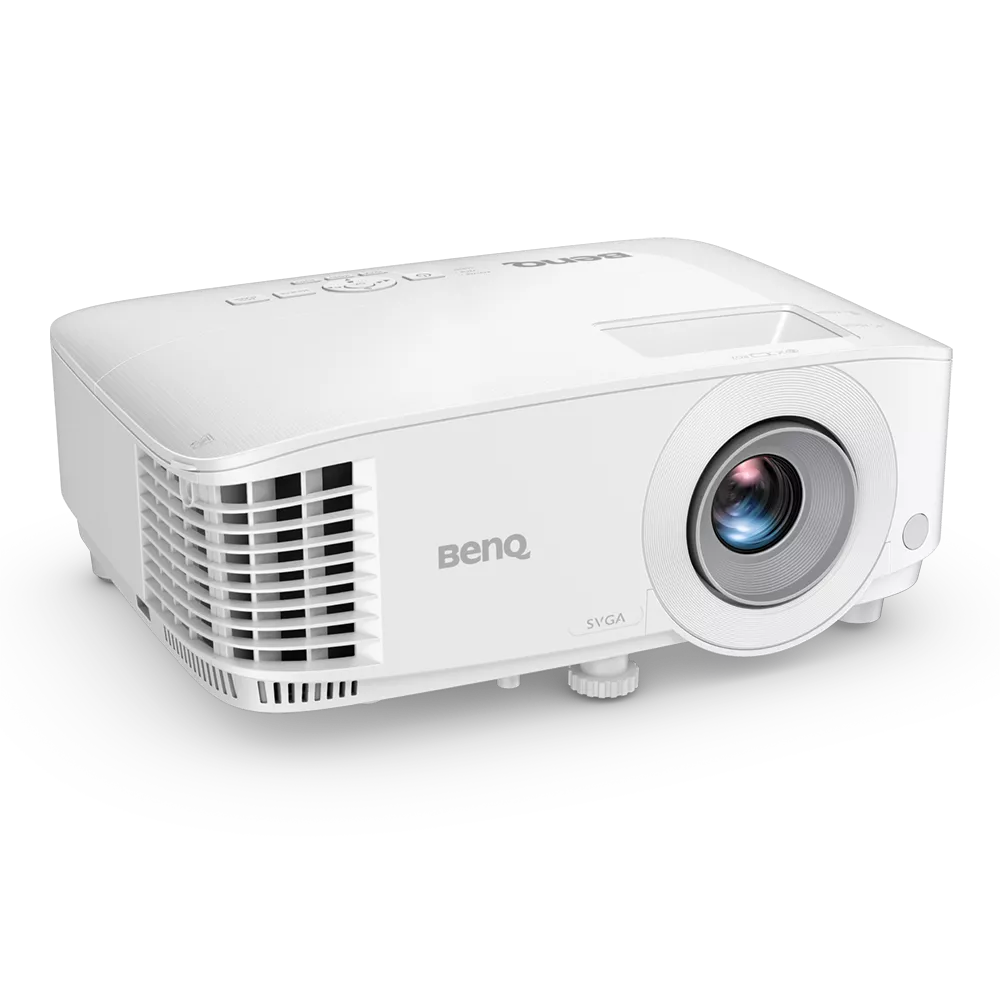
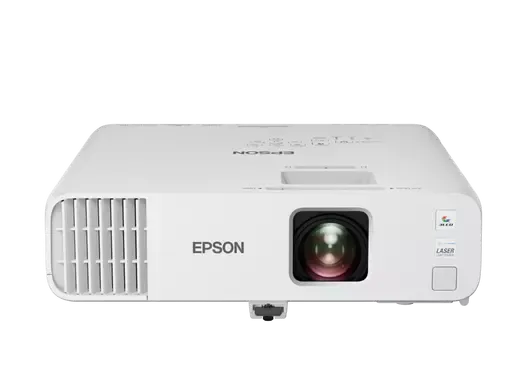
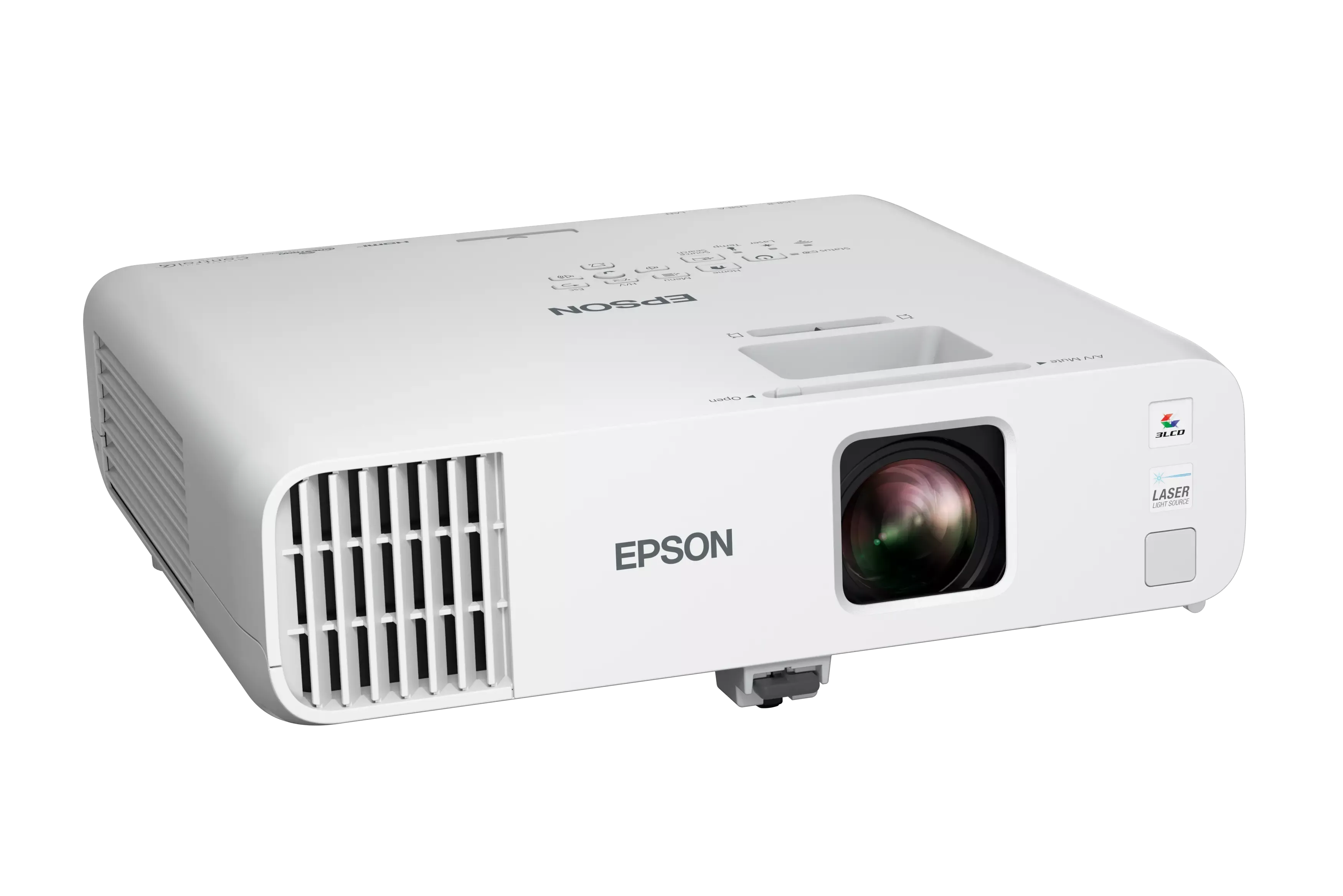
The BenQ MS560 is a high-brightness SVGA DLP business projector designed for meeting rooms, classrooms, offices, training centres, conference spaces and professional presentation environments. With 4,000 ANSI lumens of brightness, native SVGA 800 × 600 resolution, a 20,000:1 contrast ratio and BenQ DLP projection technology, the MS560 is built to deliver bright, clear and readable presentations even in rooms where ambient lighting cannot be completely eliminated.
The BenQ MS560 is designed primarily for business and education applications where presentation clarity and reliable everyday operation are important. Its combination of high brightness, dedicated presentation modes, dual HDMI connectivity, integrated 10W audio and lamp-saving technology makes it suitable for meetings, lectures, training sessions, seminars and other professional applications.
At the centre of the MS560 is a single-chip DLP projection system using a 0.55-inch SVGA DMD. DLP technology is designed to provide sharp text and clear graphics, making the projector particularly useful for presentations containing documents, spreadsheets, charts, tables and other detailed business information.
The projector has a native SVGA resolution of 800 × 600 pixels and a native 4:3 aspect ratio. This traditional presentation format is well suited to standard business documents, classroom material and presentations designed around conventional 4:3 displays.
Although its native resolution is SVGA, the MS560 supports a wide range of input resolutions, from VGA 640 × 480 through WUXGA reduced-blanking signals up to 1920 × 1200. This allows users to connect modern computers and other compatible source equipment while allowing the projector to scale the incoming signal to its native display resolution.
One of the most important features of the BenQ MS560 is its 4,000 ANSI-lumen brightness.
This high brightness is designed for presentation environments where some ambient light is present. Meeting rooms, classrooms and training spaces often need to remain partially illuminated so participants can take notes, interact with presenters and move around safely.
The MS560's 4,000-lumen output helps projected presentations remain visible under these conditions.
The projector also provides a 20,000:1 contrast ratio. This contributes to clear separation between bright and dark portions of the image and helps improve the readability of text, graphics and presentation material.
BenQ also provides specialised presentation modes for different types of content. These include Presentation, Infographic and Spreadsheet modes, allowing users to optimise the image according to the material being displayed.
The Spreadsheet mode is particularly useful for business users who regularly project tables, financial information and spreadsheet-based reports.
Infographic mode is designed to enhance the appearance of text and graphical information, which can be useful for presentations containing charts, diagrams and visual data.
For business meetings, the BenQ MS560 can be connected to laptops and other presentation devices through its HDMI inputs.
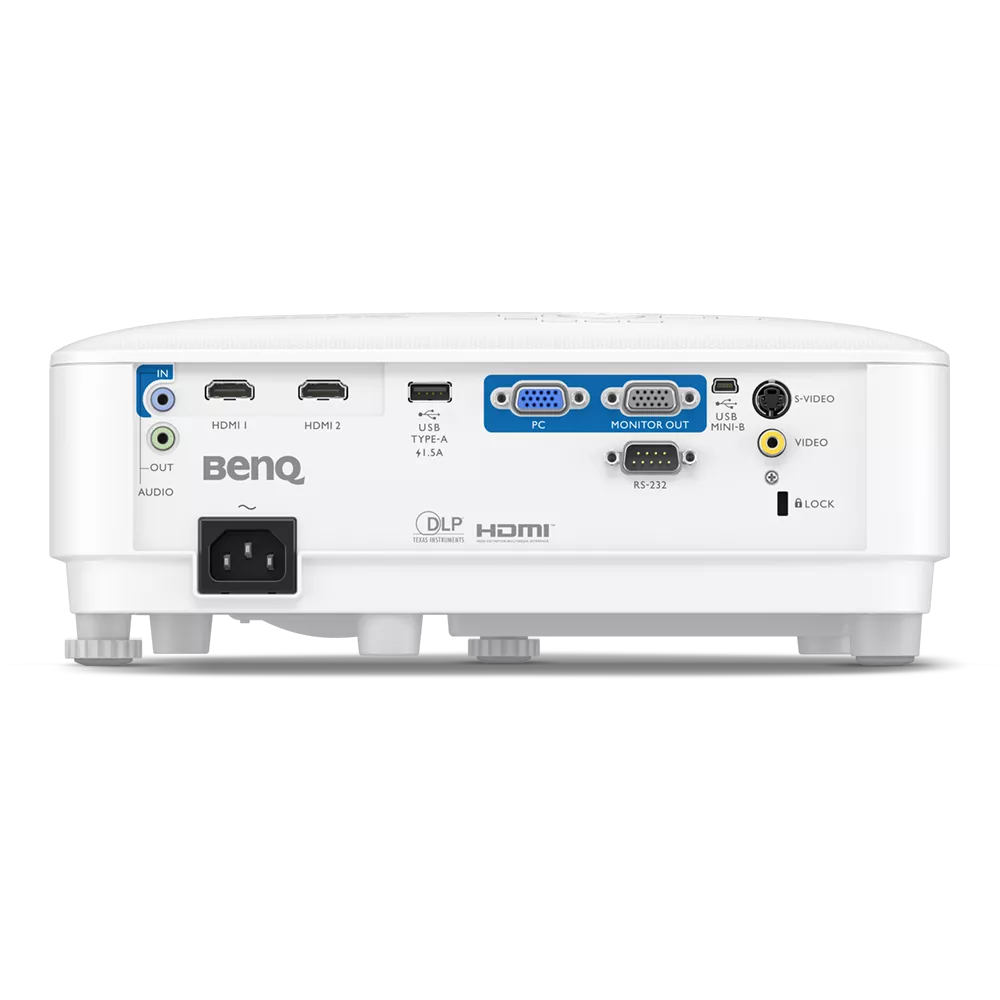
The projector provides two HDMI inputs, giving users the flexibility to connect multiple digital source devices without repeatedly changing cables. BenQ identifies dual HDMI connectivity as one of the projector's key convenience features.
The HDMI inputs support HDMI 1.4a and HDCP 1.4.
The projector also includes a traditional D-sub VGA computer input, providing compatibility with older PCs and laptops.
This combination of modern HDMI and legacy VGA connectivity makes the MS560 useful in organisations where different generations of computers and presentation equipment may still be in use.
The MS560 also provides a D-sub monitor output, allowing compatible presentation setups to send the computer signal to an additional display.
For larger meeting environments, the projector can therefore be integrated into a broader presentation setup.
The projector includes composite video and S-Video inputs as well, providing compatibility with selected older video equipment.
A USB Type-A port is included and can provide power for compatible devices. BenQ specifies 1.5A USB power output for charging compatible smart devices.
The MS560 also includes a Mini USB connection for firmware upgrades and an RS232 interface for control and integration applications.
The RS232 connection can be useful in professional environments where projectors need to be integrated into centralised control systems.
For classrooms and meeting rooms, the integrated 10W speaker provides convenient audio playback without requiring a separate speaker system for basic presentations. BenQ's specifications list a single 10W speaker.
This is useful for presentations containing videos, training material and other multimedia content.
For larger venues, the projector also provides 3.5mm audio output so compatible external audio equipment can be used when more powerful sound is required.
The projector's optical system includes a 1.1x zoom ratio, providing some flexibility when positioning the projector relative to the screen.
The specified throw ratio is approximately 1.96 to 2.15, allowing users to determine the appropriate projection distance according to the desired screen size.
The MS560 also provides vertical keystone adjustment of up to ±40 degrees. This can help compensate for certain installation angles when the projector cannot be positioned perfectly perpendicular to the projection surface.
The projector is therefore suitable for both tabletop and ceiling-mounted installations, depending on the room and installation requirements.
For classrooms, a ceiling-mounted MS560 can remain permanently positioned above the teaching area.
For offices, it can be installed in a conference room or placed on a table when required.
For training centres, the projector can be moved between rooms when necessary.
The BenQ MS560 also incorporates BenQ SmartEco technology.
SmartEco mode is designed to reduce lamp power consumption while maintaining suitable image brightness. BenQ states that SmartEco can save up to 70% lamp power compared with conventional operation.
This can help organisations reduce energy consumption and extend lamp operating life.
The MS560 uses a conventional lamp light source rather than a laser system. BenQ specifies lamp life of approximately 6,000 hours in Normal mode, 10,000 hours in Eco and SmartEco modes, and up to 15,000 hours in LampSave mode. Actual lamp life depends on operating conditions and usage.
The long lamp-life options can help reduce the frequency of lamp replacement for organisations using the projector regularly.
For schools operating projectors throughout the academic day, energy-saving modes can help reduce operating costs.
For businesses, SmartEco and LampSave modes can provide additional flexibility between maximum brightness and extended lamp life.
The MS560 also includes multiple picture modes, including Bright, Presentation, Spreadsheet, Infographic, sRGB, 3D and user-configurable modes.
These modes allow users to adjust the projector according to the type of content being displayed.
For example, Presentation mode can be used for standard business slides, while Spreadsheet mode is designed for detailed data.
The MS560 also supports compatible 3D content. BenQ lists 3D among its available picture modes and provides optional 3D glasses as an accessory.
For educational environments, compatible 3D content can be used for demonstrations and selected teaching applications.
For general business users, the primary benefit of the projector remains its high-brightness presentation capability.
The BenQ MS560 is particularly suited to offices and meeting rooms.
A typical business presentation may involve a laptop connected through HDMI, with PowerPoint slides, spreadsheets, charts, photographs and video displayed on a large projection screen.