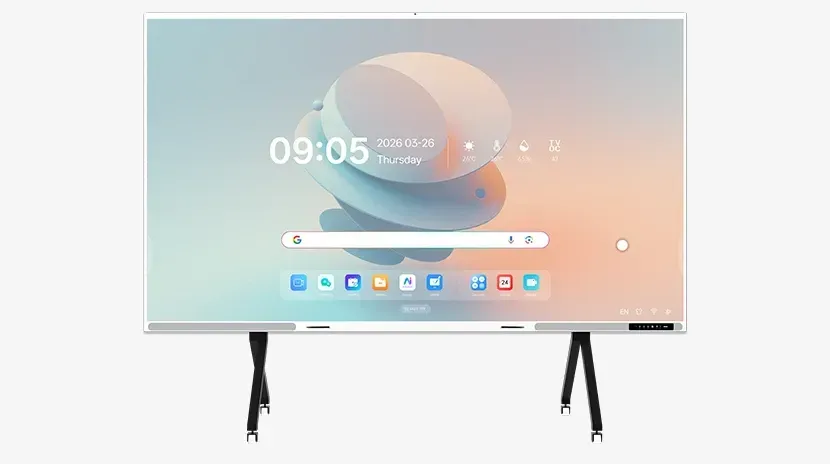
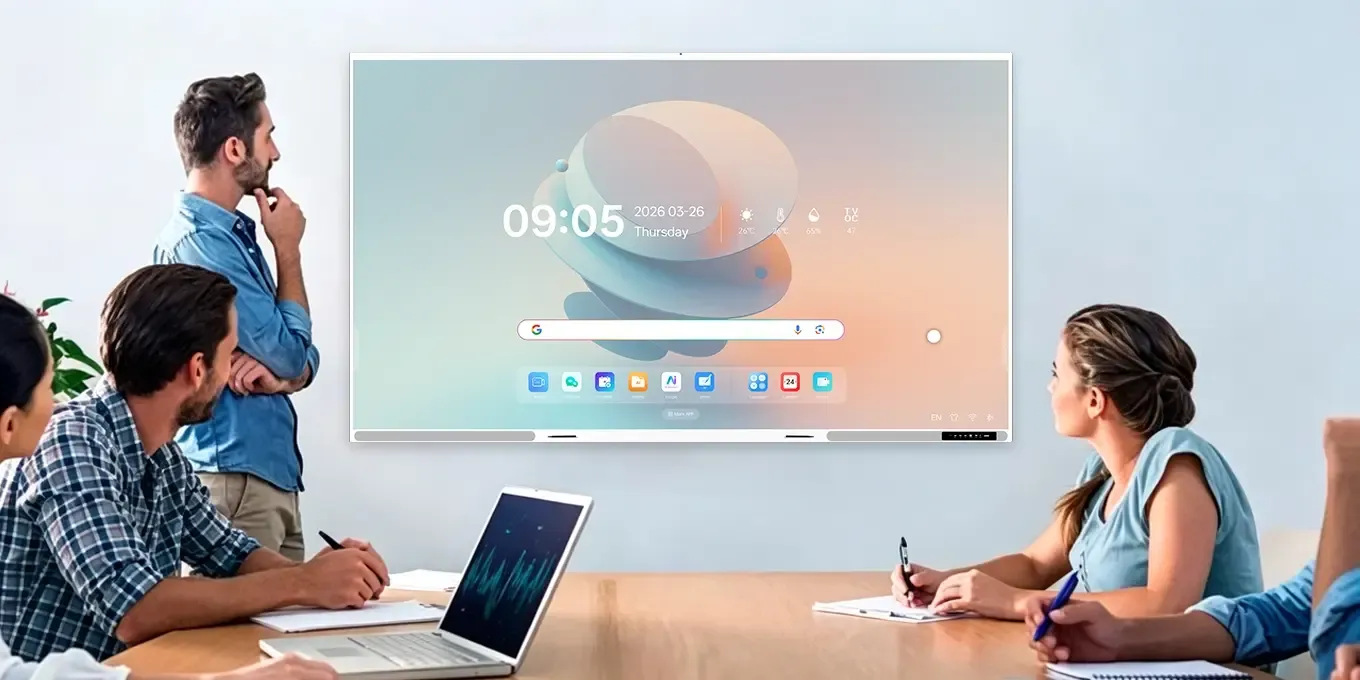
The 86-Inch Interactive Smart Board is a large-format digital collaboration and presentation solution designed for modern classrooms, schools, universities, offices, boardrooms, conference rooms, training centres, lecture halls, seminar venues, and professional environments. With its expansive 86-inch touchscreen display, 4K Ultra HD resolution, interactive whiteboard functionality, multi-touch capabilities, wireless screen sharing, and versatile connectivity, this smart board provides a powerful platform for teaching, presenting, brainstorming, collaborating, and sharing digital content.
The impressive 86-inch display provides an expansive viewing area that makes presentations, documents, images, videos, diagrams, charts, websites, and educational materials easy to view from across a large room. The larger screen size is particularly useful in environments where participants may be seated far away from the display. It provides more screen real estate for interactive content while allowing several people to participate in lessons, meetings, presentations, and collaborative activities.
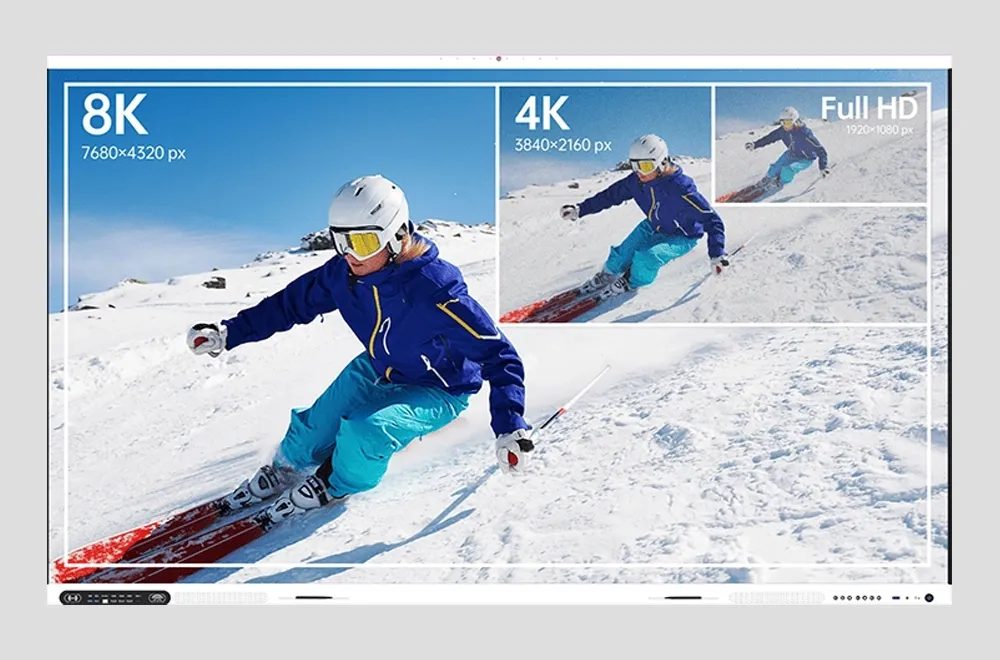
The 4K Ultra HD display provides sharp and detailed visuals for compatible content. With a resolution of 3840 × 2160, the interactive smart board can display high-resolution presentations, photographs, videos, charts, diagrams, spreadsheets, and other digital material with impressive clarity. The high resolution is especially useful for content containing small text, detailed graphics, technical drawings, maps, and other information that benefits from a large, high-quality display.
One of the defining features of the 86-inch smart board is its touchscreen functionality. Users can interact directly with digital content using their fingers or compatible styluses rather than relying exclusively on a mouse or keyboard. Multi-touch functionality on supported configurations enables multiple users to interact with the screen simultaneously, making the display highly suitable for collaborative environments.
In educational settings, teachers can use the touchscreen to write directly on digital lessons, draw diagrams, solve mathematical problems, highlight important information, annotate presentations, and interact with educational applications. Students can also participate by answering questions, completing exercises, drawing diagrams, moving objects, or interacting with digital learning content.
The integrated digital whiteboard functionality provides a modern alternative to traditional whiteboards. Users can create digital pages, write notes, draw shapes, highlight information, erase content, and organize ideas directly on the display. Depending on the software and specific configuration, digital notes and annotations can also be saved and shared for future reference.
For schools and universities, the 86-inch interactive smart board can become the central technology platform in a modern smart classroom. Teachers can display electronic textbooks, educational websites, videos, presentations, diagrams, maps, scientific illustrations, animations, and interactive learning materials.
The large display is particularly useful for subjects that depend on visual communication. Mathematics teachers can demonstrate equations and calculations directly on the screen. Science teachers can display diagrams, simulations, and educational videos. Geography instructors can present detailed maps, while history teachers can display photographs, timelines, and documentary content. Art and design teachers can use the touchscreen for demonstrations, sketches, annotations, and creative exercises.
The 86-inch screen size makes the display particularly suitable for larger classrooms and lecture rooms. Students seated toward the back of a room can benefit from the expansive display area, while teachers have plenty of space for presentations and interactive content.
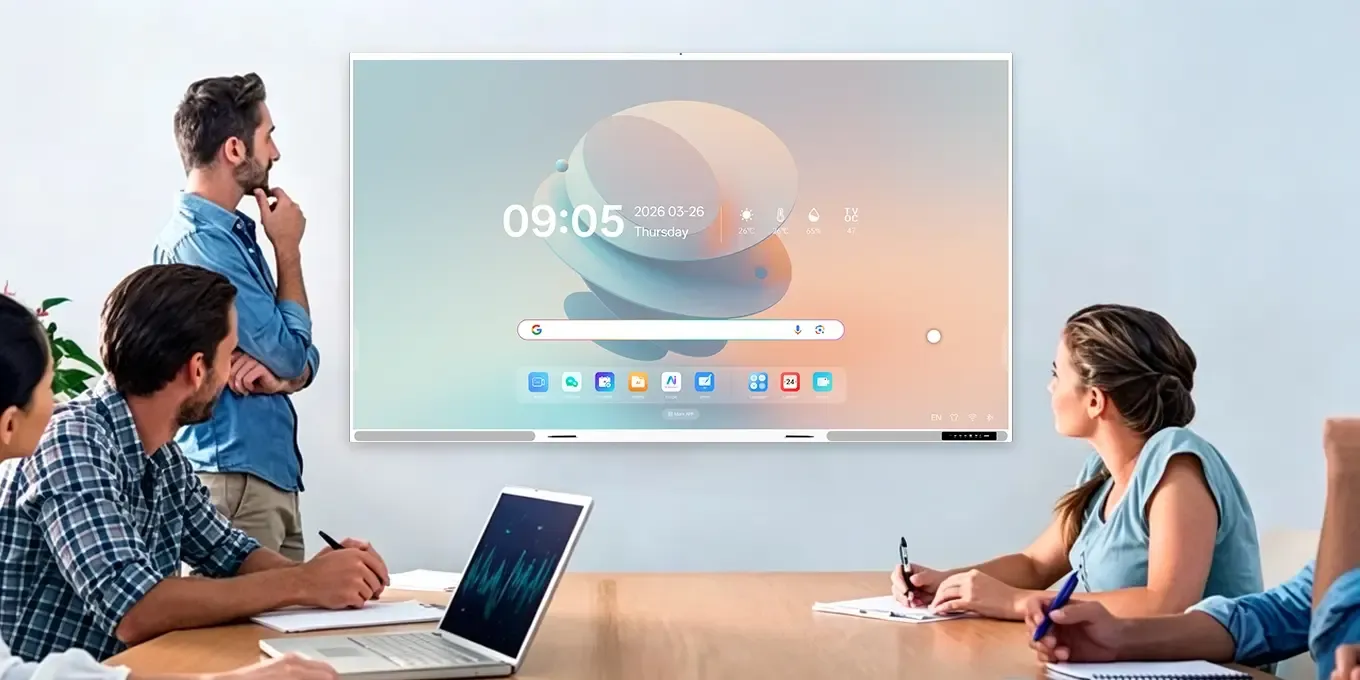
The smart board is equally useful in corporate environments. Businesses can use it for presentations, board meetings, brainstorming sessions, project reviews, strategic planning, employee training, workshops, and collaborative discussions. Employees can connect compatible laptops and other devices to the display and share information with colleagues.
During presentations, presenters can interact directly with charts, graphs, documents, photographs, videos, and slides. Important information can be highlighted or annotated in real time, helping make meetings more engaging and interactive.
Wireless screen sharing on compatible models provides additional convenience. Users can mirror content from compatible smartphones, tablets, and computers onto the large display. This allows presenters and meeting participants to quickly share documents, presentations, photographs, websites, videos, and other digital content without relying entirely on wired connections.
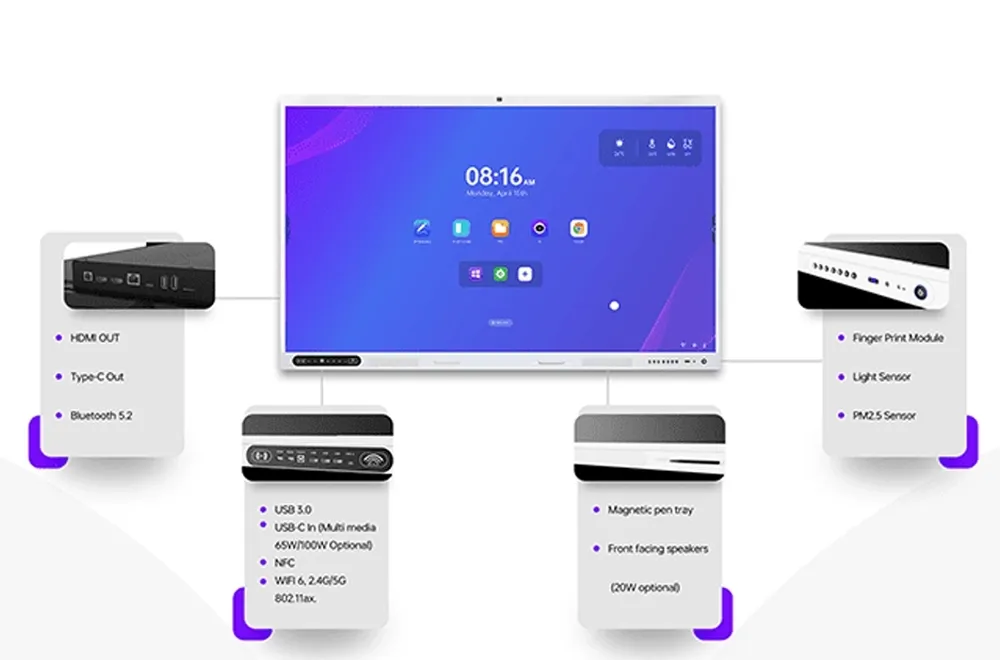
Depending on the specific configuration, the interactive smart board can support connectivity options such as Wi-Fi, Bluetooth, HDMI, USB, USB Type-C, and LAN. These interfaces allow the display to connect with laptops, desktop computers, mobile devices, cameras, storage devices, presentation equipment, and other compatible peripherals.
For training centres, the 86-inch smart board provides a powerful platform for professional instruction. Trainers can display course materials, demonstrate procedures, annotate documents, show instructional videos, and interact with participants in real time. The large screen makes it suitable for workshops, seminars, corporate training, coaching programmes, technical instruction, and professional development sessions.
The 86-inch interactive display is also an excellent choice for boardrooms and conference rooms. Companies can use it to present business reports, financial information, project plans, sales figures, charts, diagrams, presentations, and strategic documents. The touchscreen allows presenters to move beyond static presentations and create a more interactive meeting experience.
For hybrid meetings and remote learning, compatible interactive panels can work alongside video conferencing systems and applications. Depending on the specific model, users may connect external cameras, microphones, speakers, and conferencing equipment to create a more effective hybrid collaboration environment.
Smart functionality on supported models can provide access to applications, web browsing, multimedia tools, digital whiteboarding, screen sharing, and other features without necessarily requiring a separate computer for basic operations. Some configurations can also support Windows through an integrated or optional computing module, providing access to compatible desktop applications.
The 86-inch smart board is suitable for a wide variety of organizations, including schools, universities, government institutions, corporate offices, churches, training centres, conference venues, NGOs, coaching centres, and other organizations that require large-format interactive presentation technology.
One of the key advantages of an interactive smart board is that it can combine several traditional presentation tools into one device. Instead of relying on a projector, separate whiteboard, laptop, and additional presentation equipment, users can perform many activities directly on the interactive display.
The touchscreen interface creates a more intuitive interaction experience. Users can touch, write, draw, highlight, move objects, browse content, and interact with compatible applications directly on the screen. This can encourage greater participation during lessons, meetings, training sessions, and brainstorming activities.
The large 86-inch screen also provides plenty of workspace for collaborative tasks. Multiple participants can work around the display, contribute ideas, annotate content, and interact with digital material. This makes it particularly useful for team-based learning and professional collaboration.
For professional presentations, the 4K display can provide sharp and detailed visuals for product demonstrations, business proposals, training materials, marketing presentations, financial reports, technical information, and multimedia content. High-resolution images and videos can be displayed with impressive detail, helping create a more engaging viewing experience.
The interactive smart board can also be used for brainstorming and project planning. Teams can use the digital whiteboard to develop ideas, create diagrams, map workflows, organize tasks, and record important information. Project managers, educators, engineers, designers, marketing teams, and business executives can all benefit from a large collaborative digital workspace.
For creative professionals, the large touchscreen can provide a useful platform for sketching, annotation, visual presentations, design discussions, and collaborative creative work. When paired with compatible software and styluses, the display can become a large digital workspace.
The 86-inch Interactive Smart Board is therefore an excellent solution for organizations looking to modernize their classrooms, offices, boardrooms, training facilities, and presentation spaces. Its combination of a large 4K touchscreen, interactive whiteboard functionality, multi-touch support, wireless screen sharing, smart features, and versatile connectivity makes it suitable for a broad range of educational and professional applications.
Whether you are equipping a large classroom, university lecture hall, corporate boardroom, conference room, training centre, government office, church, or professional workspace, the 86-inch interactive display provides the size and functionality needed for effective digital communication and collaboration.
With its expansive 86-inch 4K display, touchscreen interaction, digital whiteboard functionality, wireless screen sharing, versatile connectivity, and smart operating environment on supported configurations, this interactive smart board provides a comprehensive solution for digital teaching, presentations, meetings, brainstorming, training, collaboration, and professional communication.
WHAT'S IN THE BOX
An 86 Inch Interactive Board
A Power Adapter